PhotoScissors icon

PhotoScissors

PhotoScissors automatically removes image backgrounds and lets users replace them with transparency, a solid color, or another image. It supports browser, desktop, and iOS workflows, with paid credits online and unlimited offline processing on the desktop license.

PhotoScissors

Background remover for photos

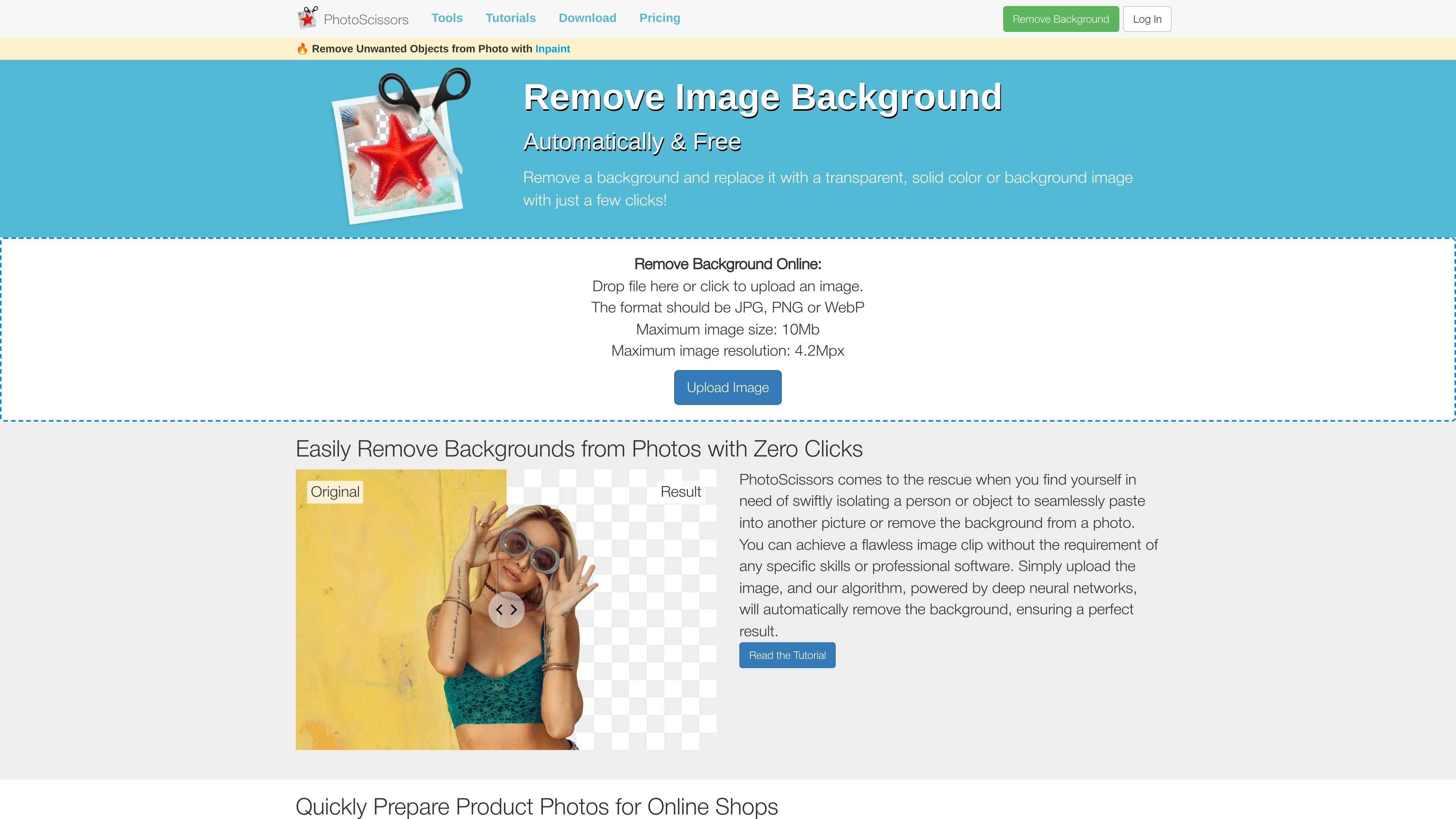
PhotoScissors is a background removal tool for quickly isolating people or objects from photos. Its online workflow accepts an image upload, removes the background automatically, and then lets you replace it with transparency, a color, or another image.

The product is positioned for everyday editing tasks such as product photos, portraits, and images with difficult edges like hair or transparent objects. The site also offers a Windows and Mac desktop version for unlimited offline processing and an iOS app, making it usable across browser, desktop, and mobile workflows.

Core capabilities

Automatic background removal

Automatically detects the foreground subject and removes the background without manual tracing for every image.

Background replacement options

Lets you replace the cutout with transparency, a solid color, or another image after the background is removed.

Manual refinement tools

Includes editing controls such as an Edit Mask step and marker-based refinement for areas like hair or semi-transparent edges.

E-commerce prep workflow

Supports product-photo resizing and centering workflows, including preset or custom sizes for online shop listings.

Online and offline usage

Provides a desktop version that can process images offline and a browser-based online version for quick removal.

Flexible access model

Uses a pay-as-you-go credit model online, with separate desktop licensing for unlimited processing during the license period.

Common ways to use PhotoScissors

  • Product listings for online shops

    Prepare marketplace or storefront images by removing distracting backdrops and centering the product on a white or custom background for sites like Shopify, Amazon, or Etsy.

  • Portrait and profile images

    Cut out people in portraits or profile photos when you want a transparent background or a cleaner replacement background for social or professional use.

  • Complex edges and semi-transparent subjects

    Refine difficult edges such as hair, fur, or flames using marker-based adjustments when automatic removal needs extra help.

  • Transparent objects and glass-like subjects

    Change the background of transparent objects by using the transparent marker workflow to preserve the object while swapping the surrounding scene.

  • Offline batch-style desktop work

    Remove backgrounds in a desktop workflow when you need unlimited offline processing rather than browser-based editing.

Pros and Cons

Pros

  • Automatic removal works from a simple upload flow with no signup mentioned on the tutorial page.
  • Supports common output choices such as transparent, solid-color, or image backgrounds.
  • Includes refinement tools for hair and semi-transparent or transparent objects.
  • Offers a desktop version for unlimited offline processing during the license period.
  • Covers common photo-editing scenarios like product listings and profile images.

Cons

  • The online uploader shown on the site is limited to JPG, PNG, or WebP files and a 10 MB / 4.2 megapixel cap.
  • Credits are consumed when you download online results or open images in the desktop and iOS apps, so repeated new uploads can increase usage.
  • The source pages do not provide detailed integration documentation or a broad list of third-party connectors.

FAQ

How does PhotoScissors work?

PhotoScissors removes image backgrounds online automatically after you upload a JPG, PNG, or WebP file. You can then replace the background with transparency, a solid color, or another image and download the result as a PNG.

What platforms does PhotoScissors support?

The site supports online use in the browser, a desktop version for Windows and Mac, and an iOS app. The pricing page also says the desktop version can process images offline.

What file types and size limits are supported online?

The online uploader shown on the site accepts JPG, PNG, or WebP files, with a maximum image size of 10 MB and a maximum resolution of 4.2 megapixels.

How is pricing structured?

The pricing page says credits work with both the online and desktop versions, while the desktop license allows unlimited image processing during the license period. Credits are used when you download online results or open images in the desktop and iOS apps.

Does PhotoScissors list integrations or an API?

The source pages mention an API tutorial, but they do not provide detailed integration documentation or product-level integration listings on the pages provided.

Quick Facts

Category
Background remover
Domain
photoscissors.com
Platforms
Web, Windows, Mac, iOS
Primary use
Remove backgrounds from photos and replace them
Pricing model
Free online trial with paid credits and desktop license options
Offline support
Yes, via desktop version
PhotoScissors - AI Tool, Features, Use Cases & Alternatives | UStack