Shakker AI icon

Shakker AI

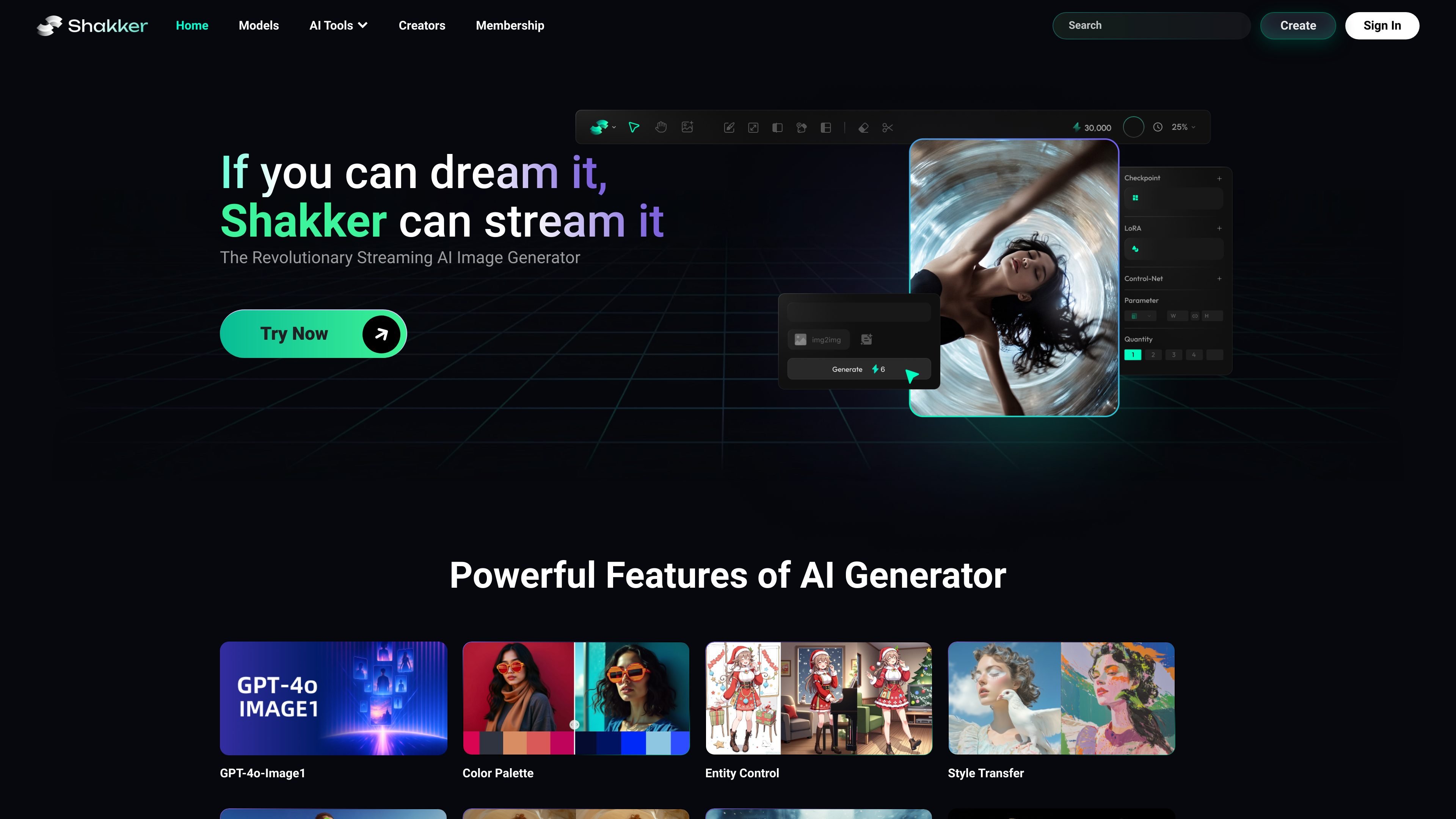
Shakker AI is a browser-based AI image generation platform with a main generator plus online A1111 WebUI and ComfyUI tools. It helps creators generate and refine images without local installation.

Shakker AI

Overview

Shakker AI is an online AI image generation platform centered on browser-based tools for creating and editing images from text prompts. The site presents a main Shakker Generator alongside Online A1111 WebUI, Online ComfyUI, and related AI tools such as face swap and style transfer.

Across the product pages, Shakker positions the platform for users who want to generate illustrations, photography, logo concepts, product visuals, game art, and other image types without local installation. The experience emphasizes working in the browser, choosing models, adjusting creative settings, and refining results with editing features such as inpainting and upscaling where available.

Core Features

Text-to-Image Generation

Generate images from text prompts in the main Shakker Generator, with page copy focused on fast, browser-based creation.

Online A1111 WebUI

Use the browser-based Automatic1111 interface to work with text-to-image, image-to-image, inpainting, ControlNet, LoRA, checkpoints, and textual inversion.

Online ComfyUI

Work in a browser-based ComfyUI environment that supports custom nodes and Stable Diffusion workflows without local setup.

Generation Controls

Adjust prompts, samplers, CFG Scale, aspect ratio, resolution, seed handling, color palettes, and other generation settings where exposed by the tool pages.

Image Export and Refinement

Export generated images in common formats such as PNG, JPG, and WEBP, with the main generator page describing upscaling and image enhancement options.

Common Use Cases

  • Prompt-Based Image Creation

    Create concept art, illustrations, logos, and other visual directions from text prompts using the main generator or the online Stable Diffusion web interfaces.

  • Image Editing and Reworking

    Upload an existing image and use image-to-image or inpainting tools to change style, replace sections, or refine details without starting from scratch.

  • Workflow-Based AI Art Production

    Build browser-based generation workflows in ComfyUI, including custom nodes and imported local workflows, when you need more control over the process.

  • Commercial Visual Content

    Generate product-style visuals, lifestyle shots, or marketing assets for e-commerce and social media use cases where quick image iteration is useful.

  • On-the-Go Access

    Use the browser tools on different devices without installing local software, which is useful for creators working across home, office, or mobile contexts.

Pros and Cons

Pros

  • Browser-based access avoids local installation for the main generator and the A1111 and ComfyUI tools.
  • The platform covers multiple image workflows, including text-to-image, image-to-image, inpainting, and workflow-based generation.
  • Shakker AI exposes a range of model and setting controls, including Stable Diffusion-related options and custom nodes in ComfyUI.
  • Supported exports include common image formats such as PNG, JPG, and WEBP.

Cons

  • Pricing details are unclear because the pricing page currently returns a 404-style error in the collected source.
  • Some capabilities are described more fully on tool pages than on the main site, so the overall workflow can be harder to evaluate from one place.

FAQ

Is Shakker AI available online without installing software?

Yes. The site describes Shakker AI as a free-to-use online AI image generator, and its tool pages emphasize browser-based access without local installation.

What tools does Shakker AI include?

Shakker AI presents separate browser tools for its main generator, Online A1111 WebUI, Online ComfyUI, Online Training, a free face swap tool, and AI style transfer, so users can choose the workflow that fits their task.

What kinds of workflows are supported?

The site says you can use text prompts, image-to-image editing, inpainting, ControlNet, LoRA, Flux, samplers, CFG Scale, Hiresfix, tiled diffusion, and tiled VAE depending on the tool you open.

What output formats and resolutions are supported?

The pages mention PNG, JPG, and WEBP export, and one page says output resolution can range up to 4K depending on subscription plan.

Are there content restrictions?

The site says explicit adult content, hate speech imagery, and other harmful content are prohibited under its terms of service.

Quick Facts

Category
AI image generation
Platform
Web app
Primary users
Creators, designers, and image-generation users
Main tools
Shakker Generator, Online A1111 WebUI, Online ComfyUI
Source domain
shakker.ai
Pricing signal
Free-to-use is stated on the pricing page, but the page itself appears broken in the collected source

