Online video editing
Edit videos in the browser with drag-and-drop controls and a broad set of basic editing tools, including trim, crop, split, resize, rotate, flip, merge, and speed adjustment.
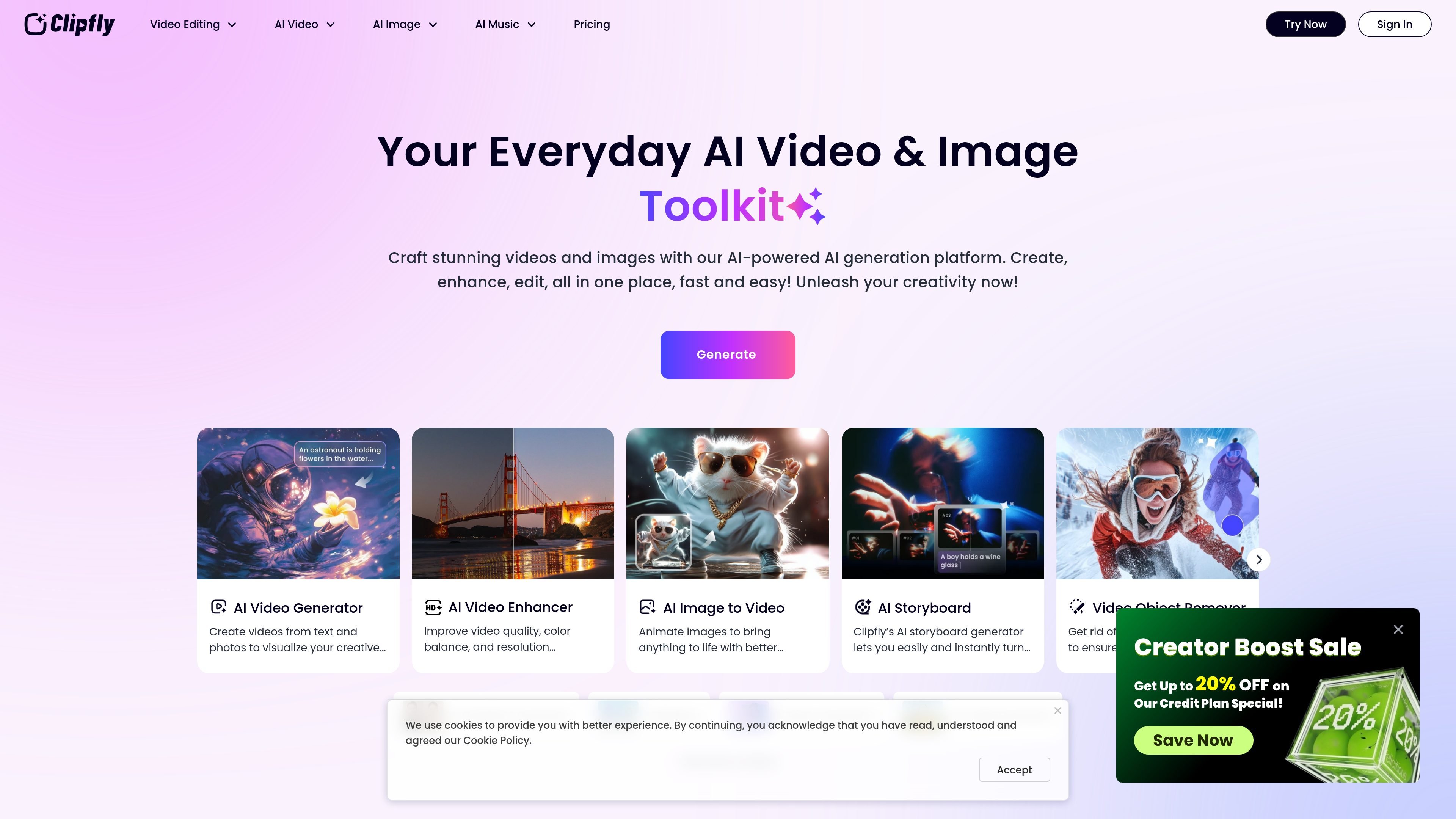
Clipfly is an online creative platform that combines video editing, AI video generation, image tools, and AI music creation in one browser-based product. The site positions it as a way to create and refine content without desktop software or advanced editing experience.
Its video editor supports common edit-first tasks such as trimming, cropping, splitting, merging, adding subtitles, adjusting speed, and layering audio, images, text, transitions, and effects. Separate AI tool pages extend that workflow with text-to-video generation, image-to-video conversion, talking avatars, lip sync, old photo animation, and enhancement tools for fixing or improving existing media.
The pricing page shows that Clipfly offers subscription plans and credit-based AI usage. Plans are organized into Premium, Pro, Pro+, and Business tiers, while individual AI actions such as video generation, watermark removal, background removal, and enhancement consume credits.
Edit videos in the browser with drag-and-drop controls and a broad set of basic editing tools, including trim, crop, split, resize, rotate, flip, merge, and speed adjustment.
Add subtitles, text, overlays, transitions, animations, and effects to shape the structure and pacing of a video without leaving the web app.
Work with audio by extracting sound, adding music or audio tracks, muting, changing speed, and adjusting volume, which supports more complete video finishing.
Use AI tools to generate videos from text, convert images to video, create talking avatars, lip sync clips, animate old photos, and build storyboard or reel-style content.
Improve existing footage with AI enhancement tools such as upscaling, unblurring, background removal, object removal, watermark removal, and green screen editing.
Create and edit images and songs with additional AI tools, including image generation, image enhancement, background replacement, and music generation from text or lyrics.
Start with an uploaded clip or template, then trim, crop, split, merge, and polish it with transitions, captions, audio, and effects before exporting a finished video.
Turn a text prompt or script into a video, then use AI video tools to build avatar-led clips, reels, storyboards, or other generated content.
Improve lower-quality footage by applying AI enhancement tools such as upscaling, unblurring, background removal, object removal, or green screen cleanup.
Create social, business, or educational videos such as product promos, explainers, classroom recordings, birthday videos, weddings, or other event recaps.
Generate or modify supporting media such as images, backgrounds, headshots, and songs when a project needs more than video editing alone.
Clipfly works directly in the browser as an online video editor and AI creative platform, so users can start with uploads, templates, or AI tools without installing desktop software.
The source pages show MP4, MOV, AVI, and WebM support for uploads in the video editor, and export is described as MP4 with up to 4K resolution and no watermark on the video editor page.
Clipfly’s pricing page shows both subscription plans and credit packs. The subscription plans include Premium, Pro, Pro+, and Business tiers, while AI features also consume credits for actions such as video generation, watermark removal, and image or video enhancement.
The video editor page describes a drag-and-drop workflow with trimming, cropping, splitting, speed changes, captions, transitions, animations, and effects, while the AI tools page adds generation, enhancement, and object or watermark removal tools.
The source pages highlight both personal and business use cases, including marketing videos, educational videos, social media content, and special moments such as birthdays and weddings.
AI Song Maker is a web-based AI music generator that creates songs from text or lyrics and includes related tools such as vocal removal, track extension, and section replacement. It offers free and paid plans with credits, downloads, and commercial-use terms described on the pricing page.
一個集成圖像、視頻、語音、寫作和聊天工具的全能AI平台,以增強創造力和協作。

Slidesgo 是適用於 Google Slides、PowerPoint 與部分 Canva 工作流程的簡報範本平台,提供免費與 Premium 範本,並支援 AI 輔助簡報製作與團隊存取。
VIDEOAI.ME 是一款 AI 影片生成器,可依腳本製作代言人風格影片、廣告、解說影片與社群內容,適合不想拍攝即可產出影片的創業者、行銷人員、代理商與創作者。
Pixelcut is an AI photo editor for creating and editing product images, social content, and video assets. It offers free and paid plans, plus mobile app and browser access for individual users and teams.
Petalica Paint is a web service for automatically coloring line art and tracing line drawings from photographed images. The home page says it can be used under the stated terms for commercial and noncommercial work, but it is scheduled to end on 2025-07-31 at 16:00 JST.