Craiyon AI Image Creator icon

Craiyon AI Image Creator

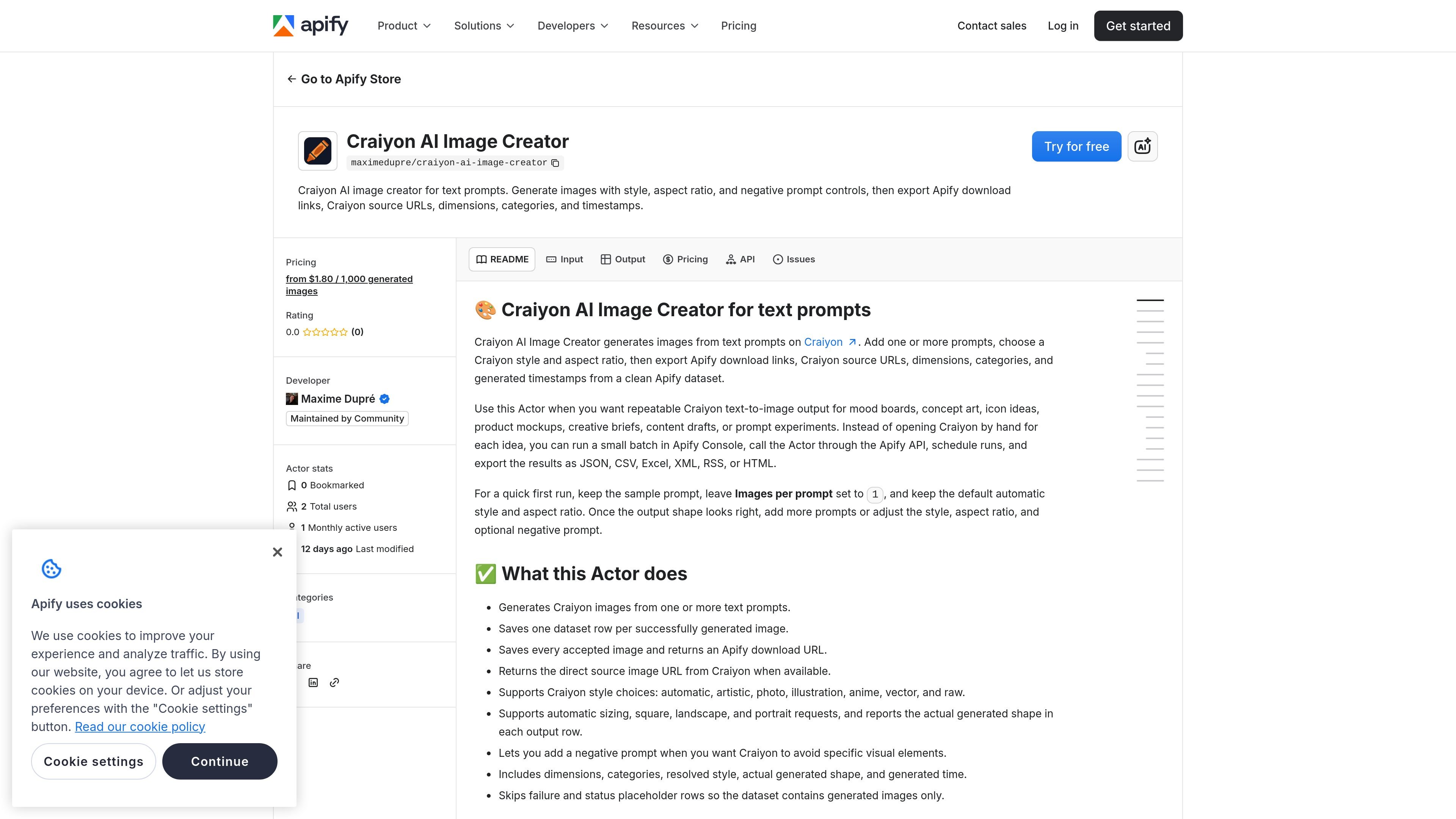
Craiyon AI Image Creator for Text Prompts is an Apify Actor that generates images from one or more text prompts using Craiyon's public prompt generation flow. It supports style and aspect ratio controls, plus an optional negative prompt, and saves successful images to an Apify dataset with download and source URLs.

Craiyon AI Image Creator

Overview

Craiyon AI Image Creator for Text Prompts is an Apify Actor that generates images from one or more text prompts using Craiyon's public prompt generation flow. It is designed for users who want repeatable text-to-image runs without manually opening Craiyon for every prompt.

The Actor supports Craiyon style selection, aspect ratio requests, and an optional negative prompt. It saves each successful image into an Apify dataset with the image download URL, the original Craiyon source URL when available, dimensions, category labels, and generation time, making the output easier to export and reuse in downstream workflows.

Features

Batch prompt generation

Accepts one or more text prompts and generates Craiyon images from each prompt, making it suitable for small batches as well as single-image runs.

Style selection

Supports Craiyon style choices including automatic, artistic, photo, illustration, anime, vector, and raw so you can steer the look of the output.

Aspect ratio control

Lets you request automatic, square, landscape, or portrait output and reports the actual generated shape in the result rows.

Negative prompt support

Allows an optional negative prompt to reduce unwanted elements such as text, watermark, blur, extra limbs, or a color you do not want.

Structured export fields

Writes one dataset row per successfully generated image and includes download URL, source image URL, width, height, category, resolved style, aspect ratio, and timestamp.

Clean result handling

Skips failure and placeholder rows so the dataset contains generated images only, which keeps exports focused on usable results.

Use Cases

  • Text-to-image batch generation

    Create image batches for concept art, mood boards, prompt testing, or early creative direction without manually repeating the Craiyon workflow.

  • Style-guided image creation

    Produce visuals with a defined look by choosing a Craiyon style such as photo, illustration, anime, vector, or raw.

  • Aspect-ratio-specific assets

    Request square, landscape, or portrait outputs when you need image shapes that fit a specific layout or channel.

  • Structured dataset export

    Collect generated images with URLs, dimensions, categories, and timestamps in a dataset for export to JSON, CSV, Excel, XML, RSS, or HTML.

  • Automated generation workflow

    Run the Actor through Apify Console, the Apify API, or scheduled runs when you want the same prompt workflow to repeat on a schedule.

Pros and Cons

Pros

  • Supports multiple prompts in one run, with up to 100 unique prompts accepted per run.
  • Provides both an Apify download copy and the original Craiyon source URL when available.
  • Includes useful output metadata such as dimensions, category, style, aspect ratio, and timestamp.
  • Can be run from Apify Console, the Apify API, or scheduled runs.

Cons

  • Craiyon may reject prompts, block anonymous generation temporarily, or fail to return a downloadable image.
  • The dataset only includes successfully generated image rows, so failed prompts and placeholder rows are not exported.

FAQ

Do I need a Craiyon account?

No. The Actor runs against Craiyon's public prompt generation flow and does not ask for Craiyon cookies, login details, or an API key.

Why did a prompt return no image?

Craiyon can reject some prompts, temporarily block anonymous generation, run out of capacity, or fail to return a downloadable image. In those cases, the Actor skips the failed image and continues with any results it has already saved.

Which URL should I use in my workflow?

Use `downloadUrl` when you want the copy saved by the Actor. Use `sourceImageUrl` when you specifically need the original Craiyon-hosted image URL.

Can I generate several images for the same prompt?

Yes. Set Images per prompt from 1 to 4. Each successfully saved image creates one dataset row and one generated-image pricing event.

Quick Facts

Category
AI
Platform
Apify Actor
Source
Craiyon public prompt generation flow
Pricing
Pay-per-event; from $1.80 / 1,000 generated images
Output format
Apify dataset with downloadable image URLs and metadata
Input highlights
Prompts, images per prompt, style, aspect ratio, negative prompt

