GenImg AI icon

GenImg AI

GenImg AI is an AI image generator on flux1.ai built around the FLUX.1 model family. It offers free registration credits, paid plans with credit allowances, and a separate image-editing workflow on the site.

GenImg AI

Overview

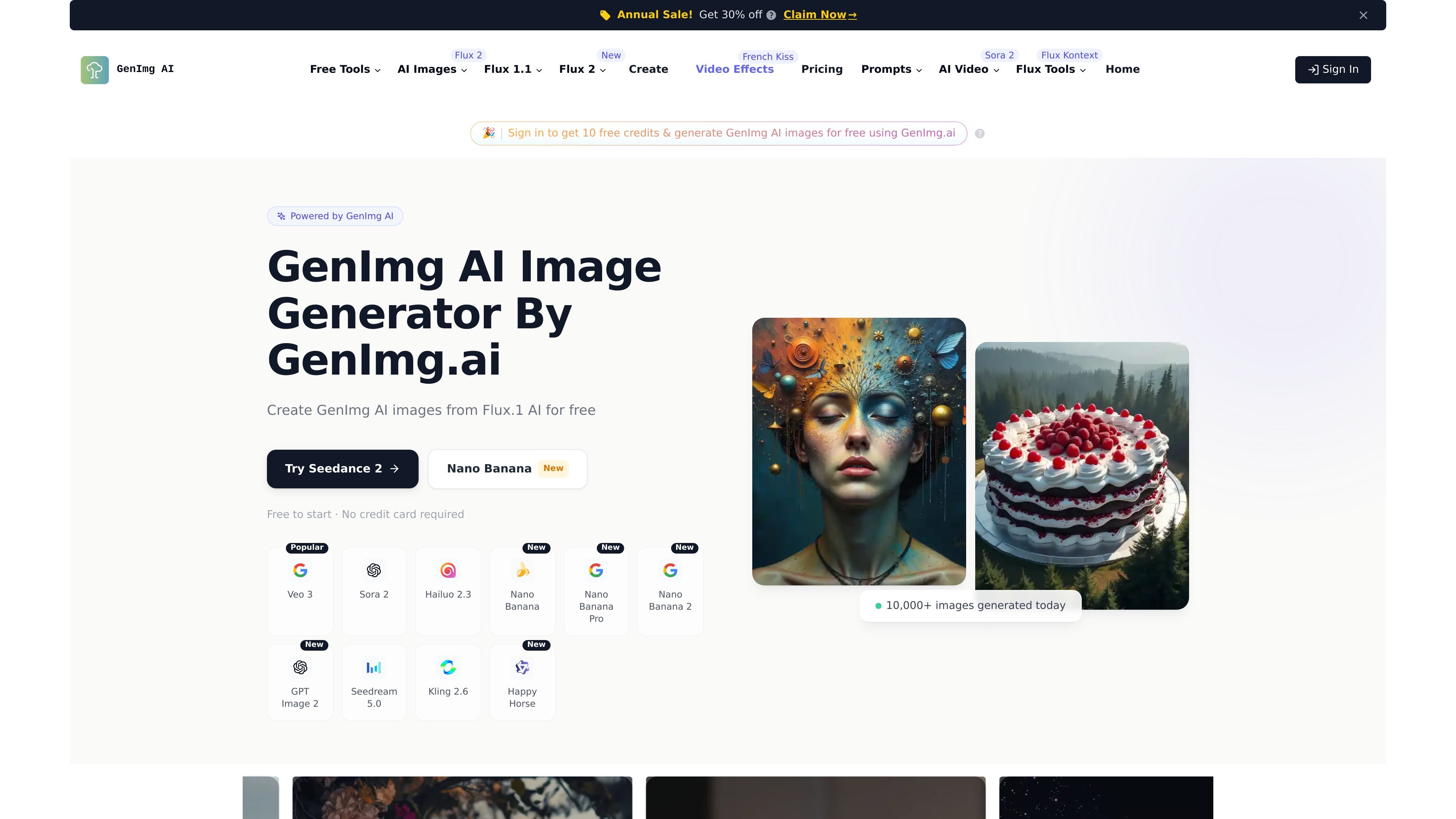
GenImg AI is an AI image generator on flux1.ai that centers on the FLUX.1 model family. The site describes it as a free online image generator for text-to-image creation, with model options including FLUX.1 [schnell], FLUX.1 [dev], FLUX.1 [pro], and FLUX.1 Pro Ultra.

The product is aimed at users who want to generate images from prompts and, in some parts of the site, edit images with a separate Nano Banana workflow. The homepage also describes free registration credits, while the pricing page shows paid subscription plans with monthly credit allowances and commercial-license access on the listed tiers.

Core features

Text-to-image generation

Generate images from text descriptions using the FLUX.1 family of models, with the product positioned around prompt-driven image creation.

Image generation and editing workflows

Create or edit images through the site’s image generation workflows, including the free Generate page and the separate Nano Banana editing page.

Multiple model variants

Choose among FLUX.1 [pro], FLUX.1 [dev], and FLUX.1 [schnell] models, each presented for different needs and usage levels.

High-resolution output support

Work with higher-resolution outputs and different aspect ratios; the homepage states support for resolutions up to 2.0 megapixels.

Multiple access paths

Access the models through API, Replicate, fal.ai, or open-weight versions for non-commercial use, according to the homepage copy.

Simple create-and-download flow

Move from prompt to download in a short workflow, with the site describing prompt entry, rapid generation, and downloading from the result screen.

Common use cases

  • Prompt-based image creation

    Use the free generation flow to turn a written prompt into an image when you want to test ideas quickly without starting with paid credits.

  • Model selection for different jobs

    Select among FLUX.1 model variants when you want a different balance of quality, speed, or model type for a given project.

  • Image editing with natural-language prompts

    Use the Nano Banana page when you need image editing rather than fresh generation, such as making targeted changes to an existing image.

  • Commercial and higher-volume usage

    Use the paid plans when you need recurring credit allowances and the commercial-license access described on the pricing page.

  • Programmatic or platform-based access

    Use the API or third-party access paths mentioned on the homepage when you want to incorporate generation into another workflow or environment.

Pros and Cons

Pros

  • Offers a free entry point with registration credits.
  • Supports multiple FLUX.1 model variants for different generation needs.
  • Includes both text-to-image generation and an image-editing workflow on the site.
  • Shows paid plans with commercial-license access and monthly credit allowances.
  • Provides several access paths, including API, Replicate, fal.ai, and open-weight versions.

Cons

  • The public site does not provide a complete, consistent pricing page; the /pricing URL returns a 404, while a separate /price page contains the plan details.
  • Source coverage is partial, so some product limits such as file formats, exact generation caps, and workspace features are not clearly documented.
  • The homepage mentions several model access methods, but the source does not fully explain which workflows are available on the main site versus through external platforms.

FAQ

Is GenImg AI free to use?

Yes. The site says GenImg AI is free to use and offers a certain amount of free credits for registered users. The free flow appears to use the Flux Schnell model, while additional credits are available through paid plans.

What does GenImg AI do?

GenImg AI is described as a text-to-image image generator built on FLUX models. The site says it supports models such as FLUX.1 [pro], FLUX.1 [dev], and FLUX.1 [schnell].

How do I start using GenImg AI?

The homepage says you can register, go to the Generate page, and enter a text prompt to create an image. The product also describes a four-step workflow: navigate to the create page, enter a prompt, generate, then explore and download the result.

Can I use GenImg AI for commercial projects?

The pricing page lists paid plans that include commercial license access for the plan tiers shown. The source also states that paid user versions offer enhanced features for commercial applications.

Are there any integrations or access options mentioned?

The site says users can access GenImg AI models via API, Replicate, fal.ai, or open-weight versions for non-commercial image generation applications. It also mentions a planned ComfyUI integration.

Quick Facts

Category
AI image generator
Website
flux1.ai
Primary use
Text-to-image generation
Model family
FLUX.1
Access
Free credits plus paid plans
Notable workflow
Prompt in, generated image out, then download
GenImg AI - AI Tool, Features, Use Cases & Alternatives | UStack


