Jetwriter AI icon

Jetwriter AI

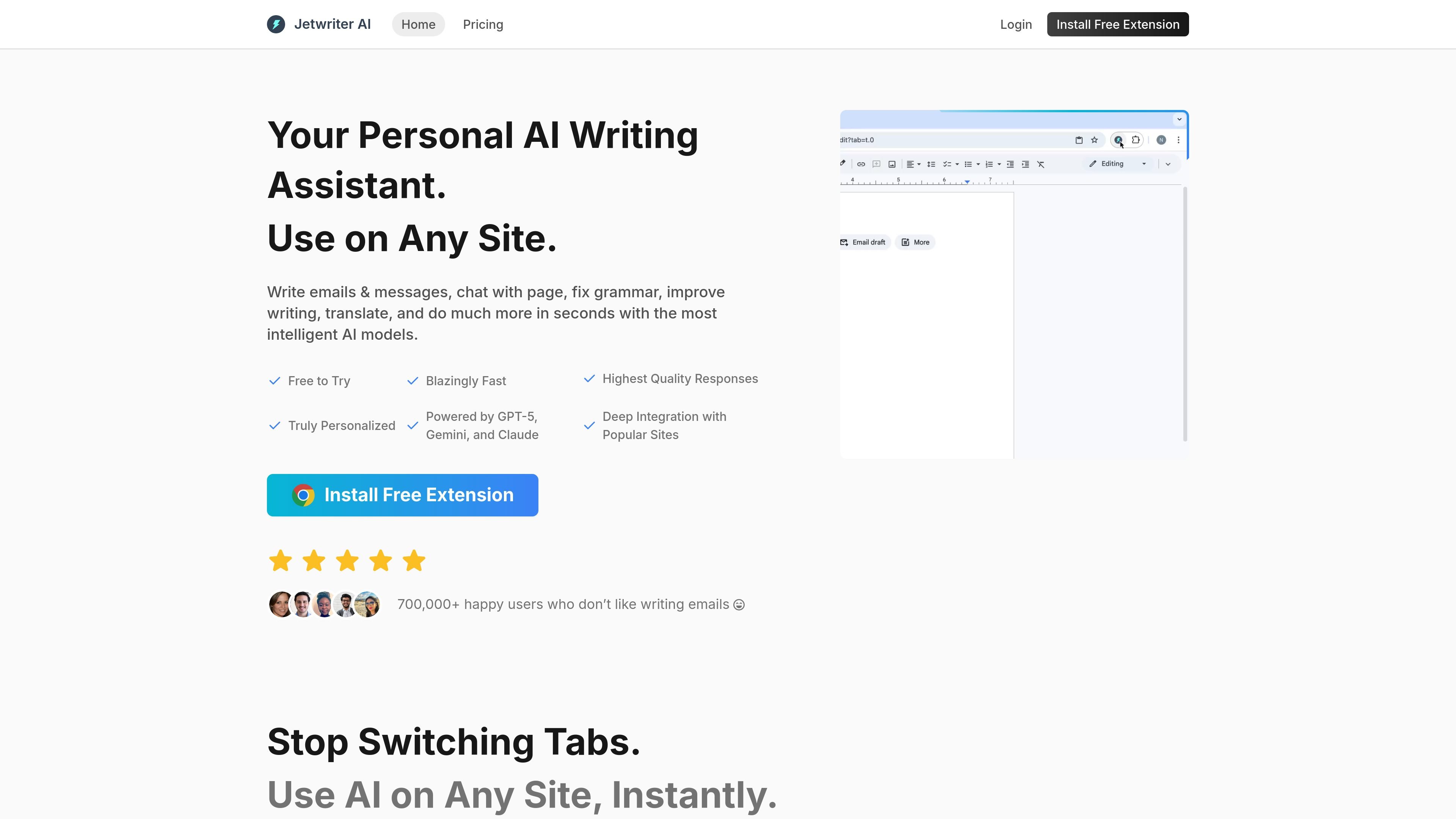
Jetwriter AI is an AI writing assistant for Chrome, desktop, web, and mobile that helps with email drafting, grammar correction, translation, summarization, and research. It supports on-page workflows through a browser extension and web app.

Jetwriter AI

Overview

Jetwriter AI is an AI writing assistant for Chrome, desktop, web, and mobile that helps users write emails, fix grammar, translate text, summarize pages, and research information across websites and apps. The product emphasizes working in place, so users can select text, open the extension, or use integrated buttons without moving between tabs.

It combines browser-based writing help with personalization features such as memory, custom writing styles, and the ability to switch AI models during a conversation. The site also positions the product as lightweight and privacy-conscious, with support for regular and advanced model tiers plus a free extension entry point.

Features

Personalized writing setup

Create a personal profile and writing styles so responses can reflect your preferences and different contexts.

Memory and email-aware assistance

Keep context from past conversations and past emails to shape more relevant responses over time.

Model switching

Switch between supported AI models during a chat to match the task, including regular and advanced model options.

Live web access

Search the web and read live pages for current answers, instead of relying only on stored model knowledge.

Chat with docs

Work with files and documents in the web app to get answers from uploaded material.

Workflow controls

Use voice input, response length controls, prompt templates, and one-click actions to speed up repetitive writing tasks.

Use Cases

  • Writing replies in place

    Draft and reply to emails or messages in Gmail, Outlook, WhatsApp Web, Slack, LinkedIn, and similar tools while staying in the same workflow.

  • Editing selected text

    Select text on a page and transform it with actions such as fixing grammar, translating, summarizing, explaining, or improving the writing.

  • Reading and researching pages

    Chat with a webpage to pull out key information, summaries, or direct answers without copying content into another app.

  • Working outside the browser extension

    Use the web app on mobile or unsupported browsers when the extension is not available, while still accessing the assistant’s writing and chat features.

  • Standardizing repeat tasks

    Create reusable prompt templates, response-length preferences, and custom writing styles for recurring personal or team workflows.

Pros and Cons

Pros

  • Works across Chrome, desktop, web, and mobile, including unsupported browsers through the web app.
  • Supports a broad set of writing tasks such as email drafting, grammar correction, translation, summarization, and page chat.
  • Includes personalization tools like memory, custom writing styles, and a user profile.
  • Offers model switching and access to both regular and advanced AI model tiers.
  • Pricing page shows clearly separated monthly and annual plans with the ability to cancel anytime.

Cons

  • The rendered sources do not document detailed setup steps, usage limits, or team-plan features beyond the pricing tiers shown.
  • Some integration details are listed on the home page, but the source does not fully explain how each supported site works in practice.

FAQ

Can I cancel my plan at any time?

Yes. The pricing page says you can cancel any time.

How is my advanced AI model usage calculated?

The pricing page says advanced model usage is calculated separately from regular model usage, but it does not publish the exact formula here.

What happens if I run out of advanced AI model responses for the month?

If you run out of advanced AI model responses, the plan page indicates you can continue using regular AI model responses within the plan’s monthly allowance.

Why are Jetwriter plans more affordable than others?

The product positions itself as a lower-cost AI writing assistant with transparent pricing and support, but the source does not explain the full pricing structure beyond the listed plans.

Do you offer refunds?

The pricing page includes a refund question in its FAQ, but the rendered text does not provide the answer.

Quick Facts

Category
AI Writing Assistant
Platforms
Chrome extension, desktop, web app, mobile
Primary use
Writing, editing, translation, research, and page chat
Website
chatgptwriter.ai
Pricing
Paid plans listed with a free extension entry point
Support contact
[email protected]

