PostGod icon

PostGod

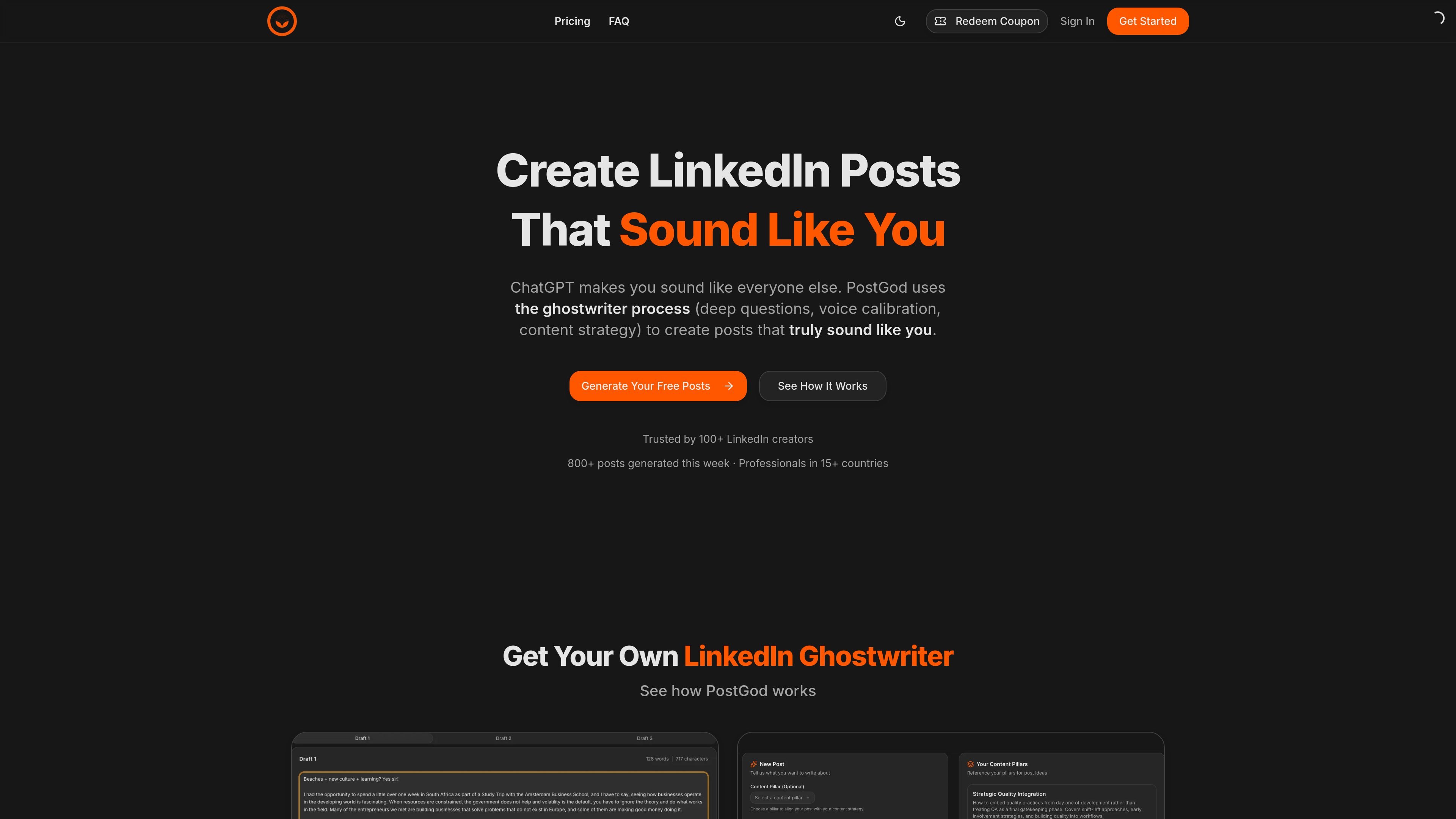
PostGod is a LinkedIn ghostwriting tool that helps professionals draft posts in their own voice. The site says you can generate free posts, then continue with a paid subscription for ongoing post creation.

PostGod

Overview

PostGod is a LinkedIn ghostwriting tool that helps people create posts in their own voice. The site positions it as an alternative to generic AI writing by using a guided ghostwriter-style process that asks about your perspective, audience, and content strategy before generating drafts.

The product is aimed at professionals who want to post more consistently on LinkedIn without hiring an agency or writing everything from scratch. The homepage says users can generate free posts, then continue with a paid subscription that includes ongoing post generation and access to saved content.

Features

Questionnaire-based onboarding

The product asks guided questions about your role, audience, and what you want to talk about so it can shape the output around your background.

Voice and strategy setup

PostGod uses the answers to build a personal content strategy before generating drafts, rather than producing one-off prompts only.

Voice-matched post generation

The site says it generates posts that sound like you, with the goal of matching your writing style rather than generic LinkedIn copy.

Three-draft generation

The generate page says it can produce 3 distinct post drafts from a short input form.

Draft saving and archive access

The homepage says you can save favorites and access your full archive, which supports reusing and revisiting past drafts.

Idea generator

The homepage also mentions an idea generator feature for users who know they need to post but do not yet have a topic.

Use Cases

  • Personal LinkedIn branding

    Use PostGod when you want LinkedIn posts that reflect your own experience and point of view instead of copy that sounds broadly generic.

  • Drafting from a clear angle

    Use the guided questions to turn a rough posting idea into a draft when you know your audience and message but do not want to write from scratch.

  • Finding post ideas

    Use the idea generator when you want to stay active on LinkedIn but do not yet have a topic in mind.

  • Managing a post backlog

    Use the archive and favorites workflow to keep track of posts you want to revise, reuse, or publish later.

Pros and Cons

Pros

  • Built around a guided questionnaire that captures role, audience, and positioning before generating posts.
  • Focused on LinkedIn-specific output and personal voice rather than generic social copy.
  • Supports free testing with 3 free posts and a 7-day free trial mentioned on the site.
  • Includes practical workflow features such as favorites, archive access, and an idea generator.

Cons

  • The public sources do not show a full pricing page, so plan details are limited to the homepage and checkout flow.
  • The product says it is English only, which limits use for multilingual publishing.
  • The available sources do not document team, enterprise, or integration features.

FAQ

How does PostGod work?

PostGod generates LinkedIn post drafts after you answer a short questionnaire about your role, audience, and the topics you want to write about.

Can I try PostGod before paying?

The site says you can generate 3 free posts to test the basics of the tool before starting a paid trial or subscription.

Can I edit the posts after they are generated?

Yes. The homepage says you can edit generated posts, and the generate page shows posts appearing in an editable draft-style workflow.

Does PostGod offer team or enterprise plans?

The homepage includes a question about team usage, but the source does not show a published team plan or enterprise offering.

What languages does PostGod support?

The site states that the product is English only.

Quick Facts

Category
AI writing
Primary use
LinkedIn post drafting
Platform
Web app
Source domain
postgod.app
Language
English only
Trial
3 free posts; 7-day free trial mentioned on site
PostGod - AI Tool, Features, Use Cases & Alternatives | UStack