Treblo icon

Treblo

Treblo is a free AI music generator that turns prompts or lyrics into songs with vocals or instrumental tracks. It supports editing, sharing, and downloading finished music in multiple formats.

Treblo

What Treblo does

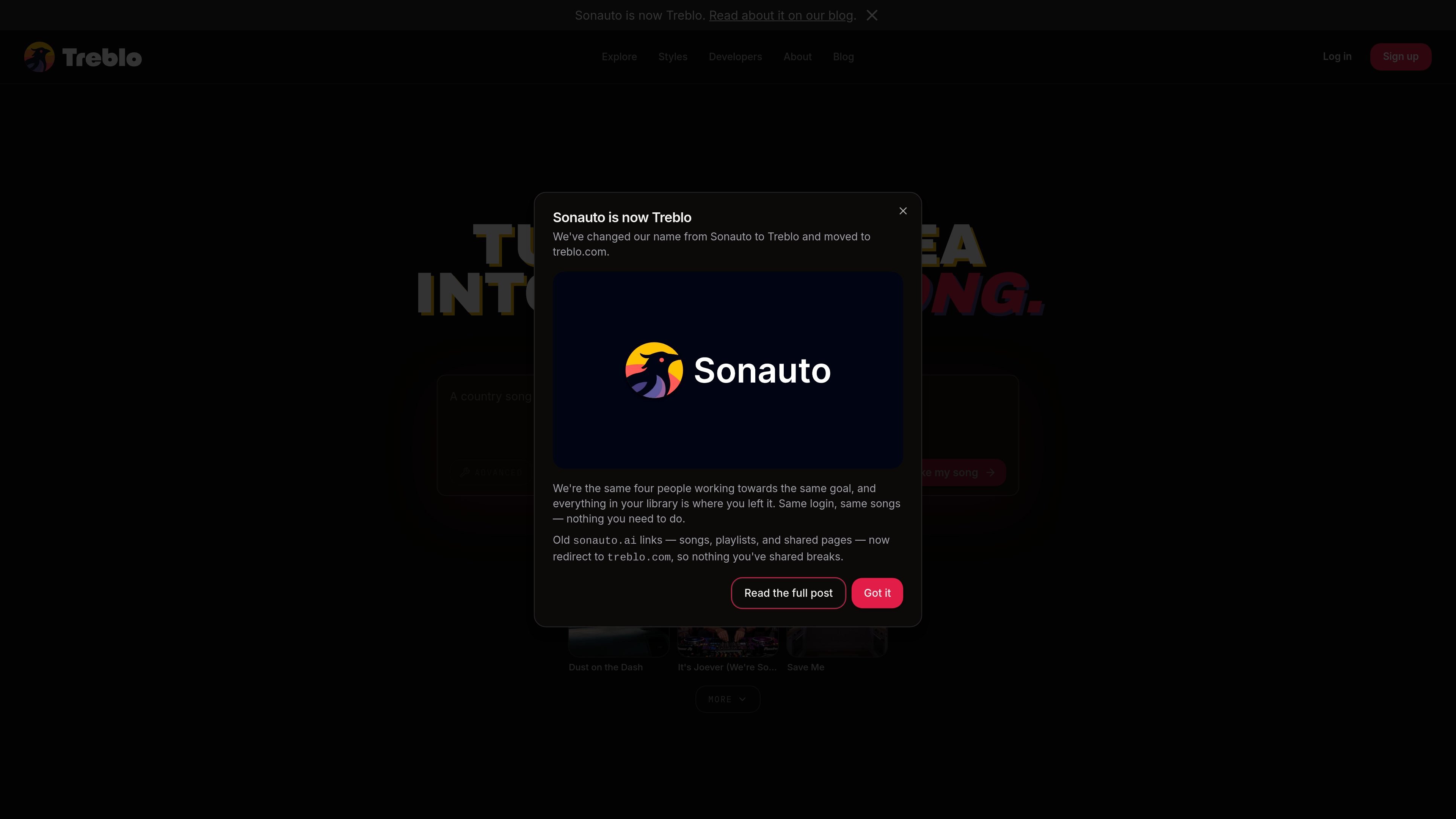
Treblo is a free AI music generator from sonauto.ai that turns a text idea into a full song. The product page presents it as a way to create songs with lyrics, vocals, and thousands of style combinations without needing instruments or music software.

The site says songs can be generated on the latest model with no daily limit, and that users can either write their own lyrics or have Treblo generate them. It also supports instrumental output, section-level editing, and sharing or downloading finished tracks in multiple formats.

Core capabilities

Unlimited song generation

Create as many songs as you want without daily limits or a short trial window, using the latest model the site calls Melodia v3.

Lyric-aware songwriting

Write your own lyrics, let Treblo generate them, or combine both approaches; the system also understands simple section labels such as verses and choruses.

Large style library

Choose from thousands of style tags spanning genres, eras, instruments, moods, and vocal types, then blend several tags in one prompt.

Iterative editing tools

Edit after generation by reusing the prompt, changing lyrics, extending tracks, remixing songs, or regenerating sections you do not want to keep.

Flexible sharing and export

Publish to your profile, playlists, groups, or the radio, or keep tracks private and download them instead.

Vocals or instrumental output

Generate sung tracks or switch to instrumental mode for backing music, study mixes, intros, or game and video scoring.

Common ways to use Treblo

  • Turn an idea into a finished song

    Type a concept, choose a few style tags, and generate a song when you want a fast starting point for a new track.

  • Build songs around your own words

    Paste complete lyrics or a short hook and let the model align the vocals, structure, and melody around your text.

  • Create instrumental music

    Switch to instrumental mode for background music, lo-fi study tracks, podcast intros, or game and video scoring.

  • Iterate on a draft track

    Regenerate sections, tweak lyrics, or extend a track when you want to refine a song instead of starting over.

  • Share and publish finished music

    Publish songs to a profile, playlists, groups, or the radio when you want to share work with others in the Treblo community.

Pros and Cons

Pros

  • Unlimited song generation is presented as free on the latest model.
  • Supports both user-written lyrics and AI-written lyrics.
  • Covers a wide range of styles through thousands of tags and style combinations.
  • Offers post-generation editing, including lyric changes, extensions, and section regeneration.
  • Lets users keep tracks private, publish them, or download them in multiple formats.

Cons

  • The pricing page in the provided source returns a not-found response, so plan structure is not confirmed there.
  • The site does not expose integration, API, or team-workflow details in the provided sources.

FAQ

Is Treblo free to use?

Yes. The homepage says you can make unlimited songs with Treblo’s latest model for free, and the pricing page does not show a separate paid plan in the source provided.

Can I use my songs outside Treblo?

Yes. Treblo says songs you create have no usage restrictions from the company, and you can post, share, download, or use them in your videos as long as the rights in your inputs are yours.

Can I write my own lyrics?

Yes. You can bring finished lyrics, sketch a hook, or ask Treblo to write lyrics for you, and it recognizes simple structure markers like [Intro], [Verse 1], and [Chorus].

Can Treblo create instrumental tracks?

Yes. Treblo can make instrumental music when you switch the lyrics option to instrumental, which skips singing entirely.

How does the song creation workflow work?

You can start by typing an idea, choosing style tags, adding lyrics if you want, and pressing create. The site says the song starts streaming in about 15 seconds while generation continues in the background.

Quick Facts

Category
AI music generator
Brand
Treblo
Website
sonauto.ai
Output modes
Songs with vocals or instrumental tracks
Sharing
Private, unlisted, profile, playlists, groups, radio, and download
Formats
OGG, MP3, WAV, FLAC, M4A

