

Browser-based page analysis
Click the extension on a page to get instant analysis of articles, PDFs, research papers, news stories, email newsletters, and YouTube videos.
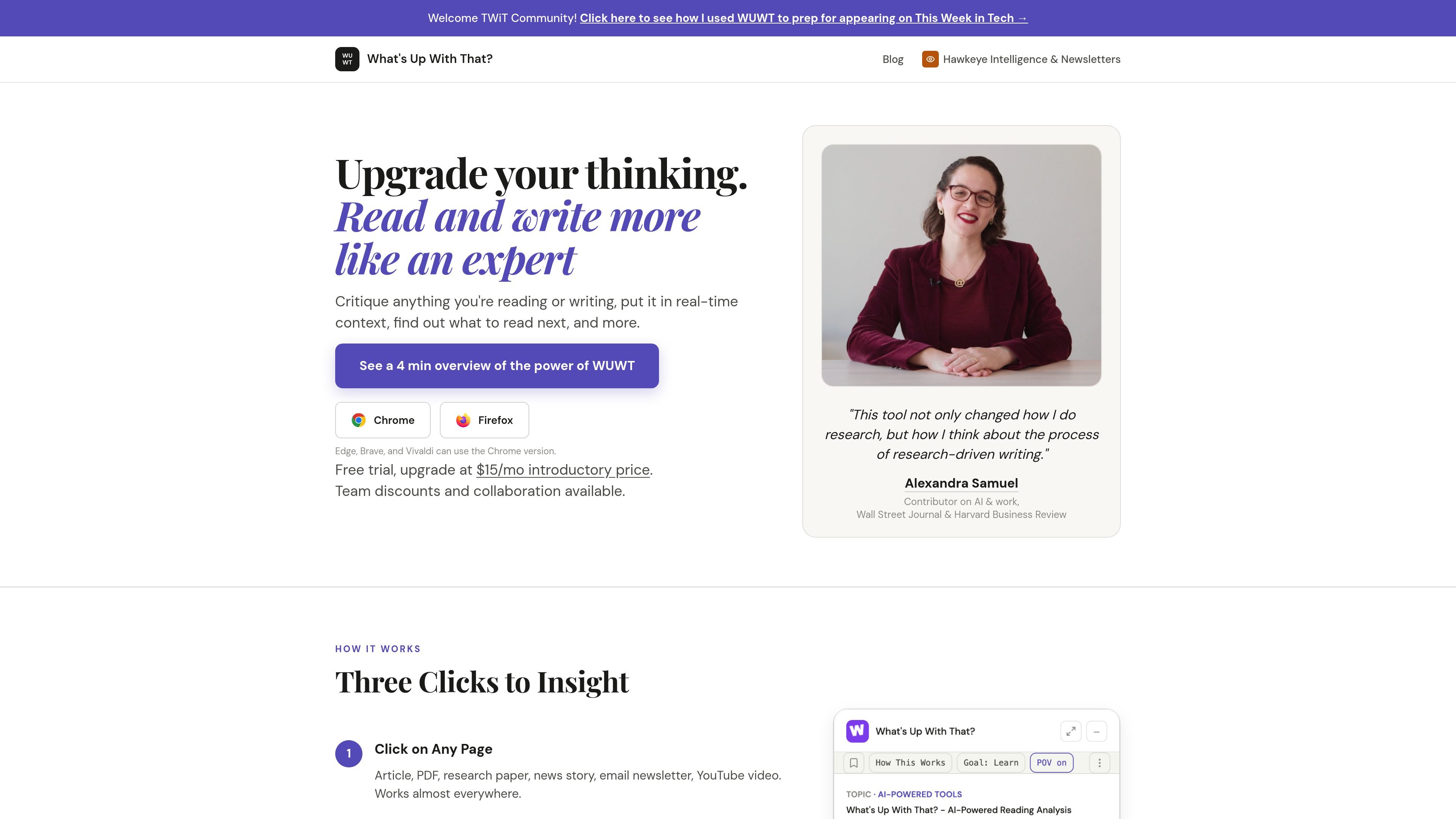
What's Up With That? is an AI-powered reading analysis tool delivered as a browser extension. It helps users critique what they are reading or writing, put it in real-time context, find related reading, and identify what is truly new versus standard practice.
The homepage positions it for strategy, innovation, sales, and research work. It emphasizes a workflow where a user clicks on a page, gets immediate analysis, then saves material into folders and follows up with deeper research plans when needed.
Click the extension on a page to get instant analysis of articles, PDFs, research papers, news stories, email newsletters, and YouTube videos.
See key points, what is genuinely new, related reading, critiques, opportunities, and other follow-up insights without leaving the page.
Save articles in folders and get automated deep analysis that builds on what you already collected.
Run personalized research plans with one click, or choose from 40+ tools for different analysis tasks.
Works in Chrome and Firefox, and the site says Edge, Brave, and Vivaldi can use the Chrome version.
Runs only when you click, analyzes page text on demand, and stores only metadata rather than page text.
Use the extension on an article, paper, or video when you want a quick read on the main points and what matters most in context.
Run it on material you are writing or evaluating to critique the argument, spot gaps, and sharpen your own thinking.
Save related items into folders and let the product build on prior reading so your research becomes cumulative rather than isolated.
Use the personalized research plan mode when you need a structured next step after a first pass through a topic.
Review a set of pages or stories to surface emerging themes, adjacent reading, and where the topic appears to be heading.
You install the browser extension and click it on a page to get an analysis. The homepage says it works on articles, PDFs, research papers, news stories, email newsletters, and YouTube videos, and that it works in Chrome, Firefox, Edge, Brave, and Vivaldi via the Chrome version where needed.
The product is aimed at strategists, innovators, sales, and research professionals, especially people who need to read, critique, and synthesize information quickly.
The homepage says the product can identify key points, surface what is truly new versus standard practice, provide context, suggest related reading, and save articles in folders with automated deep analysis and personalized research plans.
The site says a free trial is available, with an introductory upgrade price of $15/month. It also mentions team discounts and collaboration, but does not provide full plan details on the pages captured here.
The homepage states that analysis runs only when you click, page text is analyzed on demand, and only metadata is stored.

Hype 是一款可依分類、時間範圍與評分模式搜尋 YouTube 熱門趨勢的網頁工具,幫助創作者掌握新興題材、查看來源影片,判斷下一步該做什麼內容。

一款由人工智慧驅動的工具,能快速高效地總結PDF文檔,提供清晰的見解,並允許用戶與內容互動。

Tactiq is an AI note taker for Google Meet, Zoom, and Microsoft Teams that transcribes meetings live and turns them into summaries, action items, and follow-up outputs. It is built around a Chrome extension and supports team workflows through sharing and integrations.

Paperpal 是一款面向学术写作的 AI 工具,提供文献阅读、语言润色、引用、查重、AI 检测和投稿前检查。它适合需要在英文论文和学术材料上进行写作、修改与合规自检的学生、研究人员和教师。

nolainocr is an AI OCR tool that extracts structured data from PDF invoices, receipts, forms, contracts, and bank statements. It helps teams move document data into Excel, Google Sheets, JSON, or CSV without manual entry.

VForms 可直接在 YouTube 影片中嵌入問卷,讓觀眾在觀看情境下作答,不必切換到其他表單。適合以時間戳與可嵌入影片表單蒐集回饋與洞察。