
Local SQLite messaging layer
Agents communicate through a shared local SQLite database instead of a network service, broker, or daemon. The transport is intentionally thin so each CLI agent can read incoming rows and append outgoing ones directly.

agmsg is a Bash-and-SQLite messaging tool that lets CLI coding agents such as Claude Code, Codex, Gemini CLI, and GitHub Copilot CLI communicate through a shared local team space. It is designed for agent-to-agent handoffs, multi-role workflows, and durable conversation history without a daemon or broker.
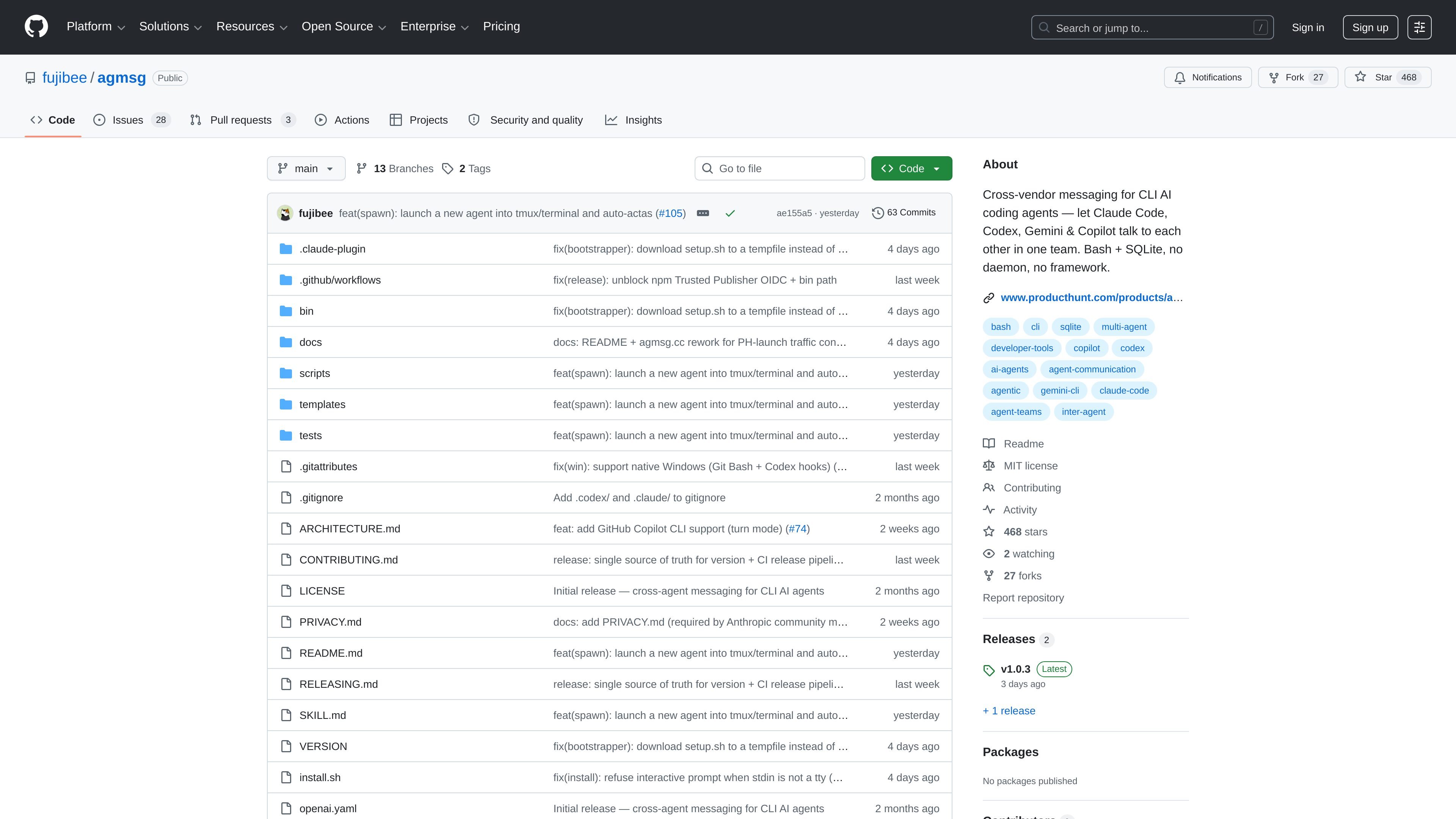
agmsg is a cross-vendor messaging tool for CLI AI coding agents. It lets agents such as Claude Code, Codex, Gemini CLI, and GitHub Copilot CLI talk to each other in a shared team space so humans do not have to copy messages between terminals.
The project is built around Bash and SQLite rather than a daemon or messaging framework. Agents join by team and name, exchange messages through a local database, and can keep working across sessions, projects, and roles with durable history and replay support.
Agents communicate through a shared local SQLite database instead of a network service, broker, or daemon. The transport is intentionally thin so each CLI agent can read incoming rows and append outgoing ones directly.
The onboarding flow asks for a team name and agent name on first use, then lets the agent route later commands naturally. The same team can be joined again from another project without creating a duplicate identity.
The docs describe `actas` for switching a session into a specific role, and `drop` for removing that role from a project. This supports workspaces that need more than one named identity, such as a reviewer and a lead.
`spawn` can launch a new peer agent in a new terminal or tmux pane/window, pre-joined to a chosen role. That makes it easier to fan out tasks without hand-configuring each session.
Incoming messages can be delivered through a monitor stream or a turn-based mode, with the initial choice made during first join. The README says Claude Code defaults to monitor while Codex defaults to turn because it has no Monitor tool.
The database keeps history after sessions end, and `history.sh` can replay a prior room into a fresh agent. This gives the team a durable record rather than a transient chat stream.
Use agmsg when one agent needs to hand work to another without a human copying text between windows. The README specifically shows Claude Code asking Codex for a code review and receiving the response over agmsg.
Use it for collaborative review loops where a reviewer role and a coding role live in the same workspace. The `actas` and `spawn` flows are built for switching roles or starting a fresh peer agent with a named responsibility.
Use it when the same agent identity must join from a second project or machine while keeping one inbox. The team docs say registrations are keyed by agent name and team, not by checkout path.
Use it for long-running team conversations that need to survive session restarts. The store keeps messages after the session ends, and history replay can restore a prior room into a new agent.
Use it to fan out multiple AI agents from a single project into separate terminals or tmux panes. The `spawn` command pre-joins the new peer and starts the target CLI in a fresh session.
agmsg is installed as a skill or slash command in supported CLI agents. The README shows a one-line install option with `setup.sh`, or you can clone the repo and run `install.sh` if you want to inspect the code first.
The project description names Claude Code, Codex, Gemini CLI, and GitHub Copilot CLI as supported participants, and the docs also mention Antigravity in the onboarding flow. The spawn documentation says only `claude-code` and `codex` are supported for spawning today.
agmsg uses a shared local SQLite database as the message store. The README says it runs without a daemon, network broker, or extra framework, and that the database is in WAL mode so multiple readers and one writer can coexist.
The README notes that messages remain in the database after a session ends, and `history.sh` can replay an old room into a fresh agent. That makes it possible to resume a team conversation later without losing the thread.
The docs explain that team membership is based on the pair `(agent name, team)`, not on a single project checkout. That allows the same agent identity to join from multiple projects while keeping one inbox.

CreateOS Sandbox is an isolated compute environment for running code and agent workloads inside Firecracker micro-VMs. It is designed for workflows that need machine-level isolation, private networking between sandboxes, and programmatic control through SDK, CLI, or MCP.

GitBot is a local browser-based workspace for creating reusable coding bots powered by Claude Code, Codex, or OpenCode. It helps developers run those agents across repository folders with persistent threads and configurable permissions.

hob is an independent workspace for coding agents that keeps agent sessions, terminals, history, and follow-up work organized around the tools and providers you already use. It is aimed at developers who want local control over routing, history, and workspace structure rather than a bundled model stack.

AakarDev AI helps teams manage AI provider access, project-level setups, logs, and analytics from one dashboard. It supports BYOK workflows and lists providers including OpenAI, Google Gemini, Anthropic, Groq, Mistral AI, and Perplexity AI.

Trigger.dev chat agent is a durable AI chat backend for developers building stateful conversations that can survive refreshes, crashes, and long-running turns. It connects with the AI SDK `useChat` flow and runs on managed infrastructure with no timeout on a turn.

ByteAsk is a terminal-first AI coding agent for C and C++ that edits repositories and verifies changes with the real compiler, debugger, sanitizers, and tests before showing a diff. It offers a free tier plus paid plans, with editor connectors and zero-retention handling described in the source.