
Direct device-to-device transfer
AlterSend sends files directly between devices using a peer-to-peer connection rather than uploading them to a cloud service.

AlterSend is a peer-to-peer file transfer app that sends files directly between devices without cloud storage. It supports native apps on macOS, Windows, Linux, iOS, and Android and does not require accounts.
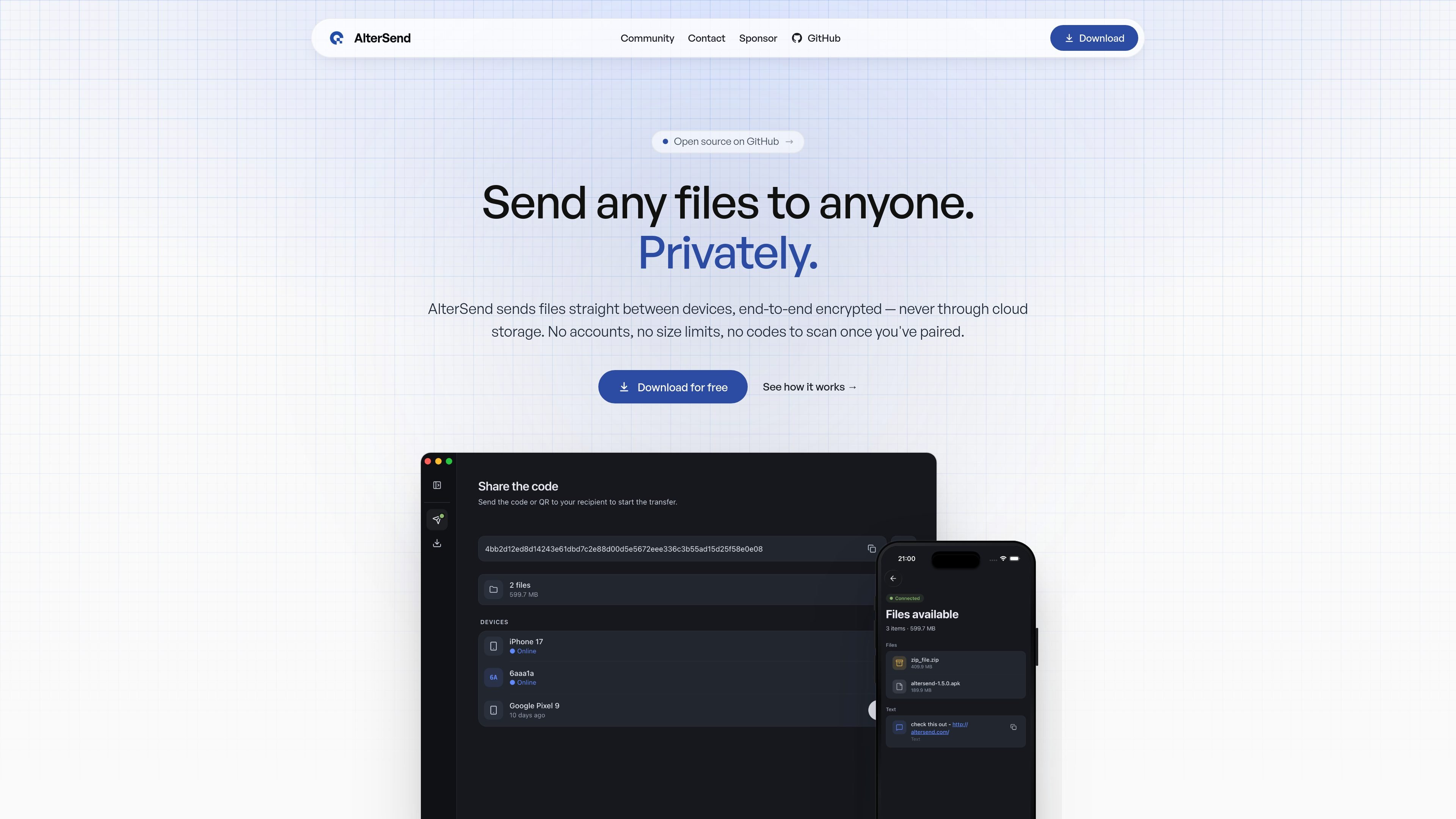
AlterSend is a peer-to-peer file transfer app for sending files directly between devices without cloud storage. It is built around private transfers: the site says files move device-to-device, end-to-end encrypted, with no accounts required.
The product is positioned for people who want a shared transfer flow across macOS, Windows, Linux, iOS, and Android. You pair devices once with a QR code or join code, then future transfers between those devices can proceed without repeating the pairing step.
AlterSend sends files directly between devices using a peer-to-peer connection rather than uploading them to a cloud service.
Transfers are end-to-end encrypted, and the site specifies ChaCha20-Poly1305 with new encryption keys per session.
There is no account creation or sign-up flow; pairing is done with a QR code or join code.
Paired devices are remembered, so future transfers between the same devices can skip the code step.
The product says it has no size limits, with the same transfer flow for small files and very large ones.
Native apps are available for macOS, Windows, Linux, iOS, and Android, using one shared protocol across platforms.
Send documents, photos, and other files between your own devices without creating accounts or uploading them to a third-party storage service.
Move files between a Mac, Windows PC, Linux machine, iPhone, or Android device using one shared app family and protocol.
Transfer large files without worrying about a stated size limit, since the site says there are no caps.
Set up a device once and reuse the pairing later when you regularly send files between the same two devices.
No. The site says AlterSend pairs devices without accounts or sign-up.
No. Once you pair devices you own, they are remembered and future transfers can skip the join code.
Yes. The homepage says AlterSend sends files straight between devices over a peer-to-peer network, including transfers that work over the internet.
The site says files travel device-to-device, end-to-end encrypted, and never touch cloud storage.
The product is described as free and open source, with native apps for macOS, Windows, Linux, iOS, and Android.

Codex Plugins bundle reusable skills, app integrations, and MCP servers into workflows you can install in the Codex app or use from Codex CLI. They help extend Codex with connected-service tasks, reusable instructions, and shared team workflows.

Snapmark is a VS Code extension that lets you annotate clipboard screenshots before pasting them into AI chats. It supports blur redaction, numbered callouts, and automatic resizing for large images.

PDFTools is a browser-based suite of free and premium PDF utilities for editing, conversion, and document handling. It helps users work on PDFs locally in the browser without uploading files to a server.

Open Computer Use is an open-source Computer Use service wrapped as MCP for macOS, Linux, and Windows. It helps AI agents and MCP clients run desktop automation workflows through client setup commands or manual MCP configuration.

Osaurus is a native macOS AI agent platform for Apple Silicon that keeps models and data on your Mac. It can also connect to ChatGPT, Claude, or Gemini when a task needs a cloud model.

Privacy-First Toolbox is a free browser-based collection of file and text conversion tools that processes data locally on your device. It is designed for users who want common utilities without uploading files or creating an account.