
Step-by-step academic help
Ask questions and get explanations that break topics into simpler steps instead of jumping straight to a final answer.

AskTutor AI is a browser-based study assistant for homework help, PDF chat, language practice, and lesson prep. It supports students, teachers, tutors, researchers, and other learners who want step-by-step explanations and file-based study support.
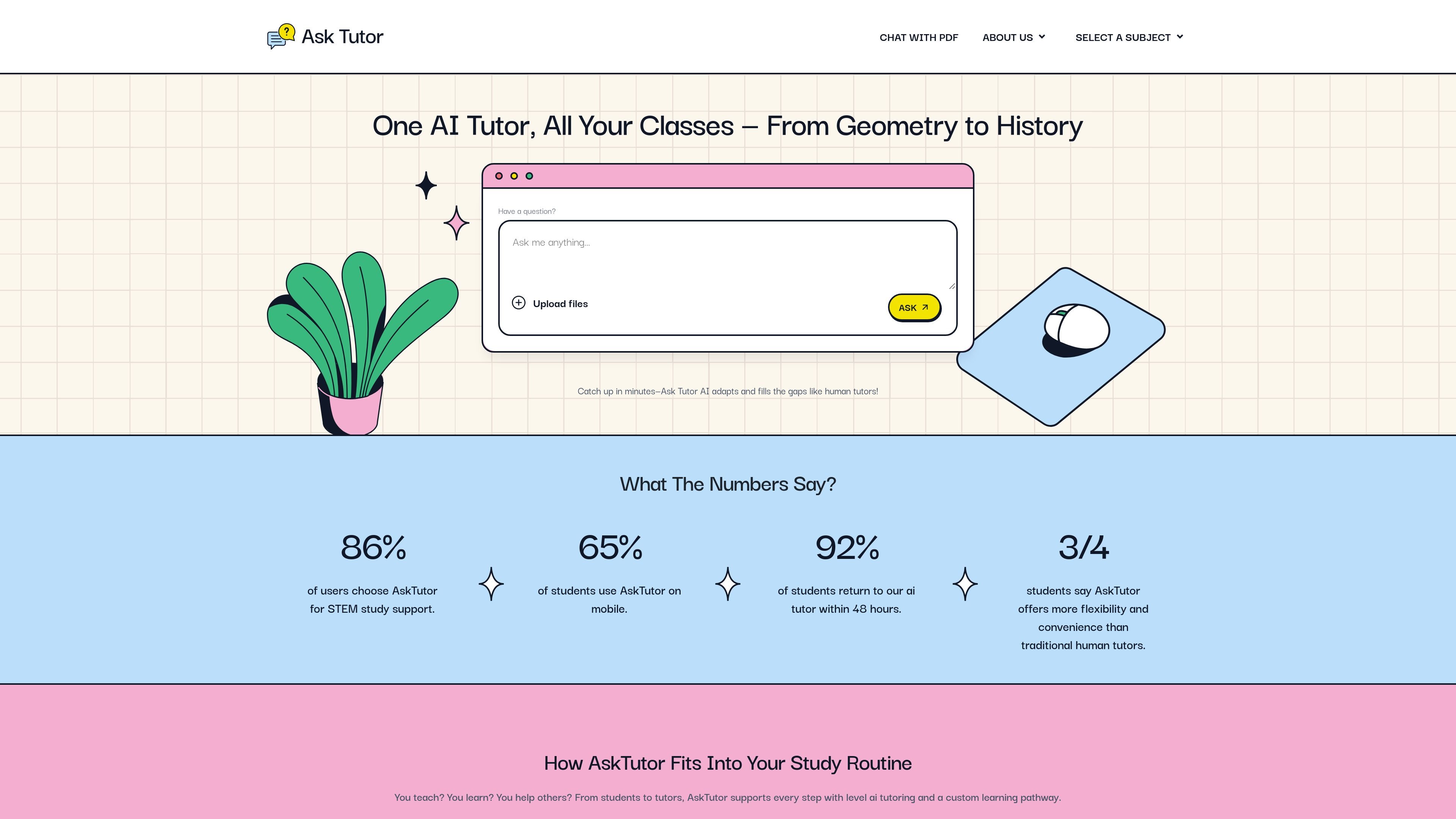
AskTutor AI is a browser-based study assistant that helps learners ask questions, upload materials, and get explanations tailored to their level. The site positions it as a tutor for students, ESL learners, teachers, tutors, researchers, and online learners.
Its core job is to turn class notes, worksheets, PDFs, and topic prompts into clearer explanations, summaries, and practice support. The product emphasizes step-by-step teaching, multiple ways of explaining the same idea, and workflows that work across STEM, humanities, and language learning.
Ask questions and get explanations that break topics into simpler steps instead of jumping straight to a final answer.
Upload course materials and let the system analyze notes, quizzes, worksheets, and other study files to identify weak areas.
Use the PDF workflow to summarize long documents, ask direct questions, and surface page-referenced answers from uploaded files.
Practice languages with instant feedback and conversation-based tutoring that adapts to the learner’s pace.
Teachers and tutors can use it to create lesson support, quizzes, outlines, and quick summaries from topic prompts or uploaded material.
The service works in the browser and is described as mobile-friendly, so learners can use it across devices without installing an app.
Students can upload notes, worksheets, or a past quiz and ask the tutor to explain what went wrong, then use follow-up questions to work through the topic at their own pace.
Teachers and tutors can turn a topic or class material into lesson support, quick summaries, outlines, or quiz questions without rebuilding every explanation from scratch.
Language learners can practice conversation and receive immediate corrections, making it easier to build vocabulary and confidence outside of a scheduled class.
Researchers and students can upload a PDF, ask targeted questions, and use the page-referenced answers to pull out key facts from long readings faster.
Online learners and multilingual students can use the browser-based tutor on mobile or desktop to get help when they do not have access to a human tutor.
AskTutor is a browser-based AI study assistant. It supports follow-up questions, step-by-step explanations, and different subject-focused workflows such as homework help, PDF chat, and language practice.
The source shows support for plain-text input and uploaded files, including txt, pdf, doc, png, jpeg, and jpg. It also notes a 10,000-character text limit, a 32MB file limit, and a one-file limit in the main chat flow.
Yes. The site says the AI adapts to the learner’s level and can give multiple explanations for the same concept. It is positioned for students, ESL learners, teachers, tutors, researchers, and online learners.
The chat-with-PDF page says answers are tied to the document text and can include page references. It also supports follow-up questions and file-based summaries.
The pricing page currently returns a page-not-found message, so the site does not expose verified pricing information in the provided sources.

MentorSpace is an AI-powered mentoring product for startup and academic planning. It helps students, founders, and small groups create 90-day roadmaps, get context-aware guidance, and track progress over time.

Padel Chess is a web-based learning platform for improving padel tactical skills through puzzle-based practice. It helps players work on positioning, shot selection, and decision-making in realistic court scenarios.

GameGrad turns PDF study material into quiz questions that appear inside arcade games, so users can practice active recall while they play. It offers a free tier with one PDF and a Pro plan with more uploads, more questions, and answer explanations.

LangPanda is a browser extension for learning languages from streaming video and other supported sites. It combines instant subtitle lookup, flashcard creation, vocabulary tracking, and spaced-repetition review for 36 languages.

Teloframe is an AI-powered football coaching platform for building tactics, editing drills, planning sessions, and managing player development in one workspace. It includes a Free tier plus Pro and Club plans for coaches and analysts who need more collaboration and team features.

LeanUp is an AI calorie tracker and meal-planning app for logging meals, tracking macros, and getting personalized nutrition guidance. It supports barcode scanning, photo-based food recognition, manual search, and recipe reuse.