
Inline Assist
Type or speak a rewrite request, then select text and have Attyn transform it in place. The homepage says you review the result before sending, which makes it useful for quick edits without moving to another app.

Attyn is a personal AI app for macOS that works inside the apps you already use, letting you write, dictate, inspect the screen, and apply AI at the cursor. Software access is sold separately from AI usage, with options to bring a provider key, use Attyn Credits, or run a supported local model.
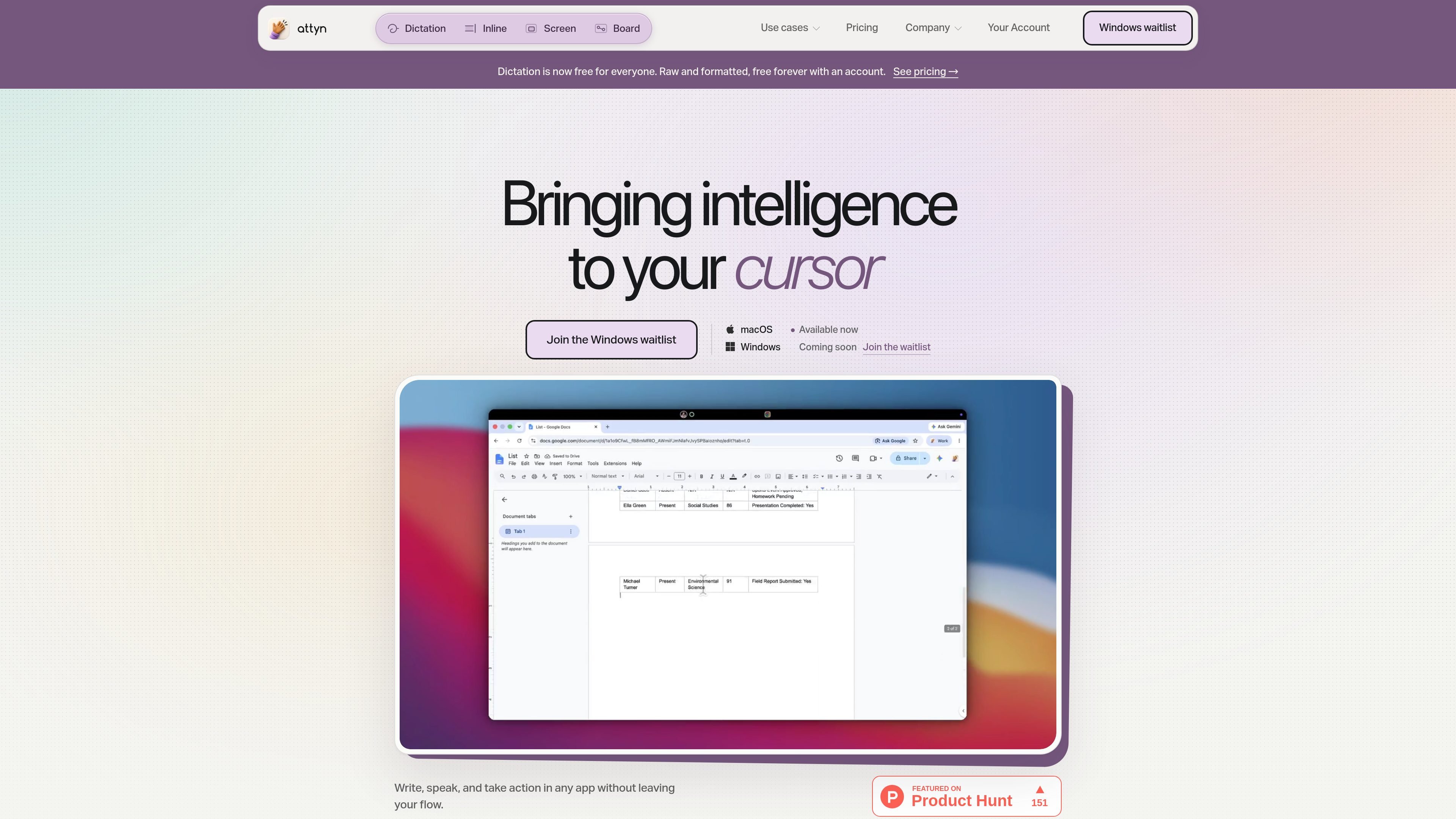
Attyn is a personal AI application for macOS that works at the cursor instead of in a separate chat tab. Its main purpose is to let you write, speak, understand, and act inside the apps you already use.
The product is built around four primary features: Inline Assist, Realtime Dictation, Screen Assist, and Blackboard. Attyn also separates software access from AI usage, so you can bring a supported provider key, buy Attyn Credits, or use a supported local model depending on how you want to run intelligence.
Type or speak a rewrite request, then select text and have Attyn transform it in place. The homepage says you review the result before sending, which makes it useful for quick edits without moving to another app.
Speak naturally and produce raw or formatted dictation directly into the app you are using. Attyn positions this as a free, always-on entry point for capturing text without copying and pasting.
Ask questions about the screen you are looking at and get help in context. This feature is presented as a way to understand what is on your screen without leaving the workflow.
Use a board for teaching, explanation, or working through ideas in a more structured space. Attyn groups Blackboard with its other primary features and describes it as part of the same cursor-first workflow.
Create Personal or Business profiles with a name, chosen intelligence, context, memory, and permissions. Attyn combines that profile with the active request so the response is shaped by your setup and approval rules.
Choose how intelligence is powered for each task. The site describes three options: bring a supported provider key, use Attyn Credits for cloud intelligence, or run a supported local model.
Draft or revise text inside an email, document, chat, or form without opening a separate AI tab. Attyn is meant to sit at the point where you are already typing and return the result in place.
Speak a thought and capture it directly into the current app using Realtime Dictation. This is useful when speaking is faster than typing and you want raw or formatted output without copying text around.
Look at your screen and ask Attyn for help in context when you need to understand something you are seeing. Screen Assist is positioned for questions that depend on what is already open on your computer.
Use Blackboard when you want a more structured space for explanation or teaching, rather than a simple text rewrite. The site places it alongside the other core features as part of the same workflow.
Set up a Personal or Business profile with the context and permissions you want Attyn to use. This fits recurring work where the same background information and approval rules should follow you across apps.
Attyn separates software access from AI usage. You can rent the software monthly or own it outright, and then choose how to power intelligence: bring a supported provider key, use Attyn Credits, or run a supported local model.
Yes. Realtime Dictation is described as free forever for anyone who installs Attyn and signs in. The pricing page says it includes both raw and formatted dictation and is not a trial.
The $5 plan adds Inline Assist on top of the free Realtime Dictation included with every account. Screen Assist and Blackboard are not included at that tier.
The $15 plan includes all four primary features: Realtime Dictation, Inline Assist, Screen Assist, and Blackboard.
Attyn says it can store supported profile context and files locally. Direct dictation and supported local models can run on the computer, while cloud models and connected services follow the selected provider’s policy.

SpeakoFlow is a free, open-source desktop voice-to-text app for Windows, macOS, and Linux. It supports dictation into any app, voice-driven writing with Flow, cleanup, translation, and a screen-aware assistant.

Sanota is an app that turns spoken memories, reflections, and interviews into clear written stories. It supports personal storytelling, family history, and shared memories, with guided prompts and subscription pricing.

Goldfish is an AI memory app for macOS that helps you reply, write, summarize, and continue using the context already on your Mac. It stores memory locally and writes in your tone.

Malyatko is a baby tracker for logging feeding, sleep, growth, teething, and milestones in one app. It works on iPhone, Apple Watch, and widgets, with no sign-up, offline use, and family sharing through iCloud.

Flunkey is a voice-first productivity layer for Windows that converts speech into text, AI-assisted outputs, and remembered context. It is built for users who want to capture ideas and actions without leaving the app they are working in.

ArtDeck is a visual reference board app for iPhone, iPad, and Mac that lets artists collect mixed reference material on one canvas and study it with ToolBox lenses. It works offline, supports optional iCloud sync, and is sold as a one-time purchase with no account required.