
Figma plugin import
Open a design in Figma, run the Bilt plugin, and add the file to Bilt to bring frames into the app-building flow.

Bilt turns selected Figma frames into a working app for iPhone and Android. It is aimed at designers and collaborators who want to reduce handoff and manual rebuilding while keeping the generated code in GitHub.
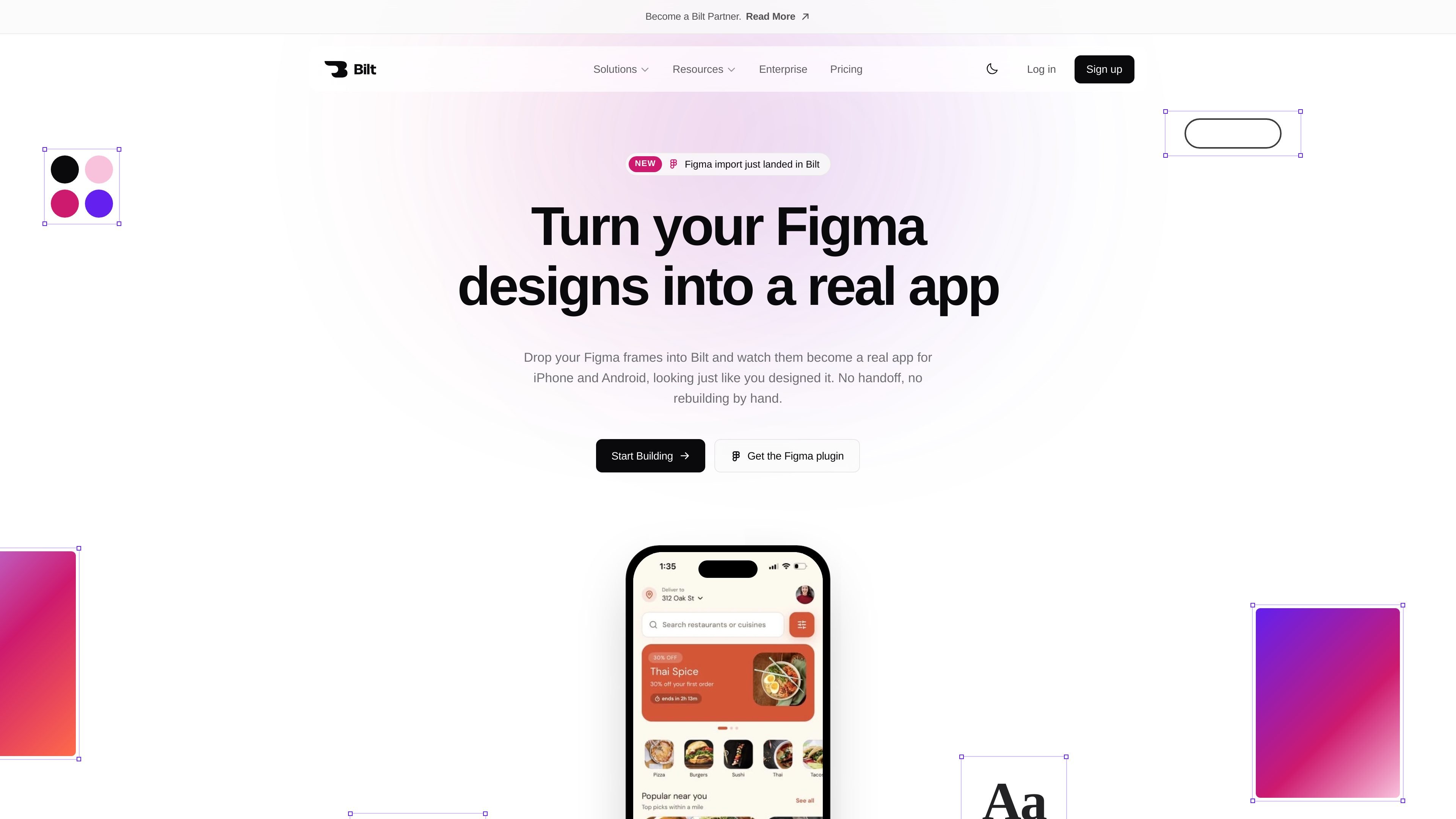
Bilt is a Figma-to-app product that turns selected frames from a Figma file into a working app. The workflow starts in Figma with the Bilt plugin, then moves into Bilt where you choose the screens you want built and generate an app.
The product is positioned for designers and the people they build with. Its stated purpose is to reduce handoff friction and manual rebuilding by carrying over the design's spacing, fonts, and colors into an app that can run on iPhone and Android and be sent toward the App Store.
Open a design in Figma, run the Bilt plugin, and add the file to Bilt to bring frames into the app-building flow.
Select exact screens or pieces of a design to build, rather than sending an entire file by default.
Turn imported designs into a real app that can be opened on iPhone and Android, with output intended for the App Store.
Bilt says it builds from the actual Figma file, preserving layout intent instead of using a screenshot-based approximation.
Projects can be shared beyond Figma accounts, so other collaborators can work from added frames inside Bilt.
Bilt places the resulting app code on GitHub so teams can edit it, extend it, or move it elsewhere.
A designer can move a Figma layout into Bilt, choose the exact frames to build, and review how the design turns into an app without rebuilding screens manually.
Product teams can work from imported frames in Bilt even when not everyone has a Figma account, which is useful when builders and stakeholders need to collaborate outside the design tool.
A builder can take the generated app code from GitHub, edit it, and continue development instead of starting from a blank project.
Someone preparing an app for mobile release can use the Figma workflow to generate an iPhone and Android app and follow the path toward App Store publishing.
Bilt is designed to take Figma frames into an app-building workflow. The source says you open your design in Figma, run the Bilt plugin, and add the file to Bilt, after which selected frames can be turned into an app.
No. The source says that once a file is added to the project, anyone can pull frames into a chat, and no Figma account is needed for that part of the workflow.
The source says Bilt turns your design into a real app for iPhone and Android, and that it can be opened on your phone and sent straight to the App Store.
The pricing page shows a free plan and paid plans for additional usage and product capabilities. It also mentions Bilt credits and monthly AI token allocations on plans.
Yes. The source says Bilt puts your app's code on GitHub, and that you can change it, build on it, or take it with you.

ByteAsk is a terminal-first AI coding agent for C and C++ that edits repositories and verifies changes with the real compiler, debugger, sanitizers, and tests before showing a diff. It offers a free tier plus paid plans, with editor connectors and zero-retention handling described in the source.

CreateOS Sandbox is an isolated compute environment for running code and agent workloads inside Firecracker micro-VMs. It is designed for workflows that need machine-level isolation, private networking between sandboxes, and programmatic control through SDK, CLI, or MCP.

hob is an independent workspace for coding agents that keeps agent sessions, terminals, history, and follow-up work organized around the tools and providers you already use. It is aimed at developers who want local control over routing, history, and workspace structure rather than a bundled model stack.

Manta AI is an autonomous web app testing tool for teams that want to map application behavior, catch regressions, and generate tests without writing scripts or maintaining selectors. It works from a URL and supports plain-English test flows, run results with screenshots, and scheduled or deployment-triggered checks.

SonOf connects to your repo and PM tool, audits the codebase and surrounding product context, and turns approved work into shipped tickets with senior engineering review. It is aimed at founders and engineering leaders who need backlog help without hiring a full team immediately.

Ghost ist ein terminalbasierter KI-Assistent für Chats, Code-Generierung und Aufgaben direkt in der Kommandozeile. Mit kostenlosen Modellen, Linux, macOS und Windows. Open Source.