
Template-based environments
Create sessions from templates that define a machine image, warmup script, and credentials, then start them through the dashboard, API, or MCP.

Bitrise Remote Dev Environments provides on-demand macOS and Linux cloud VMs for mobile developers and AI coding agents. Templates, persistent sessions, remote access, and shared Bitrise CI tooling support development, testing, and agent workflows.
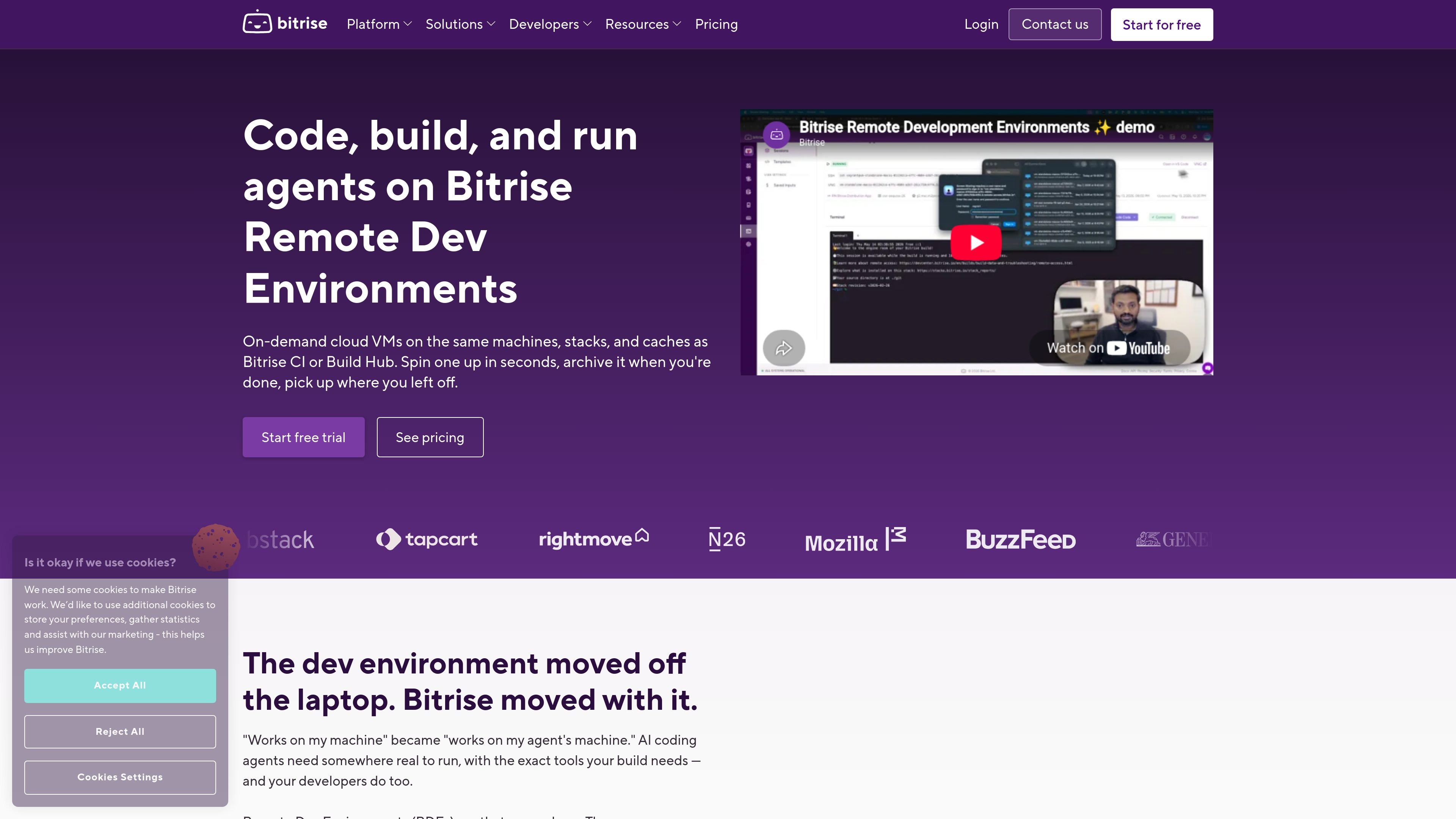
Bitrise Remote Dev Environments (RDE) provides on-demand cloud virtual machines for developers and AI coding agents. The environments use the same machines, stacks, and caches as Bitrise CI or Build Hub, so code can be written, built, and tested in a more closely matched setup.
Teams can define a reusable template, warm an environment in seconds, connect with a preferred development client, and archive or destroy the session when work is complete. RDE supports macOS Apple Silicon and Linux environments and is designed for both interactive development and agent-driven work.
Create sessions from templates that define a machine image, warmup script, and credentials, then start them through the dashboard, API, or MCP.
Use macOS Apple Silicon VMs with Xcode, Simulator, and the Apple toolchain, or Linux machines ranging from 2 to 48 vCPUs with Docker support.
Connect through SSH, VS Code Remote, Cursor, JetBrains IDEs, Xcode, VNC, Claude Code, Codex, or another compatible client.
Start, stop, archive, restore, and destroy sessions. Persistent disk and block-level archived state allow work to resume after a pause.
Run the same toolchain and use shared caches across Bitrise CI, Build Hub, and RDE, making it possible to reproduce a CI failure inside the environment that produced it.
Use the open-source MCP server to route tickets to agents, run parallel sessions headlessly, archive results, and support workflows that end with a pull request.
Give engineers a ready-to-use cloud machine connected through VS Code, Cursor, JetBrains, Xcode, or another supported client. Developers can archive the session at the end of a work period and restore it later.
Run Claude Code, Codex, or another agent in an environment containing the tools and caches used by CI. This reduces the need for agents to spend work time configuring a separate machine.
Route tickets to agents through the MCP server, launch multiple sessions, run them headlessly, and collect archived results as part of a pull-request workflow.
Reproduce a failed CI build inside the same type of VM that generated it, with matching toolchains and caches, so engineers can investigate in a closer approximation of the original build context.
RDE provides on-demand cloud virtual machines using the same machines, stacks, and caches as Bitrise CI or Build Hub. Developers can connect with tools such as VS Code or Cursor, while AI agents can work in the same build environment.
A session can be created from a shared template through the Bitrise dashboard, API, or an MCP call. Templates can include a machine image, warmup script, and credentials, and environments are available in seconds according to the source page.
Developers can connect through SSH, VS Code Remote, Cursor, JetBrains IDEs, Xcode, VNC, Claude Code, Codex, or other clients. The page also documents an open-source MCP server for agent orchestration.
Sessions can be stopped, archived, restored, or destroyed. Archived sessions preserve block-level state and persistent disk, allowing work to continue later without keeping the VM running; the source does not describe all retention rules.
RDE is available in Basic and Pro offerings with a 14-day trial, while Enterprise pricing is customized. The source lists included minutes per operating system, pay-as-you-go overage up to a monthly cap, and concurrency limits that vary by tier.

ByteAsk is a terminal-first AI coding agent for C and C++ that edits repositories and verifies changes with the real compiler, debugger, sanitizers, and tests before showing a diff. It offers a free tier plus paid plans, with editor connectors and zero-retention handling described in the source.

CreateOS Sandbox is an isolated compute environment for running code and agent workloads inside Firecracker micro-VMs. It is designed for workflows that need machine-level isolation, private networking between sandboxes, and programmatic control through SDK, CLI, or MCP.

GitBot is a local browser-based workspace for creating reusable coding bots powered by Claude Code, Codex, or OpenCode. It helps developers run those agents across repository folders with persistent threads and configurable permissions.

hob is an independent workspace for coding agents that keeps agent sessions, terminals, history, and follow-up work organized around the tools and providers you already use. It is aimed at developers who want local control over routing, history, and workspace structure rather than a bundled model stack.

Ably Chat is a chat API platform for building custom realtime chat applications. It supports room-based messaging, typing indicators, presence, reactions, and message updates, with usage-based pricing options for different deployment stages.

Manta AI is an autonomous web app testing tool for teams that want to map application behavior, catch regressions, and generate tests without writing scripts or maintaining selectors. It works from a URL and supports plain-English test flows, run results with screenshots, and scheduled or deployment-triggered checks.