
Large file and folder transfers
Send individual files, multiple files, or complete folders without a stated file-size cap, including large video, archive, and project packages.

ButterShare is a browser-based peer-to-peer file-transfer service for sending files and folders directly between iPhone, Android, Windows, and Mac devices. It offers link-based sharing without signup or stated file-size limits, with transfers streamed through an encrypted browser connection instead of cloud storage.
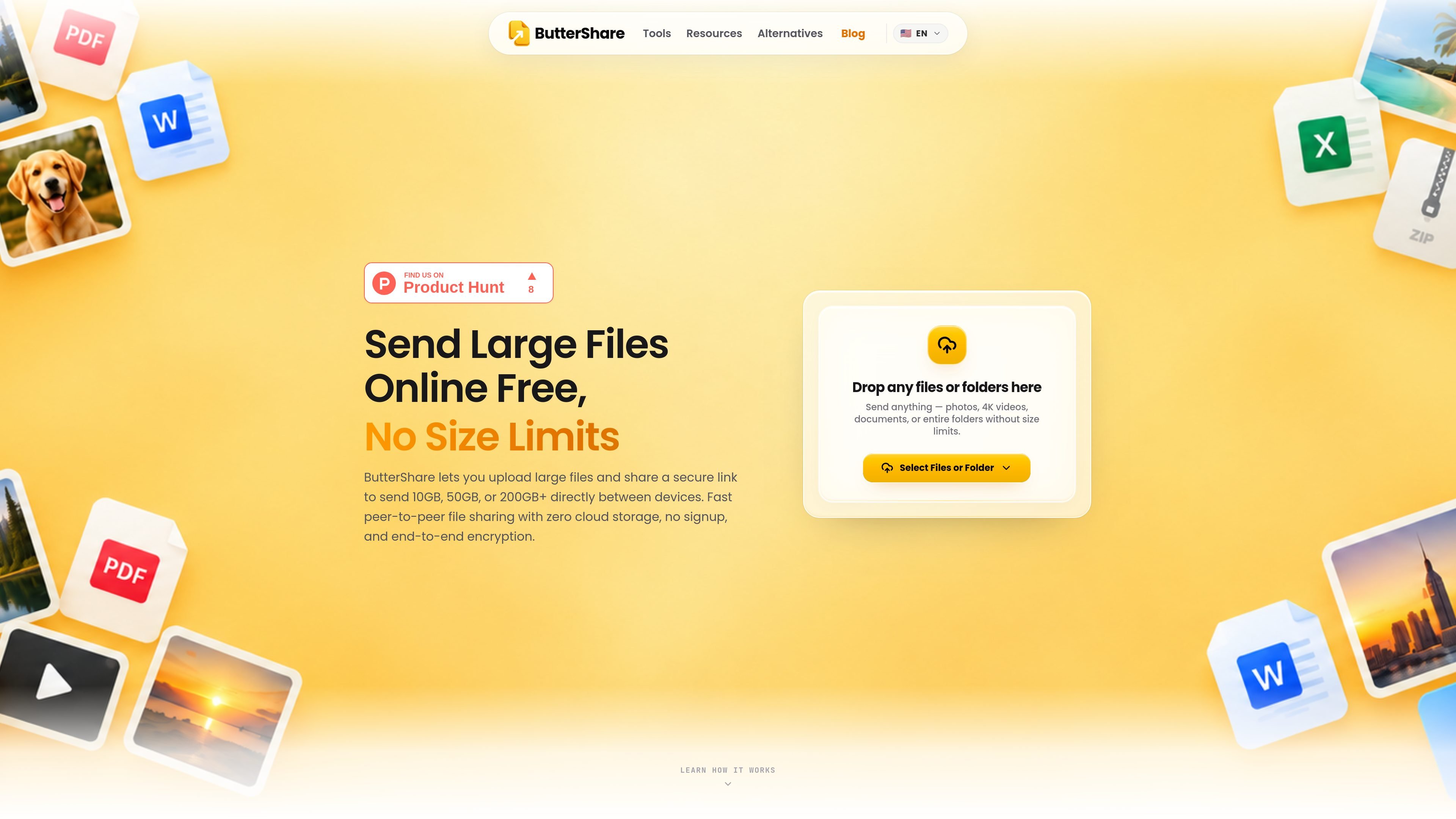
ButterShare is a browser-based peer-to-peer file-transfer service for sending large files and folders directly between devices. It is intended for transfers that may be awkward to upload to conventional cloud storage, including 10GB, 50GB, and 200GB-plus payloads. The service states that it has no file-size limit, requires no signup, and does not use cloud storage for the file bytes.
The workflow is short: choose files or a folder, create a share link or QR code, and have the recipient connect through a browser. Once connected, ButterShare streams the transfer between the devices through an encrypted browser connection. It lists support for iPhone, Android, Windows, and Mac, while the site does not specify every browser or device compatibility detail.
Send individual files, multiple files, or complete folders without a stated file-size cap, including large video, archive, and project packages.
The sender creates an instant share link or QR code and can pass it through email, iMessage, WhatsApp, Slack, or another ordinary messaging channel.
After the recipient connects, data streams directly between the two devices through an encrypted browser connection rather than being saved to an intermediary cloud database.
The site describes 64KB chunks sealed with cryptographic keys held by the connected devices, with no server decryption in the transfer path.
Direct disk streaming uses the File System Access API to write large transfers in chunks, allowing files larger than a computer's RAM to be handled.
Nested directories can be sent as folders while preserving their hierarchy, so recipients receive the project structure rather than a flattened file list.
Send raw footage, 4K video, ProRes exports, or other large media packages to a director, editor, or colorist without first placing them in a shared cloud drive.
Move Unreal Engine builds, Blender assets, Unity projects, FBX files, or other large development packages between machines or collaborators.
Share database dumps, Docker archives, Linux ISOs, and other sizeable technical files between development or operations machines while retaining the original files.
Deliver album masters, multitrack sessions, and high-resolution WAV stems to musicians or engineers as a single organized transfer.
Transfer confidential project folders, audits, or research datasets when avoiding third-party cloud file storage is an important workflow requirement.
Select files or a folder, create a share link or QR code, and send it through a channel such as email, iMessage, WhatsApp, or Slack. When the recipient connects, the files stream between the devices through an encrypted browser connection.
The source describes ButterShare as having no file-size cap and gives examples including 10GB, 50GB, and 200GB-plus transfers. Large folders can be streamed in chunks rather than loaded entirely into memory.
No. The recipient uses the shared link in a browser and does not need to install an app, create an account, or register, according to the product site.
ButterShare lists support for iPhone, Android, Windows, Mac, and major browsers. It is designed to work in a browser tab without a companion app or cable.
The product says that files are streamed directly between connected devices, are encrypted in the browser, and are not saved to cloud storage. The site does not document the full transfer-link lifecycle or every operational limitation.

MacSpoof ist ein MAC-Adressenwechsler für macOS: WLAN-MAC ändern oder randomisieren, um Verbindungen zu erneuern und die Protokollierung auf öffentlichem WLAN zu reduzieren.

DemoTV is an audience-ranked station for discovering and comparing independent product demos. Founders can submit videos, embed approved demos on their websites, collect viewer inquiries and optionally commission demo production or labelled promotion without buying ranking.

Ship It: Idle Dev Tycoon is an iPhone incremental simulation game about building apps, managing a software studio, and selling it for lasting progression benefits. It supports offline play, automated builds, adviser collection, and optional in-app purchases.

NomNak ist eine kostenlose Restaurant-Discovery-App für iPhone, mit der du Orte über Empfehlungen von Freunden statt über anonyme Bewertungen findest.

CAPTA is a mobile GPS waypoint app for quickly saving, organizing, and revisiting locations. It supports offline use, camera-based coordinate capture, optional cross-device synchronization, and GPX export for fishermen, explorers, and field professionals.

Ctrl+Shift+3 is a calm, text-first community platform with a chronological feed, profiles, RSS, and private groups called Clicks. It is built for reading, posting, and joining smaller communities without algorithmic ranking or vanity counts.