
Buyer-question scans
Runs buyer-style questions—such as comparisons, alternatives, use cases, and price-oriented queries—through ChatGPT, Claude, Gemini, and Perplexity.

CiteGraph tracks how products appear in AI-generated answers and which pages AI assistants cite. It helps founders, marketers, and SEO teams find missed buyer questions, understand competitor visibility, and create source-traced fixes.
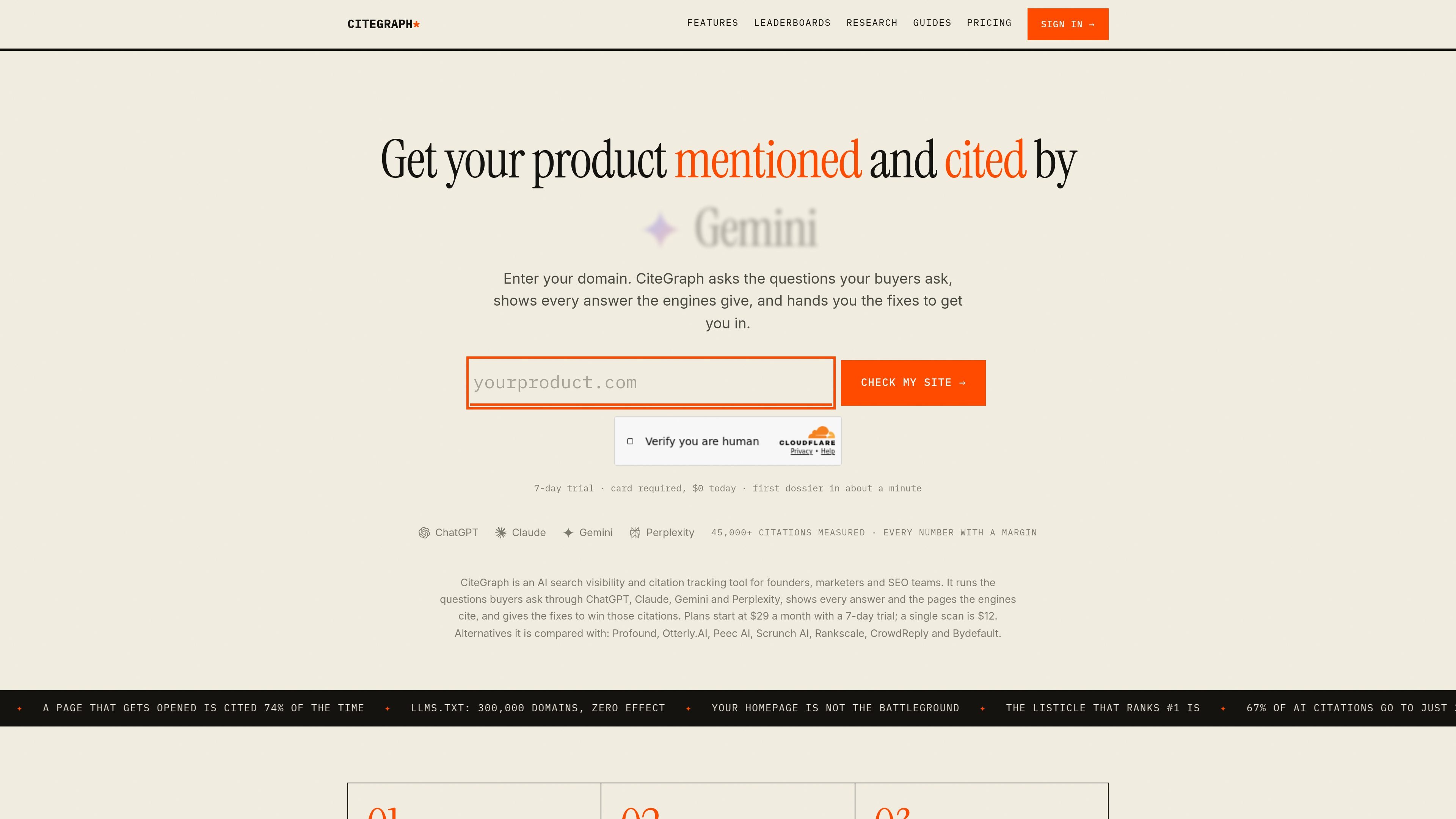
CiteGraph is an AI search visibility and citation tracking tool for founders, marketers, and SEO teams. It asks buyer-style questions about a product or category, sends them to ChatGPT, Claude, Gemini, and Perplexity, and records the resulting answers and cited pages.
The product is designed to show where a product is omitted from AI-generated recommendations, which competitors or sources appear instead, and what claim or page could address the gap. It combines one-off scans with optional weekly tracking, giving teams a way to inspect individual answers as well as changes in share of voice over time.
Runs buyer-style questions—such as comparisons, alternatives, use cases, and price-oriented queries—through ChatGPT, Claude, Gemini, and Perplexity.
Shows the verbatim responses, competitors named instead, cited pages, and the questions where your product was not mentioned.
Maps the sources used by AI engines and grades whether each page substantively describes your product, merely mentions it, or is cited for unrelated content.
Produces a specific missing claim, suggested placement, and a draft artifact based on the lost answer and the product’s own site, with sentences traced to sources.
Re-scans projects weekly, reports share of voice and per-engine history, and prints margins or error bars to help distinguish movement from measurement noise.
Includes an in-app Ask assistant plus MCP server, API keys, and a Claude.ai connector; supported plans can also provide fact sheets, CSV export, public dossier links, and white-label reporting.
Run the questions prospects use when comparing products or looking for alternatives, then inspect the exact response in which a rival is recommended instead.
Use blind-spot findings to identify missing claims and the third-party pages or owned pages that could carry them, turning an AI answer gap into a content brief.
Track selected rivals across repeated scans and engines, using share-of-voice history and reported margins to evaluate whether changes correspond with meaningful movement.
Use fact sheets and AI-drafted artifacts where included by the plan to turn cited-source findings into source-traced material for pages or editorial workflows.
Connect an MCP-capable coding agent such as Claude, Cursor, or VS Code to read scan blind spots and apply readiness fixes in a repository when that workflow fits the team’s process.
CiteGraph runs buyer-style questions through ChatGPT, Claude, Gemini, and Perplexity, then reports the answers, cited pages, and questions where your product was omitted. It also provides suggested fixes for those gaps.
A project tracks one domain. Starter includes two projects, Growth includes three, and Scale includes six. The product supports multiple seats depending on the plan: one on Starter, five on Growth, and unlimited on Scale.
Yes. CiteGraph offers a 7-day trial that requires a card but charges nothing initially. The trial includes two scans and three drafts. Cancel from the Billing page before day 7 to avoid a charge.
Yes. The first purchase provides two complete scans for $12. After that, scans cost $12 each without requiring a subscription. Subscription plans are needed for scheduled weekly tracking, trends, and change alerts.
CiteGraph provides an in-app Ask assistant and supports an MCP server, API keys, and a Claude.ai connector. Its MCP workflow is intended to let Claude, Cursor, or VS Code read scan findings and apply readiness fixes in a repository.

PromptScout tracks how ChatGPT, Gemini, Google AI Overviews, and Perplexity mention your brand or competitors, then pairs those results with source analysis and website audits. It helps teams decide what to fix in content, positioning, or site readiness next.

ClayHog ist eine KI-Sichtbarkeitsplattform für die Suche, die zeigt, wie Marken in ChatGPT, Gemini, Perplexity, Claude und Google AI Overviews erscheinen.

beehiiv is a newsletter platform for creators, publishers, and brands that want to build, grow, and monetize email newsletters and websites from one place. It offers a free Launch plan, plus paid tiers for more advanced growth, monetization, and support features.

Skayle is a content and AI search visibility platform that researches topics before writing, publishes structured content to a CMS, and tracks whether brands are cited in AI search. It is aimed at teams that want one system for publishing, schema-rich content, and visibility monitoring.

SaveMRR is a Stripe retention tool for SaaS teams that scans billing data for churn and MRR leaks, then automates recovery through dunning, cancel-save offers, win-back emails, and onboarding nudges. It is built for founders and bootstrapped teams using Stripe.

Hype is a web tool for finding trending YouTube topics by category, time range, and scoring mode. It helps creators spot emerging ideas, inspect source videos, and decide what to cover next.