
Agent-based scanning
Run a readiness scan from the coding or personal agent already in use by pasting the command “Scan with cleanslop.com.”

CleanSlop is a production-readiness scanner for TypeScript and JavaScript apps that runs from terminal-capable AI agents or the web. It identifies prioritized code and architecture issues, explains the evidence, and can help an agent apply approved fixes and rescan the project.
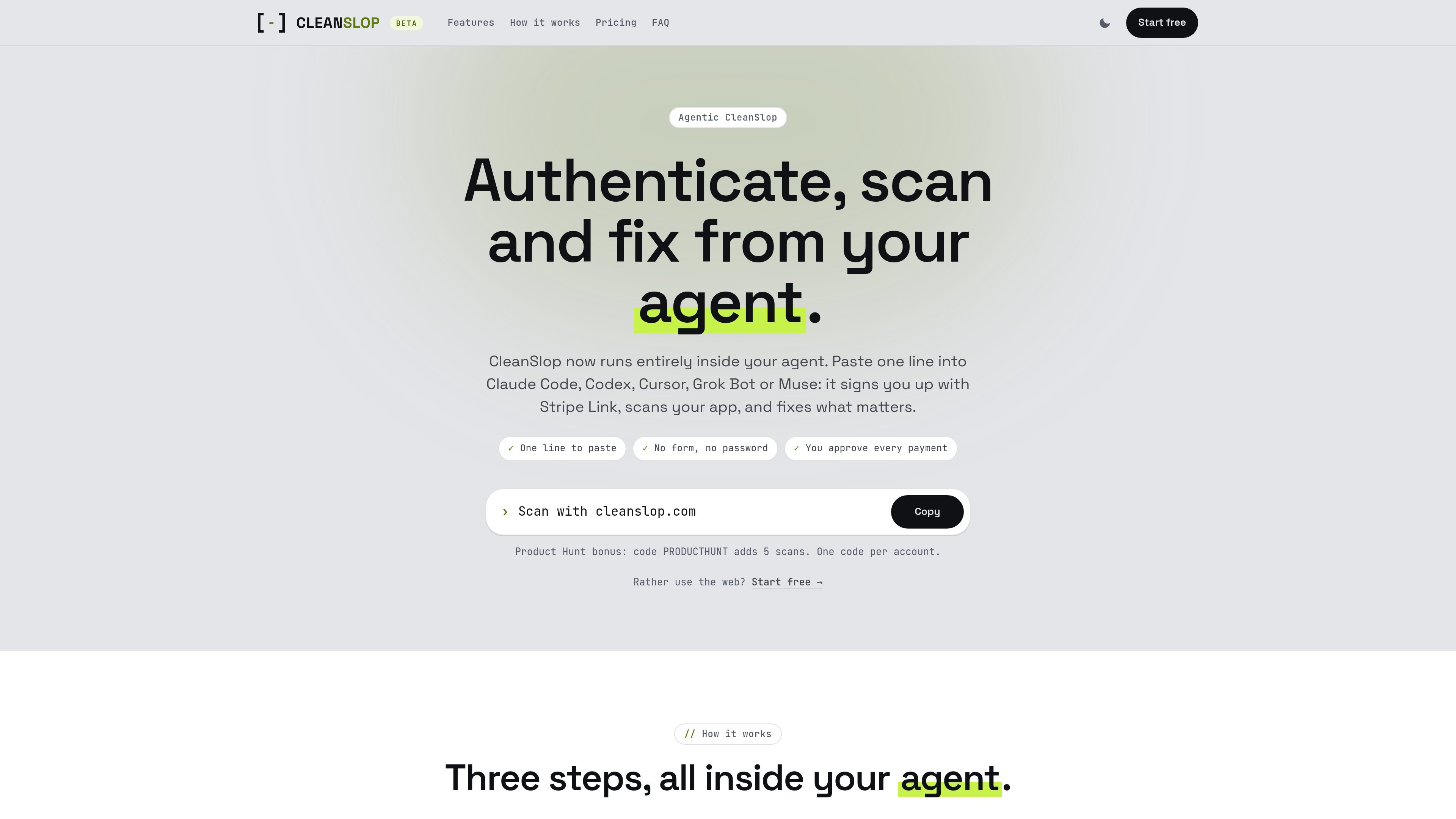
CleanSlop is a production-readiness scanner for TypeScript and JavaScript applications, designed to run from an AI coding or personal agent. It examines an app’s routes, background jobs, data access, and external services to identify failure points that may appear when real users interact with the product.
The agent returns a concise, prioritized report with code evidence, an explanation of why each issue matters, and suggested remediation. Users can approve fixes from the agent, then run a rescan. CleanSlop is strongest on Next.js applications using Supabase and is positioned as a starting point for readiness work rather than a security audit.
Run a readiness scan from the coding or personal agent already in use by pasting the command “Scan with cleanslop.com.”
Map routes, background jobs, data, and external services together so findings follow application call paths rather than focusing only on isolated files.
Prioritize findings as “Needs attention,” “Worth a look,” or “Minor,” with a short list ordered by what to fix first.
Show the affected code location, explain the practical impact in plain English, and recommend a concrete next step for each finding.
Ask for approval before changing the project, apply selected fixes, and rescan after a fix batch to check whether the issue held.
Connect with Stripe Link or GitHub; Link sign-up shares a verified email and attestation while keeping card and bank details with Link.
Run a scan before declaring an AI-built feature complete or before opening a pull request, then use the prioritized findings to decide what needs attention first.
Ask the agent to inspect a project and identify issues such as exposed AI keys, cross-user data access, unbounded queries, or background jobs that can silently stop.
Use the report’s file locations and plain-English remediation guidance to have an agent make targeted changes instead of reviewing a long list of generic warnings.
After a batch of approved fixes, rescan the project to check whether the changes addressed the reported behavior.
Use the web workflow when a repository-based review is preferable: select specific GitHub repositories, run a scan, and hand the report to an AI tool through Copy for LLM or request a triage call with a CleanSlop engineer.
CleanSlop works with any agent that can run a terminal command. The site says it has been tested with Claude Code, Codex, Cursor, Grok Bot, and Muse. Tell the agent, “Scan with cleanslop.com.”
No. Stripe Link is the quickest sign-in option and is available for sign-up in the US and Canada. Elsewhere, or for an existing account, choose GitHub when the agent asks how to connect.
From the agent, CleanSlop scans the project folder’s tracked or trackable files, excluding .env files, keys, and credential files. You can run `cleanslop scan --dry-run` to review the file list first. On the web, the GitHub App reads only repositories you select.
CleanSlop is intended for TypeScript and JavaScript apps, with its strongest results on Next.js projects using Supabase. Other stacks can run, but the site cautions that results may be thinner.
The agent returns a short, prioritized list of findings. Each finding includes where the issue appears in the code, why it matters when real users interact with the app, and what to do next. The agent can ask for approval before applying fixes and can rescan afterward.

Exodus is a free developer tool that audits an application repository, compares its current deployment with a Google Cloud Run design, and creates an ordered migration plan for a coding agent. It also helps plan new products for Cloud Run with architecture and cost estimates.

ByteAsk is a terminal-first AI coding agent for C and C++ that edits repositories and verifies changes with the real compiler, debugger, sanitizers, and tests before showing a diff. It offers a free tier plus paid plans, with editor connectors and zero-retention handling described in the source.

Epherem is a static security scanner for web apps built with AI coding tools such as Lovable, Bolt, v0, Replit, Cursor, and Claude Code. It checks source files and dependencies for common security mistakes, then provides categorized findings and suggested fixes without running the app.

CreateOS Sandbox is an isolated compute environment for running code and agent workloads inside Firecracker micro-VMs. It is designed for workflows that need machine-level isolation, private networking between sandboxes, and programmatic control through SDK, CLI, or MCP.

GitBot is a local browser-based workspace for creating reusable coding bots powered by Claude Code, Codex, or OpenCode. It helps developers run those agents across repository folders with persistent threads and configurable permissions.

hob is an independent workspace for coding agents that keeps agent sessions, terminals, history, and follow-up work organized around the tools and providers you already use. It is aimed at developers who want local control over routing, history, and workspace structure rather than a bundled model stack.