
Folder or zip input
Upload a folder or zip file as the source for a site deployment, which keeps the starting workflow simple for file-based projects.

Cloudflare Drop lets you publish a site from a folder or zip file and see it live on Cloudflare's global network in seconds. The page does not document deeper build, runtime, or framework details, so it is best understood as a lightweight file-based deployment flow.
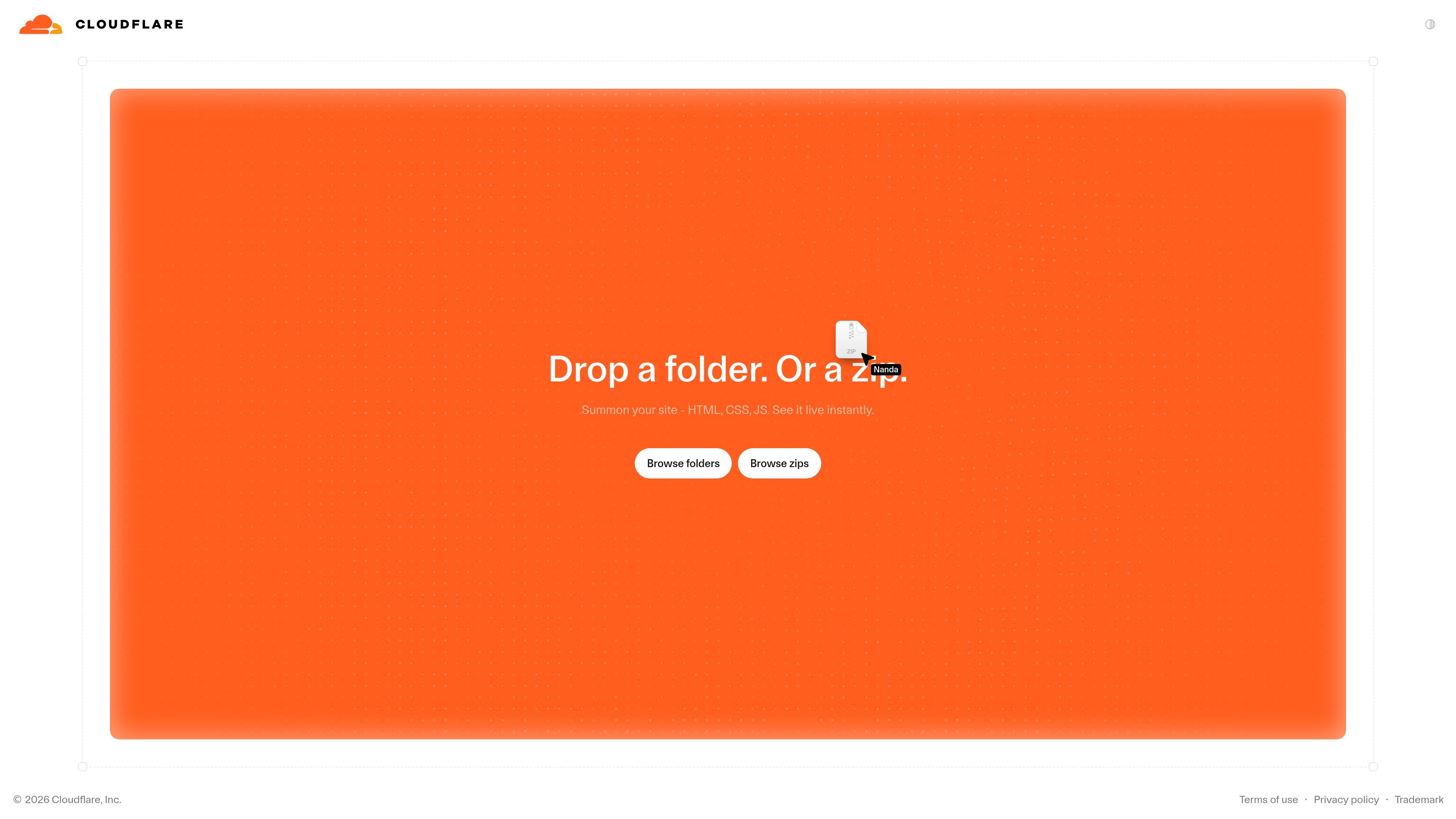
Cloudflare Drop is a simple publishing flow for putting a site online from a folder or zip file. The page tagline says you can drop in your files and see the site live on Cloudflare's global network in seconds.
The product page does not spell out build steps, runtime behavior, or framework support, so the clearest supported description is that Drop is a fast file-based deployment entry point within Cloudflare's platform. It is most useful for users who want a low-friction way to make a site publicly accessible without a complex setup.
Cloudflare's broader pricing and product pages place Drop in the same ecosystem as Workers and R2, but the Drop page itself does not document required dependencies or a separate pricing tier. That makes it safest to describe Drop as a lightweight Cloudflare publishing experience rather than a full application platform.
Upload a folder or zip file as the source for a site deployment, which keeps the starting workflow simple for file-based projects.
Cloudflare positions the product around getting a site live in seconds, suggesting a very short publish cycle for straightforward projects.
The site is shown on Cloudflare's global network, so the published result is intended to be served through Cloudflare's distributed infrastructure.
The public page presents Drop as a lightweight entry point rather than a full build system, making it a fit for basic site publishing needs.
The product appears on Cloudflare's developer and pricing ecosystem pages, which places it alongside Workers, R2, and other platform services.
Use Drop when you already have a site packaged as files and want a quick way to make it live without setting up a separate build pipeline.
Use it for demos or prototypes where speed matters more than advanced deployment controls, since the page emphasizes seeing the site live in seconds.
Use it when you want a low-friction path from local files to a public Cloudflare-hosted site and do not need a complex runtime described on the page.
Use Drop as an entry point into Cloudflare's developer ecosystem if you plan to pair a simple site with other Cloudflare services later.
Cloudflare Drop is designed to take a folder or zip file and publish it on Cloudflare's global network in seconds. The source page does not describe a separate configuration step, so the basic flow appears to be a fast upload-and-publish workflow.
The source page presents Drop as a simple way to see a site live from a folder or zip. It does not specify whether it is meant for static sites only, but the input format suggests a file-based deployment flow rather than a full application platform.
The page says you can see your site live on Cloudflare's global network in seconds. It does not publish a separate pricing model for Drop itself, so the safest reading is that availability and billing follow Cloudflare's broader platform pricing rather than a standalone Drop plan.
The page text does not list formal limits, supported frameworks, or output formats beyond a live site on Cloudflare's network. For deeper control, Cloudflare's Workers and R2 pages show adjacent platform services for compute and storage, but those are not described as required parts of Drop.

ByteAsk is a terminal-first AI coding agent for C and C++ that edits repositories and verifies changes with the real compiler, debugger, sanitizers, and tests before showing a diff. It offers a free tier plus paid plans, with editor connectors and zero-retention handling described in the source.

CreateOS Sandbox is an isolated compute environment for running code and agent workloads inside Firecracker micro-VMs. It is designed for workflows that need machine-level isolation, private networking between sandboxes, and programmatic control through SDK, CLI, or MCP.

hob is an independent workspace for coding agents that keeps agent sessions, terminals, history, and follow-up work organized around the tools and providers you already use. It is aimed at developers who want local control over routing, history, and workspace structure rather than a bundled model stack.

Ably Chat is a chat API platform for building custom realtime chat applications. It supports room-based messaging, typing indicators, presence, reactions, and message updates, with usage-based pricing options for different deployment stages.

MacSpoof ist ein MAC-Adressenwechsler für macOS: WLAN-MAC ändern oder randomisieren, um Verbindungen zu erneuern und die Protokollierung auf öffentlichem WLAN zu reduzieren.

Make Real is a Next.js app that turns hand-drawn wireframes into working HTML prototypes using the tldraw SDK and AI models. It helps users sketch on a canvas, generate code, and review the result in an embedded preview.