
Feature specifications
Capture features in plain language so an agent has a defined backlog item to implement.

ContextsBase is an MCP-connected project workspace that structures software features, schemas, business rules, and test cases for AI coding agents. Developers can organize work into iterations that compatible agents claim, build, and test in sequence.
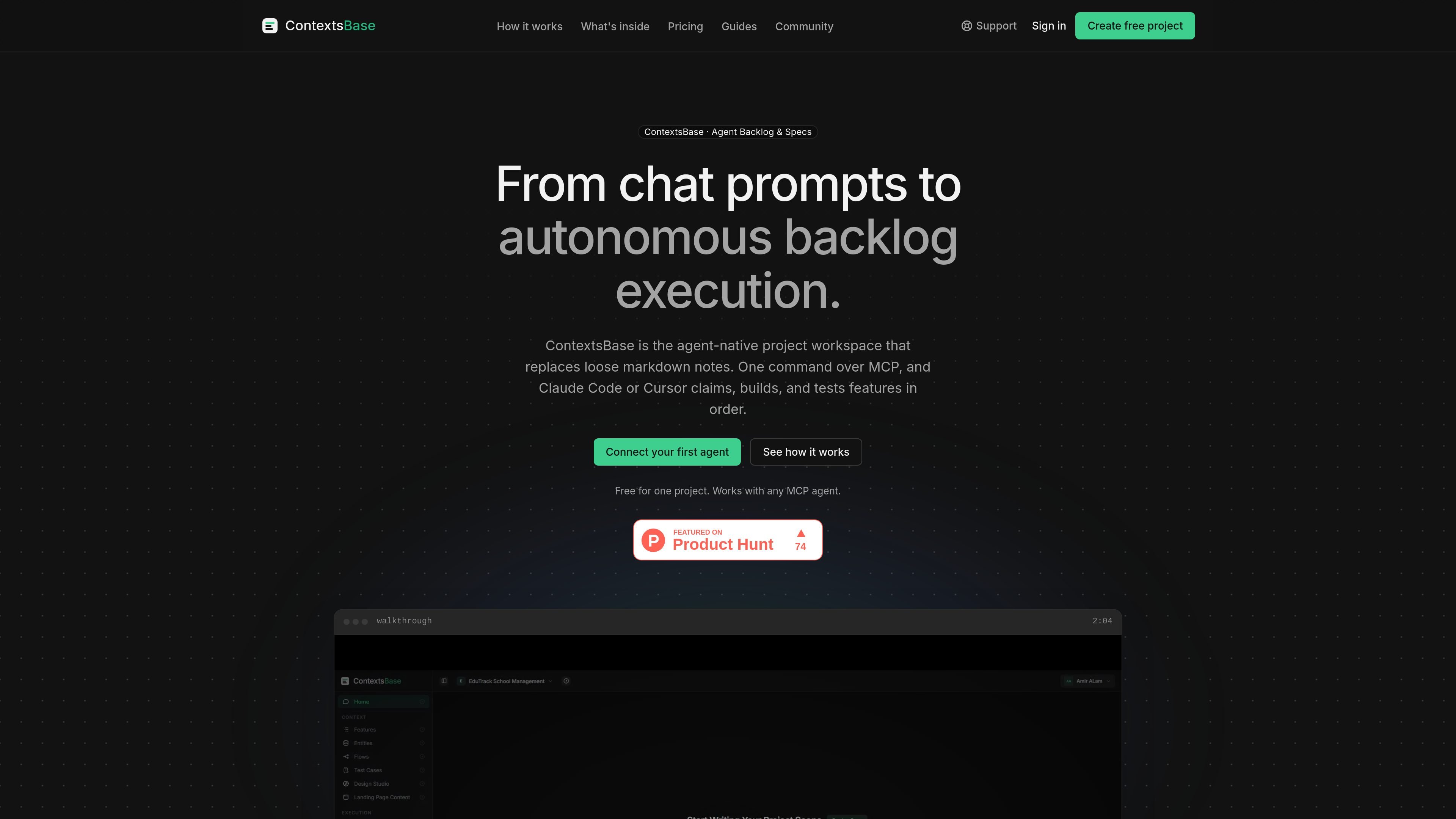
ContextsBase is an agent-native project workspace for software backlogs and specifications. It replaces loose markdown notes with structured features, data models, business rules, and test cases that an AI coding agent can retrieve through the Model Context Protocol (MCP).
A typical workflow is to organize features into an iteration, open it to agents, and send an implementation command. The agent claims the work, builds each feature, and tests it in order, reducing the need to repaste project context at the start of every coding session. The site presents the product for MCP-compatible agents including Claude Code, Cursor, Copilot, and Windsurf.
Capture features in plain language so an agent has a defined backlog item to implement.
Record the logic that tests should assert, including examples such as plan or account rules.
Define entities and fields for the application data model, giving agents structured schema context instead of requiring them to infer it.
Write given-when-then test cases that agents can turn into implementation tests and run as part of feature work.
Group features into iterations and open an iteration to agents, which can claim, build, and test its features sequentially.
Store design tokens and page-edit instructions alongside the backlog so agents can apply interface changes with the project context.
Turn a multi-feature release into an iteration, expose it to an MCP-connected agent, and let the agent work through the feature list in sequence.
Store entities, fields, and business rules once so an agent can reference the application model while implementing features instead of inferring it from incomplete notes.
Define acceptance behavior as given-when-then test cases, allowing feature work to be checked against explicit expected outcomes.
Keep design tokens and page-edit instructions with the project backlog when an agent needs to make interface changes alongside application work.
ContextsBase is configured as an MCP server in an MCP client. The site shows a configuration using the ContextsBase HTTP endpoint and a bearer token environment variable, after which compatible agents can access the project workspace.
You organize features into an iteration, open the iteration to agents, and issue an implementation command through MCP. The agent then claims features, builds them, and tests them in order.
The workspace stores features and specifications, business rules, data-model entities and fields, test cases, design tokens, and page edits. These provide the context agents use while building.
The site names Claude Code, Cursor, Copilot, and Windsurf, and states that ContextsBase works with any MCP client. The available evidence does not document every client's setup or workflow boundaries.

CreateOS Sandbox is an isolated compute environment for running code and agent workloads inside Firecracker micro-VMs. It is designed for workflows that need machine-level isolation, private networking between sandboxes, and programmatic control through SDK, CLI, or MCP.

GitBot is a local browser-based workspace for creating reusable coding bots powered by Claude Code, Codex, or OpenCode. It helps developers run those agents across repository folders with persistent threads and configurable permissions.

SonOf connects to your repo and PM tool, audits the codebase and surrounding product context, and turns approved work into shipped tickets with senior engineering review. It is aimed at founders and engineering leaders who need backlog help without hiring a full team immediately.

AakarDev AI helps teams manage AI provider access, project-level setups, logs, and analytics from one dashboard. It supports BYOK workflows and lists providers including OpenAI, Google Gemini, Anthropic, Groq, Mistral AI, and Perplexity AI.

Trigger.dev chat agent is a durable AI chat backend for developers building stateful conversations that can survive refreshes, crashes, and long-running turns. It connects with the AI SDK `useChat` flow and runs on managed infrastructure with no timeout on a turn.

ByteAsk is a terminal-first AI coding agent for C and C++ that edits repositories and verifies changes with the real compiler, debugger, sanitizers, and tests before showing a diff. It offers a free tier plus paid plans, with editor connectors and zero-retention handling described in the source.