
Bulk product image editing
Automatically resize, crop, and edit large batches of product photos so teams can apply the same visual rules across many SKUs.

Crop.photo is an AI image editing platform for bulk product imagery, with Shopify-focused workflows for resizing, cropping, and generating commerce assets at scale. It helps teams standardize large catalogs and create additional PDP, banner, and ad variations from source images.
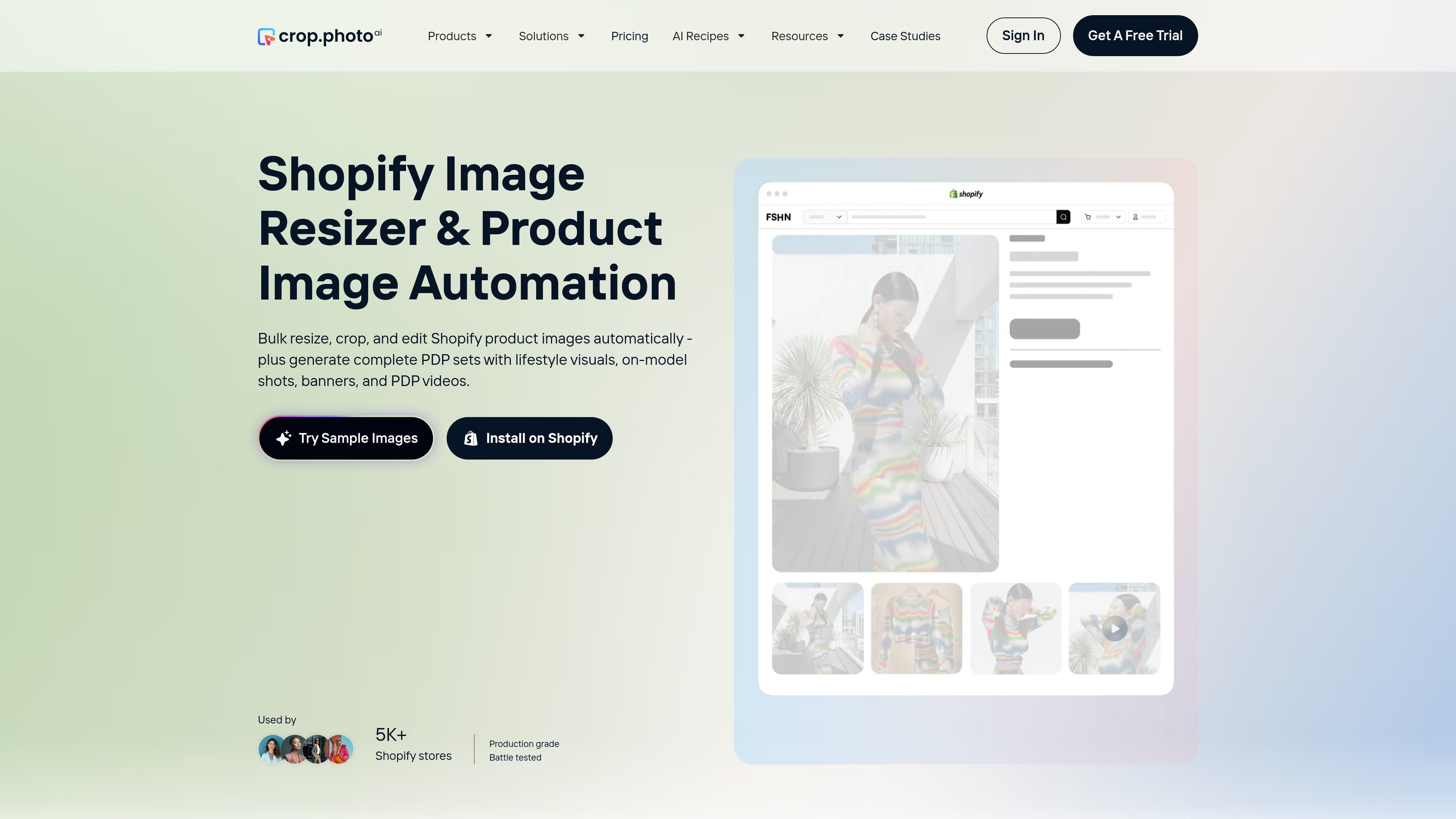
Crop.photo is an AI image editing platform focused on bulk product imagery for Shopify and other commerce workflows. On the Shopify page, it is presented as a way to automatically resize, crop, and edit thousands of product images, while also generating additional assets such as lifestyle shots, on-model visuals, banners, and PDP videos.
The product is aimed at teams that need to keep large catalogs visually consistent without manually rebuilding each image for every channel. The source highlights cloud-based processing, crop presets, unlimited automations, and a workflow that can handle everything from raw assets to Shopify-ready outputs.
Automatically resize, crop, and edit large batches of product photos so teams can apply the same visual rules across many SKUs.
Use crop presets to standardize aspect ratios, alignment, and output dimensions across PDPs, PLPs, banners, and ads.
Generate complete PDP sets from a product image, including studio backgrounds, lifestyle images, on-model visuals, and short PDP videos.
Create homepage, collection, announcement bar, email, and ad banners from a single image while keeping layouts adapted to each format.
Use the web app or API workflows to connect image processing with Shopify PIM/catalog operations and push outputs back into product pipelines.
Prepare large batches of Shopify product photos so every SKU follows the same crop, alignment, and format rules before publishing.
Turn one source image into multiple commerce assets for product pages, lifestyle placements, banners, and short videos without a new shoot.
Resize and adapt creative for homepage, collection, announcement bar, email, and ad placements from one design source.
Handle multi-store or multi-brand catalogs where image consistency needs to be maintained across many product lines and publishing workflows.
Connect image generation and bulk editing into PIM or catalog workflows using the product’s API-oriented automation references.
Yes. The homepage says you can install it on Shopify, and the product is positioned around bulk resizing, cropping, and editing product images for Shopify stores.
Crop.photo is built for bulk workflows: it can process multiple images at once, apply crop presets, and automate editing rules across large sets of product photos.
The source describes outputs such as auto-cropped product photos, resized PDP images, banner creatives, lifestyle images, on-model visuals, and short PDP videos, depending on the workflow or recipe used.
The pricing page says Crop.photo offers a free trial and that plans can be changed anytime. It also emphasizes unlimited automations, cloud processing, and cost management, but no public price points are shown in the source text.
The source does not document hard technical limits. It does state that the product is designed for high-volume catalogs, including workflows for 1,000s of images and, for Shopify scale, 40K+ images in a single bulk workflow.

Caimera is an AI visual production platform for fashion and e-commerce teams that generates product images, on-model shots, videos, and sketch-based visuals. It also supports bulk flatlay-to-catalog workflows and paid plans ranging from a free tier to enterprise.

Lasso is an ecommerce product data platform for enriching catalog records, processing supplier files, generating product content, and monitoring competitors. It combines a web app with a REST API, SDK, and MCP server for teams and developers.

DailyPlay.ai is a behavioral growth platform that uses AI site scanning and micro-games to help brands improve engagement and conversion. It supports web, mobile, and other digital touchpoints, with a one-line script setup and a free engagement scan.

Pixelcut is an AI photo editor for creating and editing product images, social content, and video assets. It offers free and paid plans, plus mobile app and browser access for individual users and teams.

Petalica Paint is a web service for automatically coloring line art and tracing line drawings from photographed images. The home page says it can be used under the stated terms for commercial and noncommercial work, but it is scheduled to end on 2025-07-31 at 16:00 JST.

Wearvue AI generates personalized outfit previews from a photo, lets users refine the style for an occasion, and surfaces similar real products to shop. It is aimed at people who want to preview outfit ideas before buying and compare them with shoppable alternatives.