
Automatic activity capture
Dayflow captures screenshots of your screen at low frequency and analyzes them with AI every 15 minutes, then builds a visual timeline of your day.

Dayflow is an automatic work journal for Mac that captures screen activity and turns it into a structured timeline with AI-generated summaries. It is aimed at developers, freelancers, and knowledge workers who want a factual record of their day and a faster way to write updates.
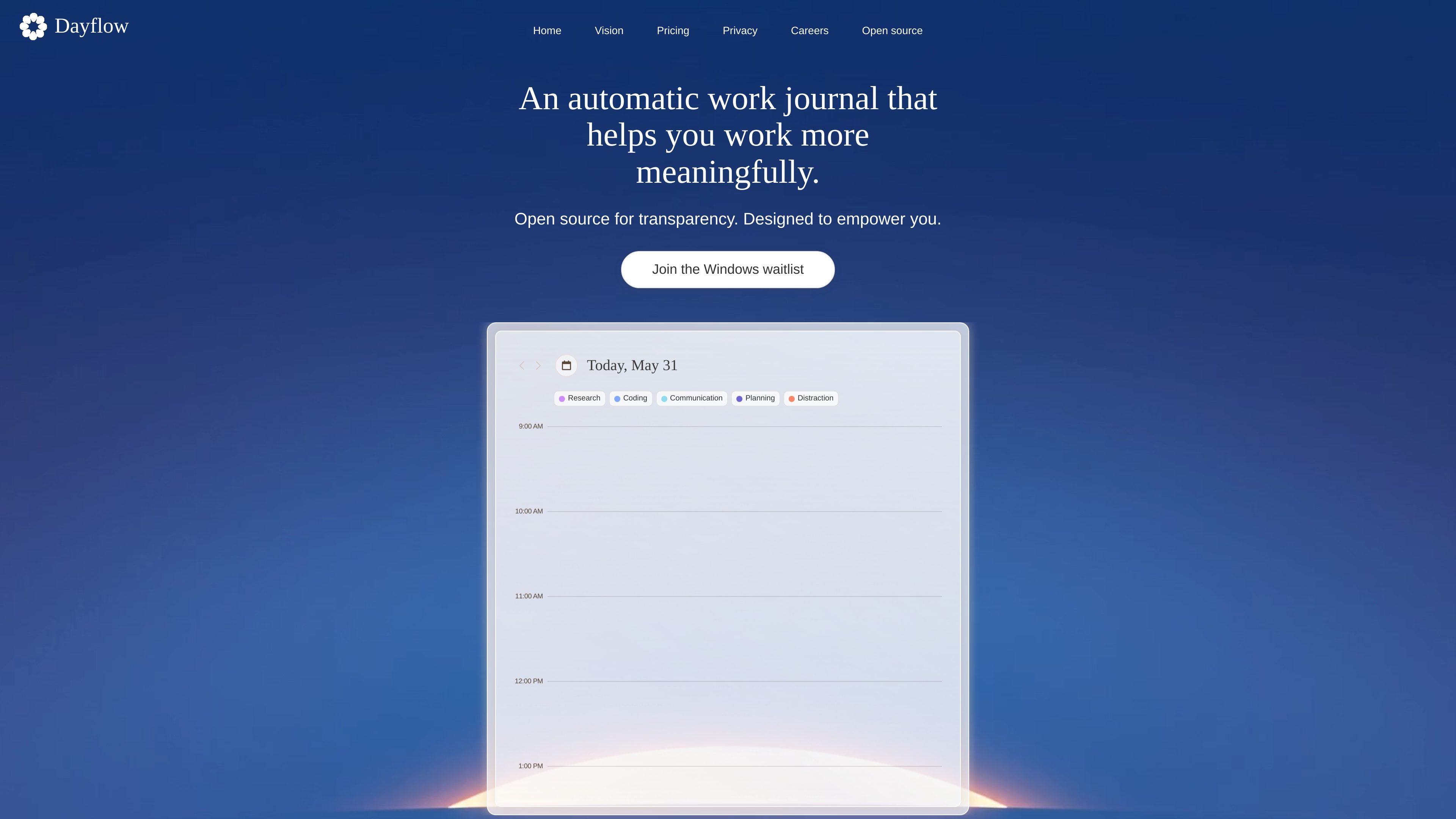
Dayflow is an automatic work journal for Mac that captures screen activity and turns it into a structured record of what you spent time on. Instead of asking you to manually tag tasks, it uses AI to produce a visual timeline with descriptions, categories, and summaries.
The product is designed for developers, freelancers, and knowledge workers who want a factual log of their day and a quicker way to write updates or reflect on progress. Dayflow is open source under the MIT license, with local storage by default and optional cloud or provider-based processing depending on how you configure it.
Dayflow captures screenshots of your screen at low frequency and analyzes them with AI every 15 minutes, then builds a visual timeline of your day.
The product turns captured activity into descriptions, categories, and summaries so you can review what you worked on without tagging items manually.
Dayflow distinguishes between different kinds of similar-looking activity, such as researching on YouTube versus watching unrelated videos, by using context from the screen.
It can generate daily and weekly summaries, and it also includes a chat view for reviewing what happened across your work history.
You can choose Local Processing, Bring Your Own AI Provider, or Dayflow Cloud, depending on how you want screenshots analyzed and where the data is handled.
The app supports local storage of screenshots, optional cloud sync of activity data in Pro, and export/delete controls for data you keep locally or in the account.
Use Dayflow as an end-of-day record of what you actually spent time on, including coding, planning, communication, and other work segments that it identifies from screen activity.
Use the automatically generated summaries to draft status updates, standup notes, or progress reports without rebuilding your day from memory.
Keep an ongoing log of tasks and focus changes if you want a clearer picture of where your time went over the course of a week.
Choose local processing if you want screenshots to remain on your own machine, or switch to a bring-your-own-provider setup if you already have preferred AI accounts.
Use the product as a shared operational tool in an organization that needs account controls such as SSO/SAML and data retention settings.
Dayflow records your screen on Mac, analyzes activity with AI, and turns it into a structured timeline with descriptions, categories, and summaries. The FAQ says it also distinguishes context, so it is meant to understand what you were doing rather than only which app was open.
Yes. In Local Processing mode, screenshots stay on your device and nothing is sent to Dayflow’s servers except optional anonymous analytics and basic account information. Dayflow also offers a bring-your-own-provider mode and an opt-in cloud mode, so you can choose the level of data sharing you want.
Dayflow is a native macOS app built with SwiftUI and requires macOS 13.0 Ventura or later. The site also says a Windows version is coming and invites users to join the waitlist.
The site says Dayflow is free and open source under the MIT license. You can use it with local models or Gemini’s free tier; ChatGPT or Claude require your own paid subscription to access those providers’ APIs.
Yes. The pricing page includes an Enterprise plan with SSO/SAML integration and data retention controls, and the privacy page says the product is designed to work securely across personal and enterprise use cases.

QuickQuill is a macOS dictation and transcription app that runs locally on the device. It helps users record meetings, transcribe audio, generate summaries, and export notes without using a cloud service.

Goldfish is an AI memory app for macOS that helps you reply, write, summarize, and continue using the context already on your Mac. It stores memory locally and writes in your tone.

Biji ist eine vielseitige Plattform, die entwickelt wurde, um die Produktivität durch innovative Werkzeuge und Funktionen zu steigern.

Redline is a budgeting tool for Claude Code that paces sessions to stay within time, token, cost, or plan-percentage limits. It uses Claude Code’s native hooks and statusline to help sessions finish with a usable result instead of stopping abruptly.

Claude Overlay is a Windows desktop overlay for Claude Code that reads your screen so you can ask questions, inspect content, and request edits without leaving the current app. It runs on your existing Claude subscription through the Claude CLI, so no separate API key is required.

Macuse is a macOS app that lets AI assistants control native Mac apps through MCP and use Computer Use for any app. It works with clients like Claude Desktop, Cursor, and Raycast, and keeps automation on-device.