
In-browser football video analysis
Use the extension on supported video platforms without downloading or re-uploading the video, because it runs on the page where the content already lives.

Dinamo Notebook is an open-source browser extension for football video analysis and tactical drawing, designed for coaches, analysts, developers, and fans. It runs locally in the browser, works on supported video platforms, and includes optional AI-assisted analysis plus export tools.
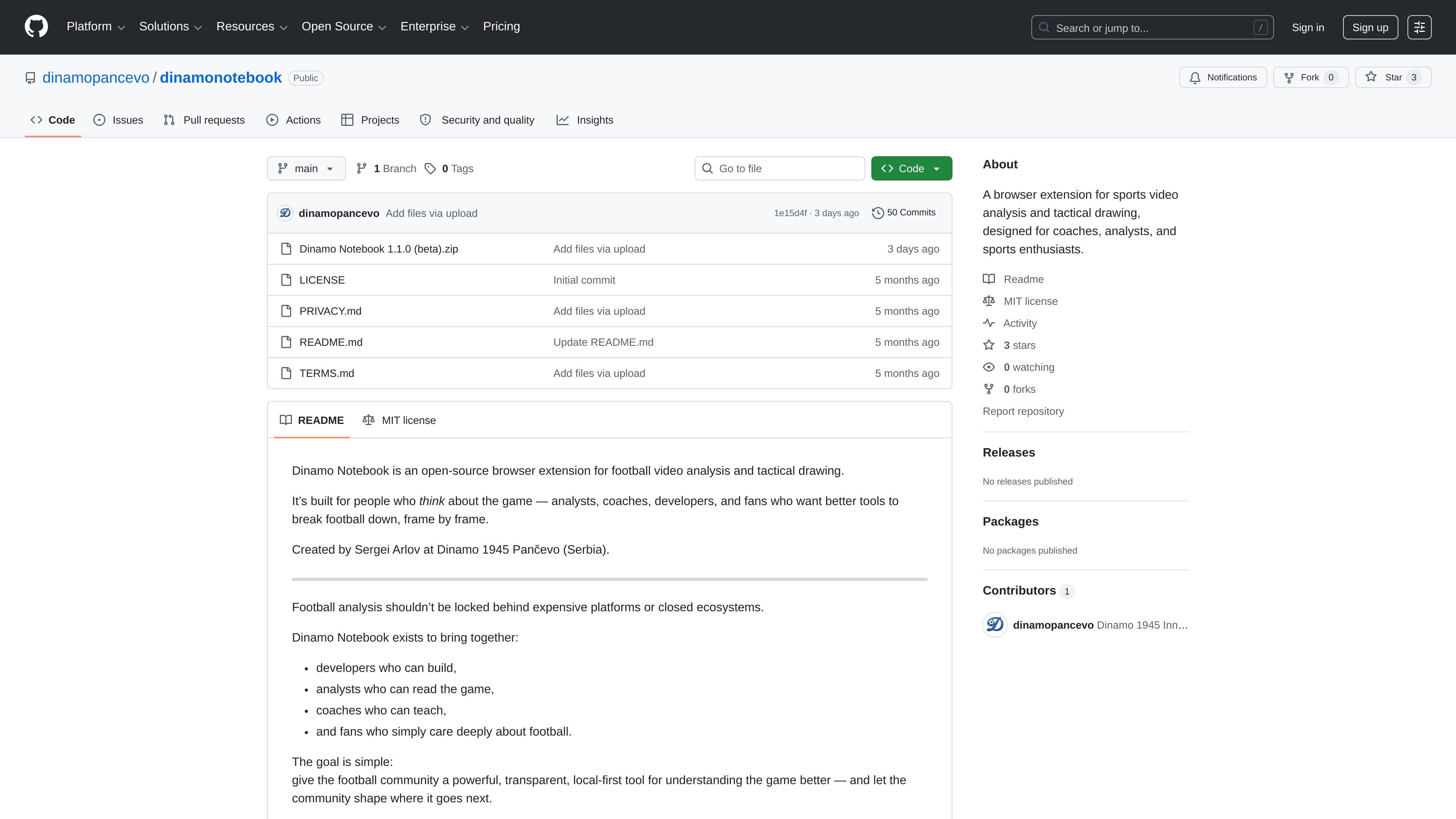
Dinamo Notebook is an open-source browser extension for football video analysis and tactical drawing. It is built for people who want to study matches frame by frame and annotate what they see without leaving the video platform.
The project positions itself as a local-first tool: analysis data stays in the browser, there are no accounts or backend servers, and AI features are optional rather than required. That makes it useful for coaches, analysts, developers, and fans who want a transparent way to break down matches, build tactical sequences, and export their work for sharing or presentation.
Use the extension on supported video platforms without downloading or re-uploading the video, because it runs on the page where the content already lives.
Add tactical annotations on paused frames using arrows, shapes, highlights, tactical symbols, pitch templates, player-position diagrams, and layered drawings.
Organize work into projects for matches, teams, and sessions, with local storage, search, filters, and version history for iterative analysis.
Export analysis as PDF reports, PNG or JPEG images, animated GIFs, or raw JSON and CSV data for sharing or further work.
Use optional AI assistance for formation explanations, movement analysis, defensive and attacking pattern breakdowns, coaching suggestions, and scenario-specific questions.
Work in multiple languages; the README lists English, German, Spanish, French, Portuguese, and Serbian, with room for community contributions.
Pause a match on a key moment, draw arrows and shapes over the frame, and save the annotated scene as part of a larger analysis sequence.
Build project-based notebooks for matches, teams, or training sessions, then search, filter, and revisit earlier versions as the analysis evolves.
Generate PDF reports, images, GIFs, or raw data exports when you need to share findings with a coach, analyst group, or presentation audience.
Use the optional AI helper to ask tactical questions about formations, player movement, or pressing issues when you want a second layer of interpretation.
Work directly on supported platforms like YouTube, Dailymotion, or Twitch when the video is already online and you do not want to download it first.
It is an open-source browser extension for football video analysis and tactical drawing. The README says it is designed for analysts, coaches, developers, and fans who want to break down football frame by frame.
The README says it works directly on YouTube, Dailymotion, and Twitch, so you analyze the video where it already lives instead of downloading or re-uploading it.
The extension can draw on paused video frames with arrows, shapes, highlights, tactical symbols, pitch templates, formation diagrams, and layered annotations.
According to the README, the extension is 100% free, MIT licensed, local-first, and open source. It also says AI features are optional and require your own OpenAI API key.
The README gives Chrome and Edge installation steps and says Firefox is planned but not yet released.

Teloframe is an AI-powered football coaching platform for building tactics, editing drills, planning sessions, and managing player development in one workspace. It includes a Free tier plus Pro and Club plans for coaches and analysts who need more collaboration and team features.

LeanUp is an AI calorie tracker and meal-planning app for logging meals, tracking macros, and getting personalized nutrition guidance. It supports barcode scanning, photo-based food recognition, manual search, and recipe reuse.

TrakMac is a voice-first macro tracking app for fitness-focused users on iOS. It estimates calories and macros from spoken meal descriptions, then helps users log food and stay aligned with their training goals.

Padel Chess is a web-based learning platform for improving padel tactical skills through puzzle-based practice. It helps players work on positioning, shot selection, and decision-making in realistic court scenarios.

Pitch Planner is a youth soccer substitution tracker for coaches and team managers. It helps plan lineups, track live substitutions and player minutes, and review match recaps from one phone.

PitchHighway helps singers learn songs with real-time pitch feedback, guided drills, and free browser tools for range testing, warm-ups, key finding, and note practice. It works in the browser and on iPhone and iPad.