
Quick capture with natural-language scheduling
Press ⇧⌘A or ⌃⇧⌘A while working, write a task in natural language, and Diurnal interprets its day, time, and tag before filing it.

Diurnal is a native Mac app for planning a day through fast keyboard or voice capture. It converts natural-language tasks into dated entries, with optional Google Calendar context, reminders, offline use, and focus timers.
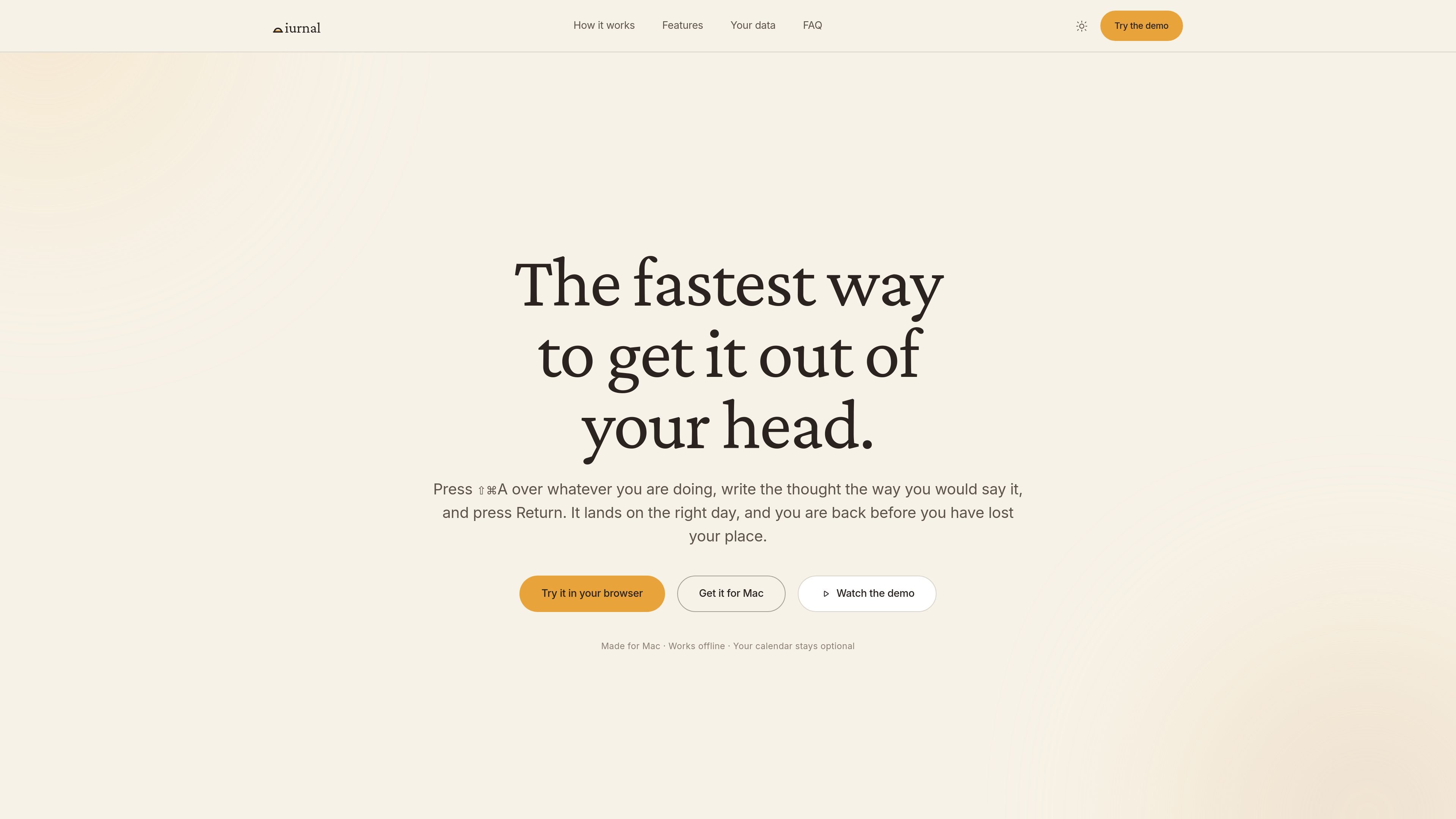
Diurnal is a native Mac planning app for turning thoughts into dated tasks. Its global shortcut opens capture over the app you are currently using, so you can write a task conversationally—such as “pay rent tomorrow 4pm #home”—and have its day, time, and tag interpreted before it is added.
The app combines daily planning with optional Google Calendar context, reminders, weekly task planning, keyboard navigation, and a built-in Pomodoro timer. It works offline after sign-in, synchronizes changes between Macs, and provides a browser demo for exploring the interface without using personal data.
Press ⇧⌘A or ⌃⇧⌘A while working, write a task in natural language, and Diurnal interprets its day, time, and tag before filing it.
Hold ⇧⌘L to dictate several tasks in one recording. Review the interpreted list before pressing Return to add anything.
Optionally connect Google Calendar to place selected meetings beside tasks, keep events updated, and create a new event with /cal.
A task time acts as its reminder, with a selectable alarm tone. Notifications are limited to reminders rather than marketing messages.
Start 25-minute focus rounds with automatic five-minute breaks and a longer break after every fourth round. Completed rounds appear in the Log.
Organize tasks with tags, move between panes with keyboard shortcuts, drag undated weekly tasks onto a day, and choose light, dark, system, or glass themes.
Capture an obligation without leaving a document, browser tab, or other active app. The global shortcut opens the entry flow, and natural-language input places the task on the intended day.
Use voice capture to record several errands or follow-ups in one breath, then inspect the parsed tasks before committing them.
Connect selected Google calendars when meetings need to be considered alongside personal tasks, while keeping calendar access separate from the required Diurnal account.
Add undated work to the week, then drag tasks onto specific days as priorities become clearer. Tags such as work, home, or money provide additional grouping.
Run focused work rounds and use the Log to review completed sessions alongside the day’s tasks.
Diurnal is a native Mac app. The download page supports macOS 15 or later on both Apple silicon and Intel Macs. A browser replica is available for trying the workflow, but it uses invented data and does not save anything after the tab is closed.
Yes. After signing in, your day is stored on your Mac and changes made offline catch up when the connection returns. Network access is used for sign-in, synchronization, and Google Calendar when connected.
No. Connecting Google Calendar is optional and separate from signing in. If connected, Diurnal can show selected calendars and create events with /cal; it does not request the permission that can delete calendars.
Yes. You sign in with Google or with an email address and password so your day can be available on more than one Mac. The site says signing in alone does not grant Diurnal calendar access.
Diurnal is available as a Mac download and can also be installed with Homebrew. The site does not provide pricing information; its pricing URL returns a 404, so cost and plan limits are not established by the available source.

Goldfish is an AI memory app for macOS that helps you reply, write, summarize, and continue using the context already on your Mac. It stores memory locally and writes in your tone.

ArtDeck is a visual reference board app for iPhone, iPad, and Mac that lets artists collect mixed reference material on one canvas and study it with ToolBox lenses. It works offline, supports optional iCloud sync, and is sold as a one-time purchase with no account required.

Biji ist eine vielseitige Plattform, die entwickelt wurde, um die Produktivität durch innovative Werkzeuge und Funktionen zu steigern.

Malyatko is a baby tracker for logging feeding, sleep, growth, teething, and milestones in one app. It works on iPhone, Apple Watch, and widgets, with no sign-up, offline use, and family sharing through iCloud.

Liam is an AI copilot for managing inboxes, writing replies, prioritizing email, and scheduling meetings. It is offered free for individuals, with custom pricing for teams and enterprise.

Gemma AI is a phone call reminder app that calls you with scheduled reminders instead of push notifications. It helps people who want a more direct way to stay on schedule, with Google Calendar sync and conversational call interactions.