
Markdown reader and live editor
Open a folder of Markdown files, read rendered pages, and edit with a split view that shows source text beside a live preview. Changes are written to the file as you type.

DotMD is a Markdown reader and editor for Mac that adds passage-level review for AI-generated documents. Connect Claude Code, Codex, Cursor, or another MCP client locally, comment on exact lines, and approve returned changes in context.
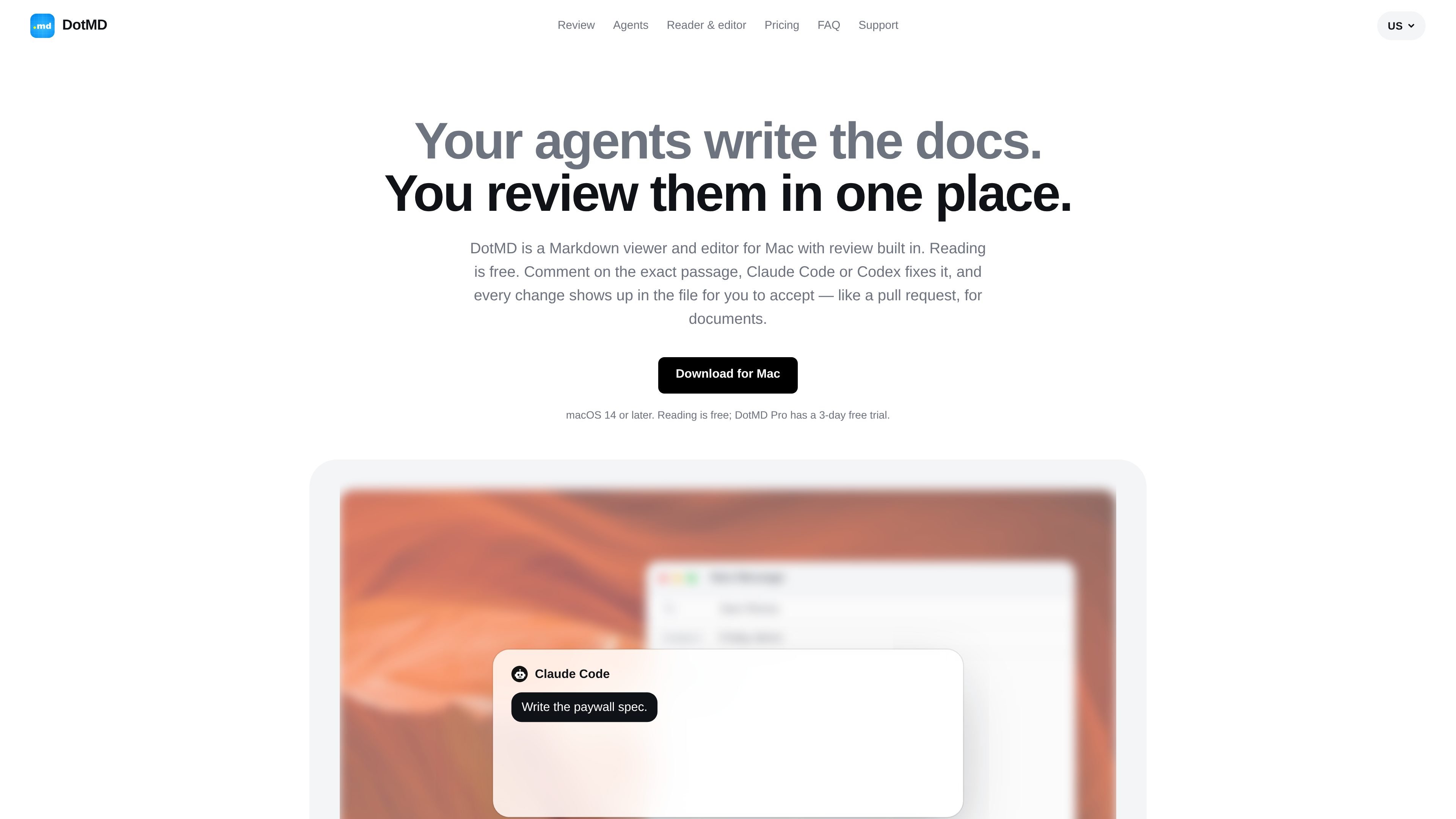
DotMD is a Markdown reader and editor for Mac with a document-review workflow for AI-assisted writing. It displays Markdown as a rendered page, provides a live source-and-preview editor, and saves edits directly to the underlying file. Reading is free; review features and agent tools are part of DotMD Pro.
The app connects compatible AI agents through a local MCP server. An agent can send a document for review, wait while you comment on specific passages, and return file edits for approval. Changes remain visible in context, making DotMD suited to reviewing specs, plans, rollout documents, and other Markdown files without relying on a chat transcript.
Open a folder of Markdown files, read rendered pages, and edit with a split view that shows source text beside a live preview. Changes are written to the file as you type.
Select the exact passage and attach a comment with its line numbers. An agent receives the context, edits the file, and returns a response tied to the requested change.
Review edits in place with old text shown in red and new text in green. Accept, reopen, or accept all changes, while unrelated changes are listed separately.
Run a local MCP server that lets compatible agents open files, read selections and comments, search workspaces, highlight lines, and send documents for review.
Keep a version whenever you or an agent changes a file. Compare versions, restore a block, or revert the whole file from version history.
Render Markdown with tables, syntax-highlighted code, Mermaid diagrams, KaTeX formulas, callouts, footnotes, and front matter. The app also supports clicking rendered content to jump to its source.
Have an agent draft a technical specification, send it to DotMD for review, and comment on requirements or wording at the relevant lines before approving the returned edits.
Inspect rollout steps, timelines, and operational plans in rendered Markdown. Point out a specific risk or unclear milestone and receive a targeted revision rather than a rewrite of the entire document.
Use one agent to make a draft and another MCP-connected agent to leave review comments. Keep the comments that matter, then have the authoring agent address them and review the result.
Work through a folder of Markdown documents with a visible Needs You queue, recent agent requests, and version history for changes made by you, agents, or Git.
No. DotMD is a Mac app for macOS 14 or later, and the site states that there is no Linux or Windows version.
Turn on Settings → MCP, then add the displayed local server URL to the agent's MCP settings. The default address is http://127.0.0.1:8089/mcp. DotMD must remain open while the agent uses the server.
The agent sends a document with request_review and waits. You can select passages, add comments, and click Send; the agent then returns edits shown alongside the original text. You can accept, reopen, or send changes back for another round, or approve the document without comments.
Reading is free. Comments, reviews, and agent connections over MCP are part of DotMD Pro, which has a 3-day free trial according to the site.
No account is required. Files, comments, and history stay on the Mac. The MCP server listens on 127.0.0.1, and the site says requests from other computers and browser pages are refused.

ByteAsk is a terminal-first AI coding agent for C and C++ that edits repositories and verifies changes with the real compiler, debugger, sanitizers, and tests before showing a diff. It offers a free tier plus paid plans, with editor connectors and zero-retention handling described in the source.

Epherem is a static security scanner for web apps built with AI coding tools such as Lovable, Bolt, v0, Replit, Cursor, and Claude Code. It checks source files and dependencies for common security mistakes, then provides categorized findings and suggested fixes without running the app.

CreateOS Sandbox is an isolated compute environment for running code and agent workloads inside Firecracker micro-VMs. It is designed for workflows that need machine-level isolation, private networking between sandboxes, and programmatic control through SDK, CLI, or MCP.

Gerty is a local AI assistant for Apple silicon Macs that handles chat, writing, documents, voice and selected Mac app tasks without sending data to the cloud. It works offline after model downloads and is designed for users who want private everyday AI without an account or subscription.

GitBot is a local browser-based workspace for creating reusable coding bots powered by Claude Code, Codex, or OpenCode. It helps developers run those agents across repository folders with persistent threads and configurable permissions.

hob is an independent workspace for coding agents that keeps agent sessions, terminals, history, and follow-up work organized around the tools and providers you already use. It is aimed at developers who want local control over routing, history, and workspace structure rather than a bundled model stack.