
Email-native intake
CC Dottr on an existing email thread or forward a message. It uses the conversation, notes, or attached documents to prepare a contract without requiring the counterparty to create an account.

Dottr is an AI contract-workflow assistant that drafts and reviews agreements from email context, flags risks in plain English, and coordinates e-signature and follow-up. It is designed for teams managing business contracts from negotiation through execution and renewal.
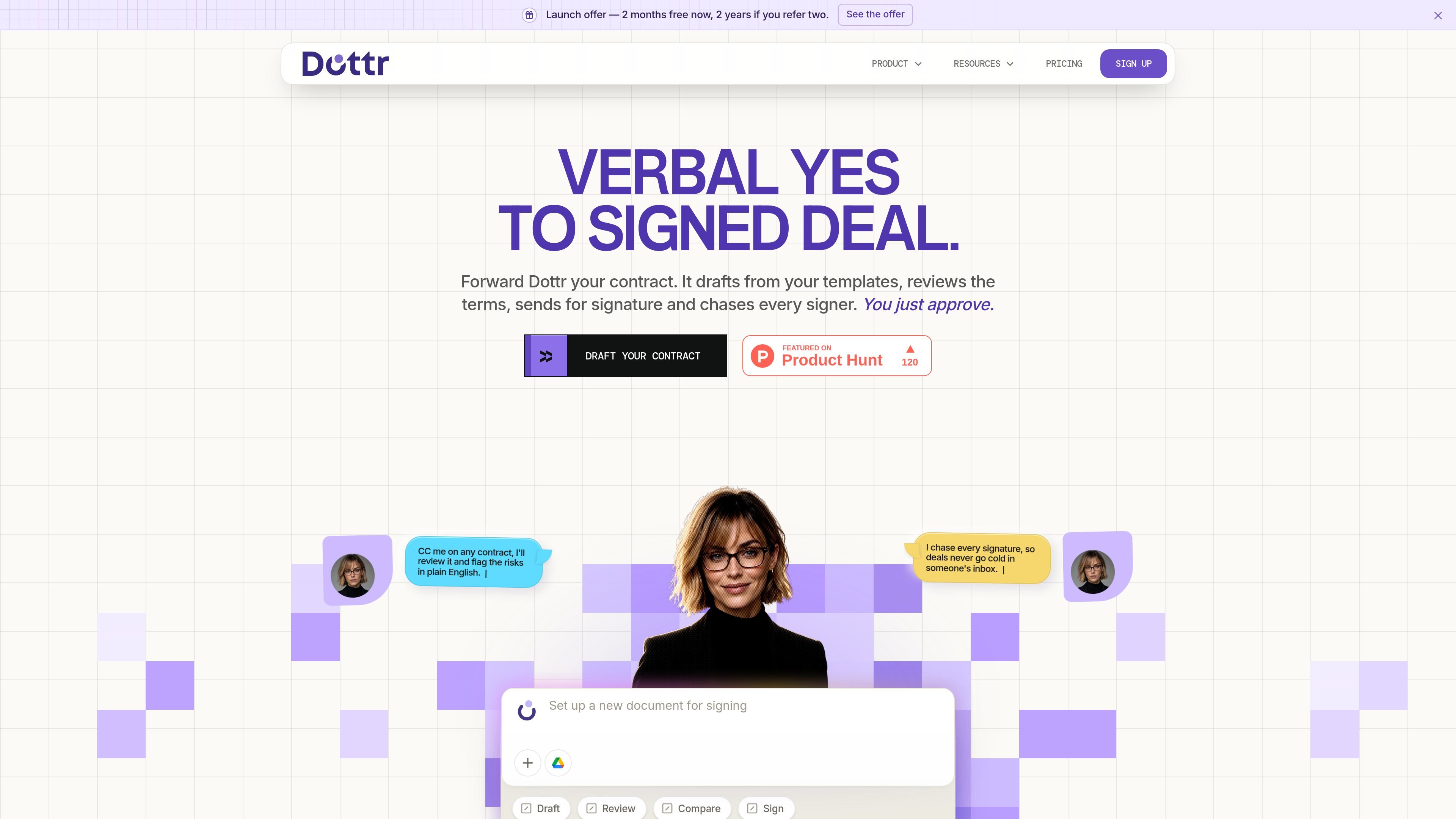
Dottr is an AI contract-workflow assistant that works through email. Teams can CC or forward a contract thread, provide notes or templates, and use Dottr to draft documents, review terms, coordinate signatures, and retain the completed contract.
Its core purpose is to move a contract from verbal agreement to signed document without requiring a separate login for the counterparty. Dottr flags issues in plain English, returns tracked document versions during negotiation, follows up with signers, and keeps contract information available for later questions and renewal reminders.
CC Dottr on an existing email thread or forward a message. It uses the conversation, notes, or attached documents to prepare a contract without requiring the counterparty to create an account.
Create documents from company templates, approved clauses, conversation context, or notes. The pricing page says rule-based creation supports the rules of any jurisdiction, but specific jurisdiction coverage is not detailed.
Review either party's paper, flag risks in plain English, and suggest changes. Users can accept, reject, or revise recommendations and receive tracked Word documents with changelogs across negotiation rounds.
Send documents for e-signature, track who has opened, viewed, and signed, and configure follow-up cadence. Signers do not need a Dottr account, and the workflow includes an audit trail and certificate of completion.
Keep a searchable contract log, compare versions, retain version history, and ask questions across the repository. Dottr also provides renewal reminders for contract expiry and auto-renewal windows.
Use named comments, shared review, roles, granular permissions, and multiple entities in a workspace. The pricing page says users are unlimited and seats are not billed.
Forward a deal thread or add Dottr to it with the agreed commercial terms. Dottr extracts the context and prepares an MSA, SOW, NDA, offer letter, or similar document from the company's templates for approval.
Send either your own contract or the other party's paper for review. Use plain-English explanations to assess issues such as uncapped indemnity, auto-renewal notice periods, or undefined deliverables, then decide which changes to make.
Manage multi-round negotiations when clauses change across exchanged drafts. Dottr returns tracked Word documents, changelogs, version comparisons, and collaboration tools so reviewers can identify what moved.
Send an approved document for signature and set how frequently Dottr follows up. It tracks signer status, nudges outstanding signers, and returns the completed document with an audit trail.
Use the repository after signing to search contract history, ask questions about stored agreements, and receive reminders before expiry or auto-renewal windows.
CC [email protected] on a contract thread or forward the email. Dottr uses the conversation context to draft or review the document and replies in the same thread; the other party does not need an account.
Dottr can draft from a conversation, notes, or company templates; review the document and flag risks in plain English; return tracked Word versions with changelogs; coordinate e-signature; and provide a signed copy with an audit trail and certificate of completion.
No. The first five contracts are free, and they include the full workflow rather than a preview. After that, contracts are purchased in packs, with no subscription, monthly minimum, or per-seat fee stated on the pricing page.
Workspace seats are not billed, and the pricing page says users can have admin and member roles, granular permissions, multiple entities, shared review, and collaboration. This supports use by a whole team, subject to the workspace's configured permissions.
No. The pricing page states that customer documents are used to answer customer questions, are not used to train AI models, and are not shared with other customers.

Termsy is a Chrome extension that scans Terms of Service and Privacy Policy pages, highlights critical clauses, and displays them in a sidebar. It is designed to help users review policy pages faster, not to provide legal advice.

Harvey is an AI platform for legal and professional services teams that supports research, drafting, document review, and workflow automation. It is built for law firms and in-house legal teams working across connected documents, sources, and enterprise tools.

Legitt AI is an AI contract generator and contract lifecycle management platform for drafting, reviewing, signing, and tracking business agreements. It supports common contract types, jurisdiction-specific clauses, and post-signature contract tracking, with free and paid plans available.

Jotform Sign is electronic-signature software for converting PDFs or preparing documents, sending them to stakeholders, collecting signatures on any device, and tracking progress. It is designed for digital document workflows and is available through ChatGPT and Claude.

GentleCase ist eine Software zur Mandatsverwaltung für Einwanderungsfälle für Kanzleien mit Mandantenprofilen, Fallverfolgung, Visa-Vorlagen, Dokumentenverwaltung, Messaging und Mandantenportal.

Artifact is a document workflow tool for freelancers, consultants, and agencies. It turns notes into proposals and lets clients approve, sign, and pay from one link.