
Live system surfaces
Presents media, downloads, AirDrop, timers, screen recording, connectivity events, lock-screen transitions, and custom hardware HUD content inside the notch surface.

DynamicNotch is a native macOS app that turns the MacBook notch into a live system surface for media, downloads, timers, connectivity events, and other status content. It also supports a floating capsule mode on non-notched displays.
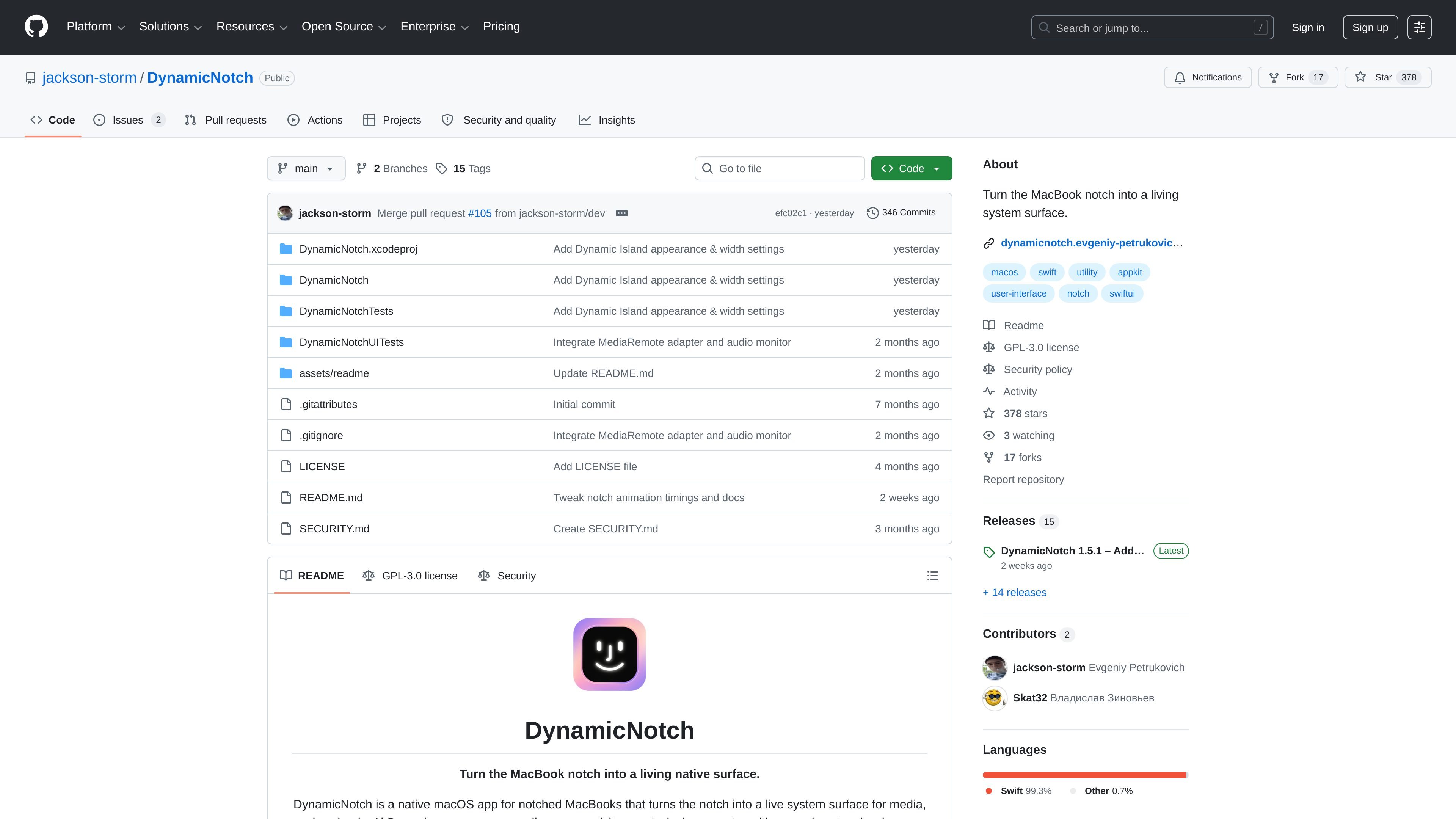
DynamicNotch is a native macOS app for notched MacBooks that turns the notch into an active system surface. Instead of treating the cutout as static empty space, it uses the area for live content such as media controls, downloads, AirDrop, timers, screen recording, connectivity changes, lock-screen transitions, and hardware-style HUDs.
The project is built with SwiftUI and AppKit, and the README describes its behavior as queue-driven and system-aware. It also supports non-notched displays by switching to a floating capsule presentation, so the same interface can adapt across Mac hardware while staying close to macOS conventions.
Presents media, downloads, AirDrop, timers, screen recording, connectivity events, lock-screen transitions, and custom hardware HUD content inside the notch surface.
Supports devices without a physical notch by switching to a floating capsule shape when topInset is 0, so the same interface can adapt to different Mac displays.
Includes interactive gestures such as mouse drag, trackpad swipes, vertical swipe-to-dismiss or restore, and horizontal scroll-to-dismiss.
Provides configurable notch width and height, stroke options, background styling, animation presets, display selection, and fullscreen-space handling.
Adds native HUD replacements for system volume, screen brightness, and keyboard backlight, along with temporary alerts for battery, Bluetooth, Wi-Fi, VPN, and focus events.
Combines synchronized LRCLIB karaoke lyrics with a Lyrics.ovh fallback through a chained lyrics provider setup for now-playing experiences.
Use the notch as a compact status area for now playing information, downloads, AirDrop, timers, and screen recording indicators without adding a separate overlay app.
On Macs without a notch, use the floating capsule mode to keep the same style of live alerts and controls on external monitors, iMacs, or Mac mini setups.
Rely on the gesture and dismissal controls when you want temporary alerts to stay unobtrusive but still be easy to reveal, move, or hide.
Customize notch size, styling, and animation settings when you want the surface to better match a particular display, background, or fullscreen workflow.
Use the chained lyrics provider for now-playing experiences when synchronized karaoke lyrics are available, with a fallback to a static lyrics database when they are not.
The README says the app is installed by downloading the latest DMG from the Releases page, dragging DynamicNotch into Applications, and launching it. If macOS blocks the first launch, you can allow it from System Settings > Privacy & Security.
The README lists macOS 14.6 or later as a requirement.
Yes. The README says it works on both notched MacBooks and non-notched displays, where it renders as a floating Dynamic Island-style capsule.
The source lists feature-specific permissions as needed, including Accessibility, Bluetooth, Screen Recording, and Media/Now Playing access depending on which features you use.
DynamicNotch is released under the GNU General Public License v3.0, and the repository also provides a security policy for reporting vulnerabilities by email.

Goldfish is an AI memory app for macOS that helps you reply, write, summarize, and continue using the context already on your Mac. It stores memory locally and writes in your tone.

Biji ist eine vielseitige Plattform, die entwickelt wurde, um die Produktivität durch innovative Werkzeuge und Funktionen zu steigern.

MacSpoof ist ein MAC-Adressenwechsler für macOS: WLAN-MAC ändern oder randomisieren, um Verbindungen zu erneuern und die Protokollierung auf öffentlichem WLAN zu reduzieren.

Redline is a budgeting tool for Claude Code that paces sessions to stay within time, token, cost, or plan-percentage limits. It uses Claude Code’s native hooks and statusline to help sessions finish with a usable result instead of stopping abruptly.

Claude Overlay is a Windows desktop overlay for Claude Code that reads your screen so you can ask questions, inspect content, and request edits without leaving the current app. It runs on your existing Claude subscription through the Claude CLI, so no separate API key is required.

NomNak ist eine kostenlose Restaurant-Discovery-App für iPhone, mit der du Orte über Empfehlungen von Freunden statt über anonyme Bewertungen findest.