
Local work journal
Records supported tool inputs and results, including useful failures such as timeouts or empty results, while a turn is in progress.

Eggshell is a local memory tool for Codex CLI that records coding-agent work, organizes it on the developer’s machine, and hands relevant findings to later chats. It helps developers continue repository investigations and follow-up tasks without rebuilding context from scratch.
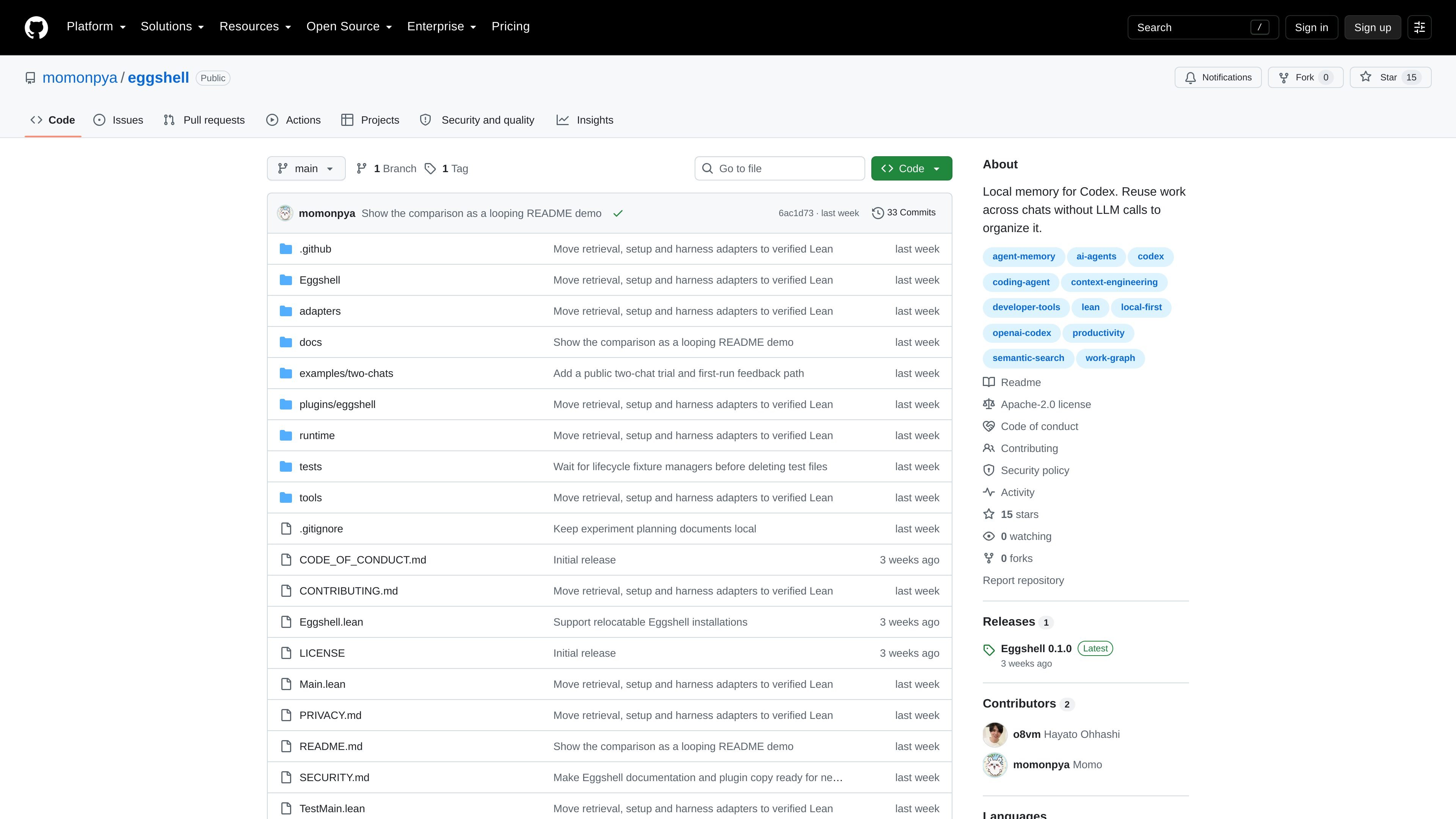
Eggshell is a local memory tool for AI coding agents, centered on Codex CLI. It records work from one chat—such as repository searches, commands, documentation findings, tool results, and conclusions—and makes relevant history available to a separate chat in the same project. Its purpose is to reduce the need to repeat investigation when an agent conversation ends or a follow-up starts.
The Codex integration stores project memory in local Eggshell files and uses local search and graph processing to organize it. A later agent receives a selected handoff and is instructed to reuse supported findings, check facts that may have changed, and identify what it reused or left unverified. The project also includes separate experimental adapters for Claude Code, Gemini CLI, Cursor, and OpenCode, but those integrations are built and installed independently from the published Codex plugin.
Records supported tool inputs and results, including useful failures such as timeouts or empty results, while a turn is in progress.
Uses local text matching and MiniLM embeddings to find related work in files that the project configuration allows Eggshell to read.
Connects requests, operations, and outcomes in a graph, then sends selected prior work as context to a new chat.
Saves each observation independently and retries interrupted writes; unfinished work remains open while completed turns add a parent result.
Runs search and graph processing locally without using an LLM to summarize memories, classify them, or maintain the graph.
Provides Codex controls such as `!egg doctor`, `!egg graph`, `!egg keep`, and `!egg drop` for checking setup, inspecting delivery, saving a turn, or clearing the active turn.
Record commands, searches, and source findings during a codebase investigation, then ask a new chat to continue from the documented evidence rather than repeat the initial exploration.
Save the outcome of a completed implementation or debugging turn and pass the relevant decisions and supporting operations to a later task in the same project.
Use `!egg graph` to inspect which prior work was actually delivered to the agent, helping verify that a handoff contains the expected context before proceeding.
Keep incomplete work available after an interrupted session; queued writes retry automatically and the next task can distinguish historical results from facts that need rechecking.
Install one of the separate adapters when working in Claude Code, Gemini CLI, Cursor, or OpenCode, while treating those integrations as experimental rather than equivalent to the documented Codex workflow.
Eggshell is designed for Codex CLI projects on macOS or Linux, with Apple Silicon/ARM64 or x86-64 support. The Codex client must support plugins and command hooks.
Install the Codex plugin with the documented installer or from a source checkout, then run `egg init` in the project. In Codex, review and enable Eggshell's hooks through `/hooks`, start a new chat, and use `!egg doctor` to check the setup.
After initialization, Eggshell records supported tool results and final answers locally, searches relevant prior work, and sends selected history as a handoff to a later chat. Ordinary tasks do not require special prompts, although `!egg keep` can explicitly save a finished turn.
The Codex integration uses command hooks, so ordinary ChatGPT Chat does not provide automatic Eggshell memory. The adapters for Claude Code, Gemini CLI, Cursor, and OpenCode are separate experimental, source-built integrations.
Eggshell's search and graph processing run locally without LLM calls for summarization, classification, or graph maintenance. Retrieved memory and the agent's later work still use the model's normal input and output tokens.

ByteAsk is a terminal-first AI coding agent for C and C++ that edits repositories and verifies changes with the real compiler, debugger, sanitizers, and tests before showing a diff. It offers a free tier plus paid plans, with editor connectors and zero-retention handling described in the source.

Goldfish is an AI memory app for macOS that helps you reply, write, summarize, and continue using the context already on your Mac. It stores memory locally and writes in your tone.

Lasso is an ecommerce product data platform for enriching catalog records, processing supplier files, generating product content, and monitoring competitors. It combines a web app with a REST API, SDK, and MCP server for teams and developers.

CreateOS Sandbox is an isolated compute environment for running code and agent workloads inside Firecracker micro-VMs. It is designed for workflows that need machine-level isolation, private networking between sandboxes, and programmatic control through SDK, CLI, or MCP.

ArtDeck is a visual reference board app for iPhone, iPad, and Mac that lets artists collect mixed reference material on one canvas and study it with ToolBox lenses. It works offline, supports optional iCloud sync, and is sold as a one-time purchase with no account required.

GitBot is a local browser-based workspace for creating reusable coding bots powered by Claude Code, Codex, or OpenCode. It helps developers run those agents across repository folders with persistent threads and configurable permissions.