
Structured preview metadata
Returns a compact JSON object with the fields needed for a rich link card, including title, description, image, favicon, site name, canonical URL, locale, and source URL.

Exabase Link Preview is a developer API that fetches title, description, image, favicon, and other preview metadata for any URL. It returns structured JSON for building rich link cards and similar previews.
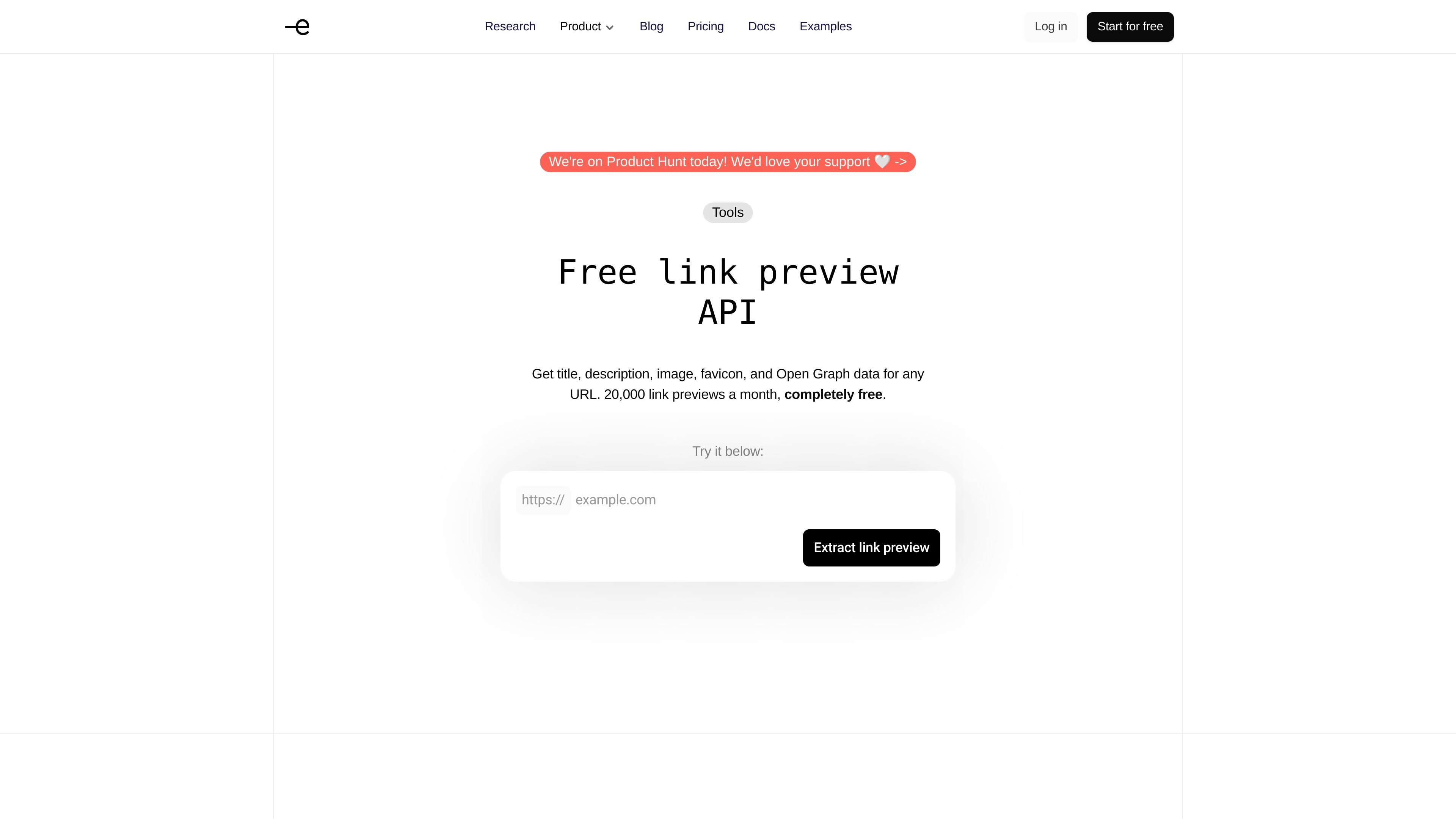
Exabase Link Preview is a developer API for fetching rich metadata from a URL and returning it as structured JSON. It is designed to power link cards and other preview surfaces without requiring your app to scrape pages or create a separate resource.
The API returns the fields commonly needed for previews: page title, description, preview image, favicon, site name, canonical URL, locale, and related image or icon metadata. The product page positions it as a single GET request that works in real time, including on pages rendered with JavaScript.
Returns a compact JSON object with the fields needed for a rich link card, including title, description, image, favicon, site name, canonical URL, locale, and source URL.
Fetches pages and extracts Open Graph tags and related metadata in one request, so apps do not need to parse HTML themselves.
The docs state that the API can fetch pages in real time, including content rendered with JavaScript.
Provides image and favicon details with dimensions, MIME type, and file size where available, which is useful for layout and validation.
Returns a synchronous response, making it suitable for immediate rendering of link cards or previews in an app.
The docs note a 404 response when no preview data can be fetched for a URL, giving a clear failure signal for unsupported pages.
Show a rich preview when a user pastes a URL into chat, messaging, or collaboration software. The API supplies the title, description, image, and favicon needed for a card-style presentation.
Auto-generate preview cards inside editorial tools or CMS workflows when an editor adds a link. This removes the need for manual entry of title and thumbnail data.
Populate bookmark libraries with page metadata when a user saves a URL. The returned title, description, and image can be used to organize saved links visually.
Check how a URL will render before publishing it in social scheduling tools. The image dimensions returned by the API can help detect previews that may not fit expected aspect ratios.
Use the response as a lightweight metadata source when you need preview information but not the full page body. The product page points users to Exabase Extract when they need full content extraction instead.
It is a single-request API that accepts a URL and returns structured link metadata such as title, description, image, favicon, site name, canonical URL, and locale. The docs describe the response as synchronous.
The developer guide shows the API being used through an Exabase API key sent in the X-Api-Key header. The general docs also note that API keys should not be exposed in client-side code.
The documentation describes the endpoint as GET /v2/link and shows example requests with a url query parameter. The landing page also presents it as a GET request that returns JSON.
The landing page says the service is completely free up to 20,000 link previews a month, with a nominal charge beyond that of 0.01 credits. The pricing page also indicates Exabase has a free plan and paid usage model, but the Link Preview page gives the clearest usage cap.
Yes. The landing page says the API fetches and parses pages in real time, including pages rendered with JavaScript, and the docs say the response is synchronous. A 404 is returned when no preview data can be fetched.

ByteAsk is a terminal-first AI coding agent for C and C++ that edits repositories and verifies changes with the real compiler, debugger, sanitizers, and tests before showing a diff. It offers a free tier plus paid plans, with editor connectors and zero-retention handling described in the source.

CreateOS Sandbox is an isolated compute environment for running code and agent workloads inside Firecracker micro-VMs. It is designed for workflows that need machine-level isolation, private networking between sandboxes, and programmatic control through SDK, CLI, or MCP.

hob is an independent workspace for coding agents that keeps agent sessions, terminals, history, and follow-up work organized around the tools and providers you already use. It is aimed at developers who want local control over routing, history, and workspace structure rather than a bundled model stack.

Manta AI is an autonomous web app testing tool for teams that want to map application behavior, catch regressions, and generate tests without writing scripts or maintaining selectors. It works from a URL and supports plain-English test flows, run results with screenshots, and scheduled or deployment-triggered checks.

SonOf connects to your repo and PM tool, audits the codebase and surrounding product context, and turns approved work into shipped tickets with senior engineering review. It is aimed at founders and engineering leaders who need backlog help without hiring a full team immediately.

Ghost ist ein terminalbasierter KI-Assistent für Chats, Code-Generierung und Aufgaben direkt in der Kommandozeile. Mit kostenlosen Modellen, Linux, macOS und Windows. Open Source.