
MCP and CLI access
Connect FetchSandbox through one MCP config, with docs showing use in Cursor, Claude Code, Cline, Windsurf, Codex, and other IDE-based agents.

FetchSandbox is a stateful API sandbox for testing integrations from an IDE or MCP-enabled workflow. It helps developers validate webhooks, retries, workflow state, and failure cases without using real API quota.
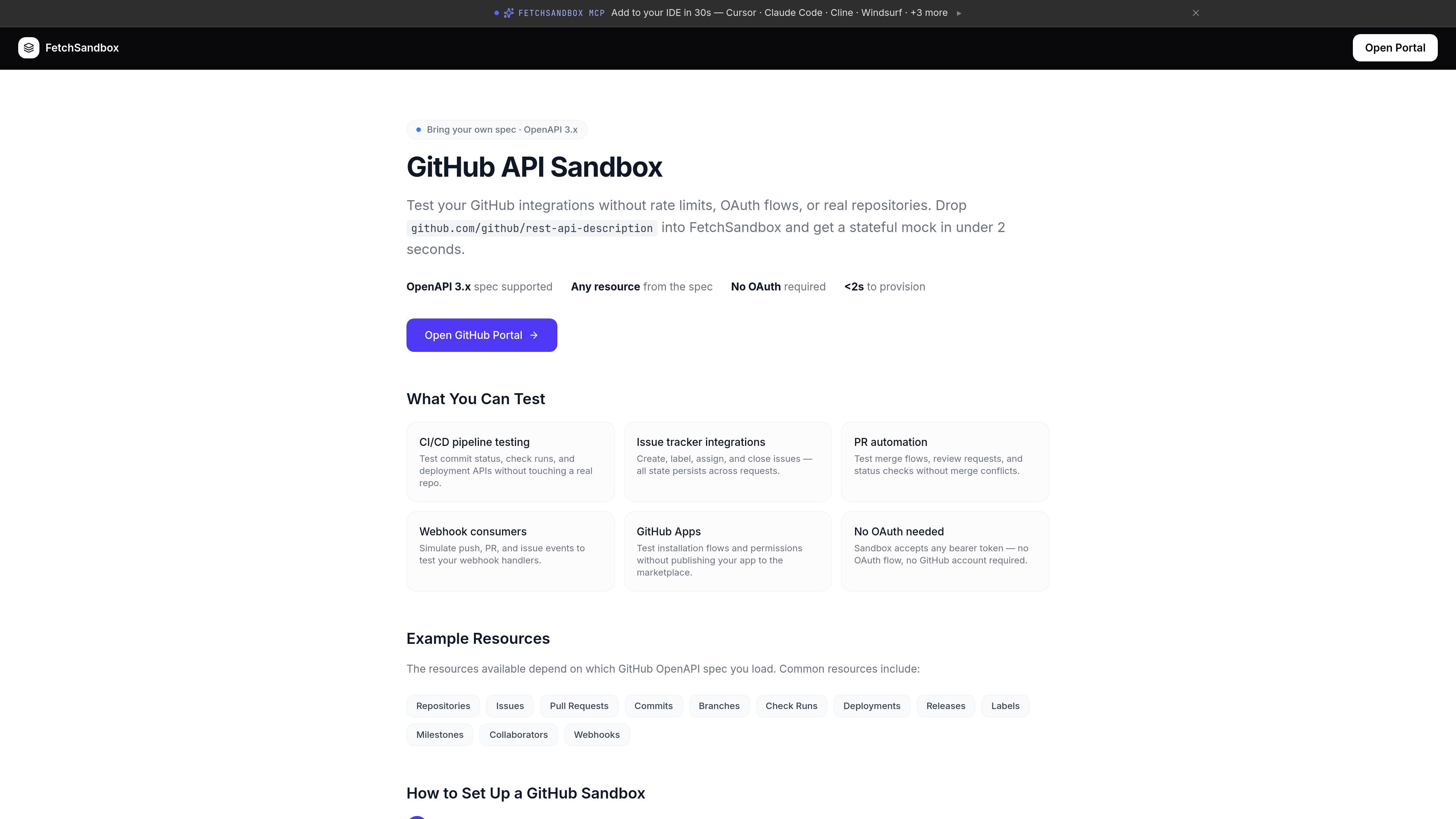
FetchSandbox is a developer tool for testing API integrations inside an AI coding workflow instead of against live production APIs. It connects through MCP and CLI support, with the homepage calling out compatibility with Cursor, Claude Code, Cline, Windsurf, Codex, and similar tools.
The product focuses on runnable API sandboxes that preserve state across steps and emit the webhooks a real integration would trigger. That lets agents and developers validate complete workflows, not just successful responses, before code reaches production.
The site positions FetchSandbox around realistic behavior: accepted flows, retries, async events, failure cases, and webhook delivery. Pricing and docs also show that users can begin with bundled APIs, import OpenAPI specs, and upgrade for private integrations and team features.
It is aimed at developers building and validating integrations such as payments, messaging, and email workflows, especially where hidden edge cases or webhook behavior matter. The docs for Stripe, Resend, and Twilio illustrate how the sandbox is used for multi-step integration testing with acceptance criteria and reportable output.
Connect FetchSandbox through one MCP config, with docs showing use in Cursor, Claude Code, Cline, Windsurf, Codex, and other IDE-based agents.
Run stateful, production-style API flows rather than isolated calls. The site emphasizes terminal state, invariants, workflow state, and end-to-end verification.
Simulate real integration behavior including webhooks, retries, async events, failed requests, rate limits, and other failure modes.
Start from bundled APIs or import an OpenAPI spec. The pricing page says the service supports OpenAPI imports and the site advertises 50+ ready APIs.
Use validation runs that produce a markdown report and example output that can be committed or shared in PRs and chat.
Choose private integrations and team controls on paid tiers, including run history, webhook replay, SSO/SAML, audit logs, and private storage.
Validate payment flows such as Stripe accept-payment, where a run can create a customer, confirm or capture a payment, and verify the webhook trail and final state.
Check email delivery workflows with Resend by sending a message, confirming its status, and verifying delivery-related webhook events.
Reproduce integration bugs inside an IDE using MCP prompts and the sandbox's deterministic workflow state, then generate a report that can be shared in review or chat.
Exercise failure modes such as slow responses, rate limits, duplicate webhooks, auth failures, and dropped events so handlers can be tested against production-like edge cases.
Use bundled APIs or imported OpenAPI specs to build and validate private or custom integrations, then move to paid tiers when a team needs more limits or controls.
No. The pricing page says you can start on the free plan with 1,000 runs per month and no card required.
Yes. The product provides an MCP package and CLI, and the docs show workflows used from IDEs such as Cursor, Claude Code, Cline, Windsurf, and Codex.
No. The pricing page says there are no API keys, OAuth flows, partner onboarding, or signup with the API provider required to start a sandbox run.
Paid plans add private integrations, webhook replay and run history, and support options. Enterprise adds SSO/SAML, team seats, audit logs, private storage, SLA, priority support, and a VPC or on-prem option.
A run is one complete integration scenario, not a single API call. It includes the sequence of requests, shared state across steps, and the webhooks that would fire in the real API.

ByteAsk is a terminal-first AI coding agent for C and C++ that edits repositories and verifies changes with the real compiler, debugger, sanitizers, and tests before showing a diff. It offers a free tier plus paid plans, with editor connectors and zero-retention handling described in the source.

Manta AI is an autonomous web app testing tool for teams that want to map application behavior, catch regressions, and generate tests without writing scripts or maintaining selectors. It works from a URL and supports plain-English test flows, run results with screenshots, and scheduled or deployment-triggered checks.

CreateOS Sandbox is an isolated compute environment for running code and agent workloads inside Firecracker micro-VMs. It is designed for workflows that need machine-level isolation, private networking between sandboxes, and programmatic control through SDK, CLI, or MCP.

hob is an independent workspace for coding agents that keeps agent sessions, terminals, history, and follow-up work organized around the tools and providers you already use. It is aimed at developers who want local control over routing, history, and workspace structure rather than a bundled model stack.

SonOf connects to your repo and PM tool, audits the codebase and surrounding product context, and turns approved work into shipped tickets with senior engineering review. It is aimed at founders and engineering leaders who need backlog help without hiring a full team immediately.

Ghost ist ein terminalbasierter KI-Assistent für Chats, Code-Generierung und Aufgaben direkt in der Kommandozeile. Mit kostenlosen Modellen, Linux, macOS und Windows. Open Source.