
Runtime policy enforcement
Evaluates requests before tools execute and returns an allow, block, mask, or human-approval decision to the agent.

Fluxix is a runtime safety and policy layer for AI agents that intercepts tool calls before execution. It helps development and operations teams block risky actions, mask sensitive data, route high-impact requests for approval, and audit agent decisions across supported frameworks and OpenAI-compatible clients.
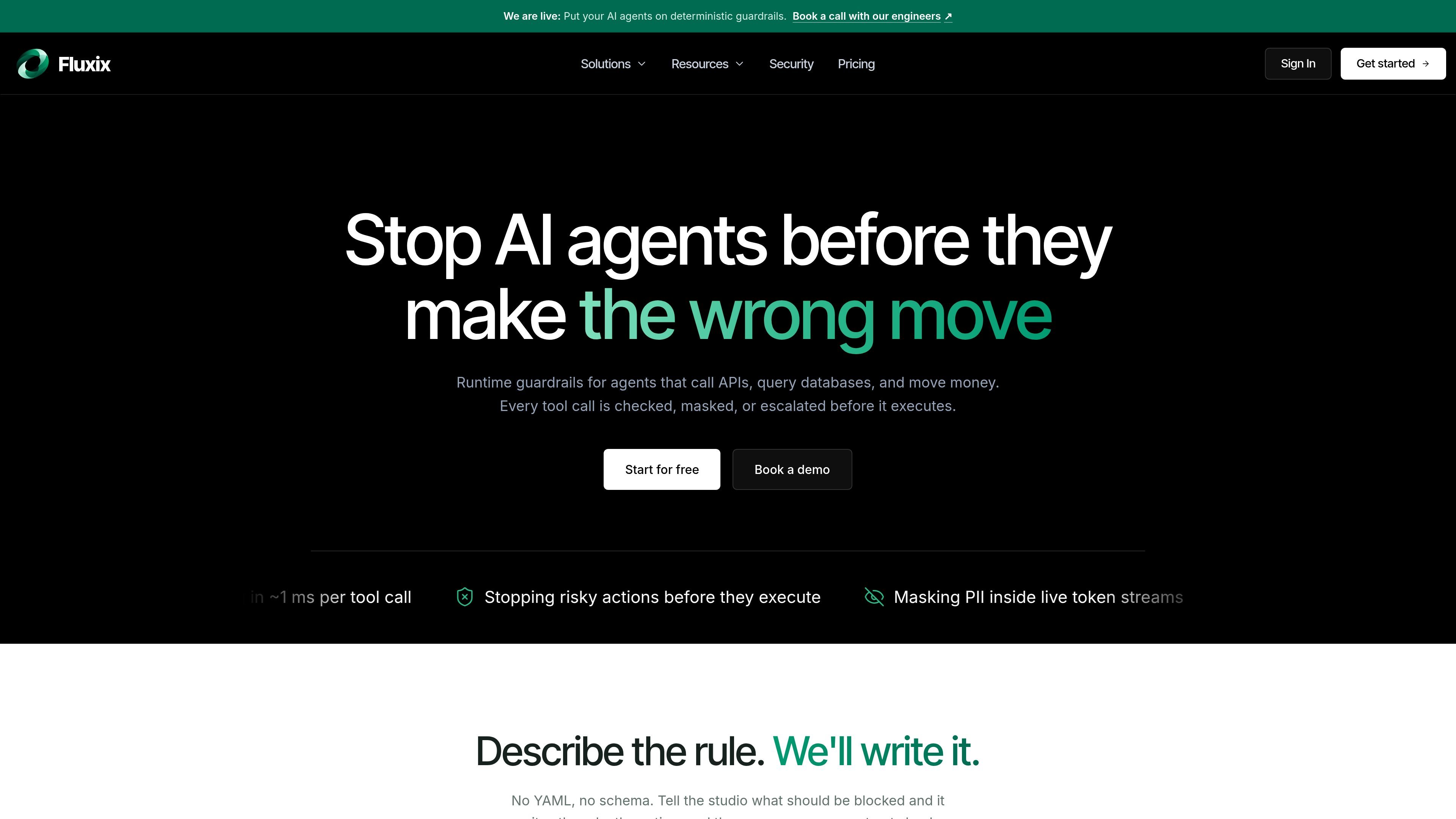
Fluxix is a runtime guardrail and policy-enforcement layer for AI agents that call APIs, query databases, execute commands, or handle transactions. It sits between an agent and the systems it can reach, evaluating tool calls before they execute rather than reviewing actions after the fact.
Policies can allow or block an action, mask sensitive data, or route a high-impact request to a human. Fluxix also provides an agent-focused policy studio, PII handling for model traffic, spending controls, and decision logs so teams can test rules, control execution, and inspect what happened. It is presented for LangChain, CrewAI, AutoGen, custom code, and OpenAI-compatible model clients.
Evaluates requests before tools execute and returns an allow, block, mask, or human-approval decision to the agent.
Create rules from presets or plain-language descriptions, test them against sample tool calls, and save the result without writing YAML or a schema manually.
Replace sensitive values with reversible tokens, permanent redactions, or a hard block before data reaches an external model.
Pause high-impact actions such as refunds, deployments, and bulk emails for review; approved requests execute, rejected requests return a reason, and expired requests do not run.
Apply separate policies per agent and enforce spending limits per agent, with the published product positioning covering agents that call APIs, query databases, or move money.
Record decisions, requests, reviewers, outcomes, and context in an audit log that can be searched and used for review.
Set rules that block destructive SQL or restrict shell and database operations before an operations agent can run them. Sample tool calls can be tested in the studio before policies are saved.
Require review for refunds, charges, or other monetary actions above a defined threshold. The request remains unexecuted while a designated reviewer approves or rejects it.
Protect customer data while an agent works with external language models by tokenizing or redacting email addresses, phone numbers, card data, and other configured sensitive values before transmission.
Hold deployments or other high-impact infrastructure actions for an on-call or platform owner, while allowing lower-risk actions to proceed automatically.
Use per-agent policies and decision logs to distinguish the permissions of support, billing, and operations agents and review their activity later.
Fluxix is placed in the request path by pointing an OpenAI-compatible client at the Fluxix endpoint and supplying the project and provider credentials. The example changes the client base URL and adds an agent identifier while leaving the model and agent code structure in place.
A tool call is evaluated against the applicable policies before execution. Fluxix can allow it, block it, mask sensitive data, or pause it for human approval; the agent receives a decision and a message it can act on.
Sensitive values can be handled with reversible tokens, permanent redaction, or a hard block. Values are replaced before a request leaves the user's infrastructure, and reversible values can be restored when the response returns.
Each prompt check, intercepted tool call, or outbound response scan counts as one policy evaluation. If a monthly limit is reached, further evaluations pause with a PLAN_LIMIT_EXCEEDED error until the quota resets or the account is upgraded.
The product supports separate policies for agents, searchable decision logs, human approval workflows, and reviewer routing. The published plans also distinguish project, agent, tool, evaluation, and audit-retention limits, although the appropriate plan depends on the deployment's needs.

CreateOS Sandbox is an isolated compute environment for running code and agent workloads inside Firecracker micro-VMs. It is designed for workflows that need machine-level isolation, private networking between sandboxes, and programmatic control through SDK, CLI, or MCP.

GitBot is a local browser-based workspace for creating reusable coding bots powered by Claude Code, Codex, or OpenCode. It helps developers run those agents across repository folders with persistent threads and configurable permissions.

AakarDev AI helps teams manage AI provider access, project-level setups, logs, and analytics from one dashboard. It supports BYOK workflows and lists providers including OpenAI, Google Gemini, Anthropic, Groq, Mistral AI, and Perplexity AI.

Trigger.dev chat agent is a durable AI chat backend for developers building stateful conversations that can survive refreshes, crashes, and long-running turns. It connects with the AI SDK `useChat` flow and runs on managed infrastructure with no timeout on a turn.

ByteAsk is a terminal-first AI coding agent for C and C++ that edits repositories and verifies changes with the real compiler, debugger, sanitizers, and tests before showing a diff. It offers a free tier plus paid plans, with editor connectors and zero-retention handling described in the source.

Epherem is a static security scanner for web apps built with AI coding tools such as Lovable, Bolt, v0, Replit, Cursor, and Claude Code. It checks source files and dependencies for common security mistakes, then provides categorized findings and suggested fixes without running the app.