
Playlists as courses
Open a YouTube playlist as an ordered sequence of lessons, with real video titles, completion status, and progress tracked across the course.

Focus Room is a web app that turns YouTube playlists and videos into structured, distraction-free learning courses. It helps people study with transcript search, notes, bookmarks, and progress tracking.
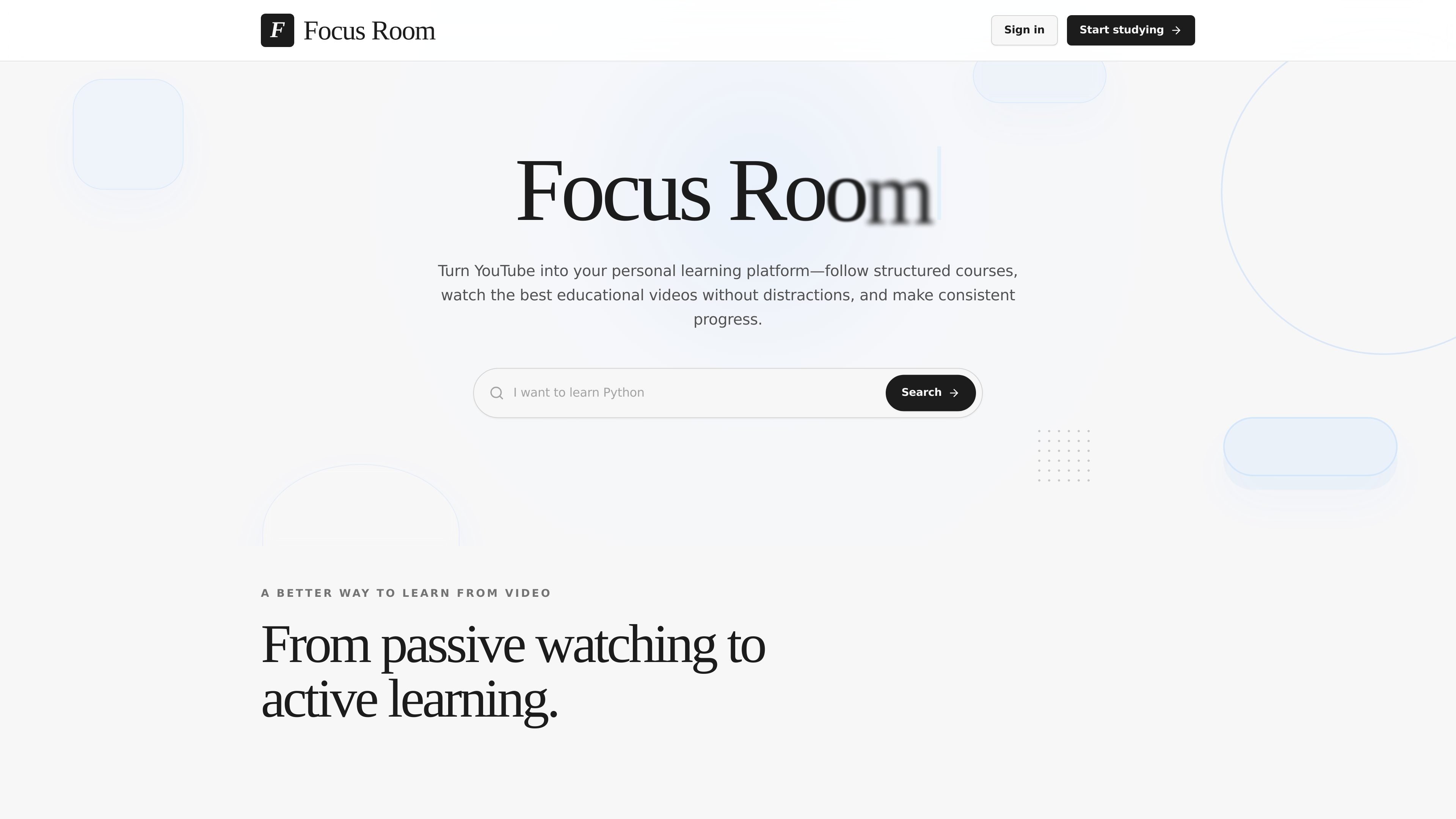
Focus Room is a web-based learning app that reorganizes YouTube content into structured courses. It is designed for people who want to study educational videos without the usual YouTube distractions and with a clearer path through a playlist or set of lessons.
The product combines a focused player, course-style playlist organization, transcript search, timestamped notes, bookmarks, and progress tracking. Its interface is intentionally uncluttered so users can move from watching to taking notes and completing lessons without switching between unrelated tools.
Open a YouTube playlist as an ordered sequence of lessons, with real video titles, completion status, and progress tracked across the course.
Watch in an interface that removes comments, Shorts, suggested videos, and other recommendation loops that can pull attention away from the lesson.
Search the video transcript, jump to exact timestamps, and keep timestamped notes alongside the lesson for later review.
Bookmark playlists or individual videos from search or the learning page, then return to them from one saved place.
See the focused learning space, progress indicators, notes, and next steps arranged around completing work rather than browsing.
Auditing a course adds it to My Courses and saves learning progress, which supports reviewing course content without changing the underlying source playlist.
A learner can open a long YouTube playlist, review the lessons in order, and track which videos have been completed without treating the playlist like a loose collection of clips.
Someone who wants fewer distractions can watch educational videos without comments, Shorts, or related-video loops competing for attention.
A student can search the transcript, jump to a precise timestamp, and add notes tied to specific parts of a lesson for later review.
A returning user can sign in, save bookmarks, and come back to the same learning profile across devices.
A person auditing an existing course playlist can add it to My Courses and follow along while preserving progress in the learning workspace.
Focus Room turns YouTube playlists and individual videos into structured learning material, so you can study them like a course instead of browsing them as standalone videos.
The product shows a focused learning interface, lets you open YouTube playlists as ordered lessons, and includes transcript search, timestamped notes, progress tracking, bookmarks, and course auditing.
The source shows saved bookmarks and a sign-in flow for a learning profile that can be accessed across devices, but it does not describe export options or third-party integrations.
A pricing page was requested but returned a 404, so the available site content does not disclose pricing, tiers, or trial details.

recall is an AI flashcard app that turns reading and notes into study cards through Claude, ChatGPT, or another MCP client. It uses one-time lifetime access pricing and spaced repetition review.

TubeKit turns public YouTube videos and playlists into AI-powered tools that creators can customize and share. It is free to try and requires no signup for the initial workflow.

BeFreed is a personalized audio learning app that turns books and other knowledge sources into narrated listening experiences. It helps people learn on demand through interactive audio, voice selection, and built-in learning tools.

Flunkey is a voice-first productivity layer for Windows that converts speech into text, AI-assisted outputs, and remembered context. It is built for users who want to capture ideas and actions without leaving the app they are working in.

GameGrad turns PDF study material into quiz questions that appear inside arcade games, so users can practice active recall while they play. It offers a free tier with one PDF and a Pro plan with more uploads, more questions, and answer explanations.

Hype is a web tool for finding trending YouTube topics by category, time range, and scoring mode. It helps creators spot emerging ideas, inspect source videos, and decide what to cover next.