
Switch across displays
The switcher appears on each display, and the Fn key moves the switching focus between displays so the shortcut is directed to the intended screen.

fswitcher is a macOS application and window switcher that extends Command-Tab with display-aware switching, desktop and window views, and live previews. It is designed for keyboard-driven users working across multiple displays or many open windows.
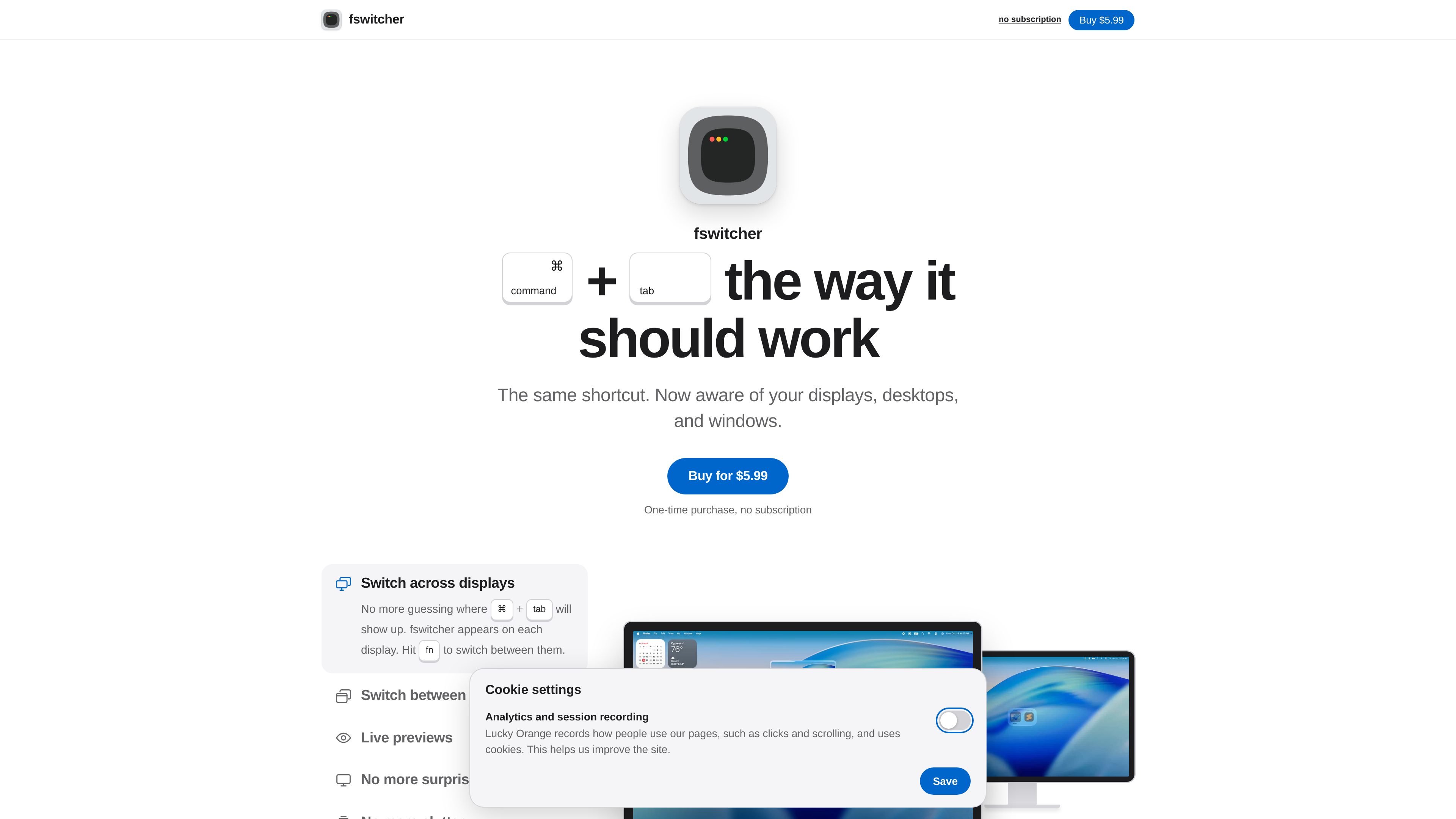
fswitcher is a macOS application switcher built around the familiar Command-Tab shortcut. It adds awareness of displays, desktops, applications, and windows so users can choose what to switch to with more context than a basic app list.
The app supports both app-tile and window-tile views, with previews available as thumbnails or full-screen imagery. It is designed for multi-display and multi-desktop workflows where the location of an application or window matters, and it is sold as a one-time purchase rather than a subscription.
The switcher appears on each display, and the Fn key moves the switching focus between displays so the shortcut is directed to the intended screen.
Choose app tiles for a familiar Command-Tab-style view or window tiles that show windows in the desktops where they are located.
See the selected application as a thumbnail or full-screen preview while cycling through choices.
View all windows for an application and move among them with Command-` in addition to the standard app-switching shortcuts.
Applications that are not in use are placed in a separate row; hold Control to access them when needed.
The site lists shortcuts for moving the selection, quitting or hiding the selected app, closing a window, switching desktops, and entering or leaving full screen.
Use the display-specific switcher to move between applications on an external monitor and the Mac’s other screen without guessing where the switcher will appear.
Use window tiles to locate a document, browser window, or other open window on the desktop where it currently resides instead of cycling through applications first.
Use the app-tile view and familiar shortcuts when you want a Command-Tab interaction, while using previews to confirm the destination before releasing the shortcut.
Use the desktop and full-screen shortcuts when moving between workspaces or entering and leaving a full-screen application from the keyboard.
fswitcher is a macOS app that replaces or enhances the standard Command-Tab workflow for switching among applications and windows. It requires accessibility permission because macOS requires that permission for app and window switching.
The site states that fswitcher requires macOS 26 or later. No other system requirements are specified in the available product information.
The product is sold for a one-time payment of $5.99 with no subscription. The checkout page accepts card and PayPal payments, and the total shown is $5.99.
A license key is provided on the checkout confirmation page and by email. Each license works on one Mac.
Yes. fswitcher automatically fetches the latest updates and prompts you when an update is ready.