
Credentials stay outside the AI
GBrain stores connected account credentials and performs permitted application calls, returning results to the AI without exposing the underlying password or API key.

GBrain Tools is an individual password manager and access layer for connecting services such as Gmail, GitHub, Notion, and Calendar to multiple AI clients without exposing credentials. It provides per-application permissions, access dates, daily limits, command-line or MCP access, and an activity log for each call.
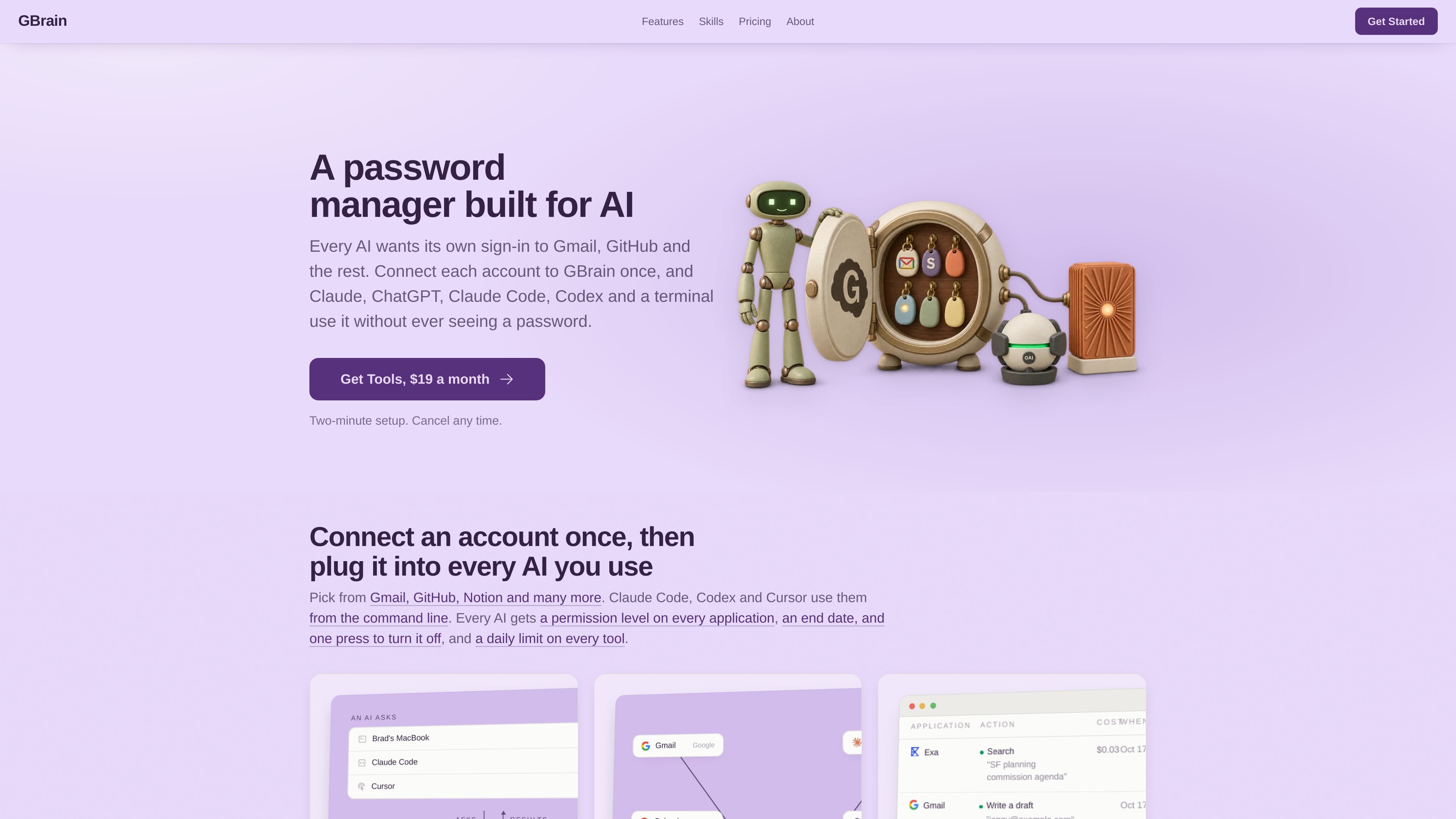
GBrain Tools is a password manager and access layer for AI applications. It lets one person connect services such as Gmail, GitHub, Stripe, Notion, Google Calendar, and web search once, then make those services available to the AI tools and terminals they already use.
Instead of giving an AI a password or API key, GBrain holds the credential and makes the permitted call. The AI receives the result, while permissions, end dates, daily limits, and a record of each action are managed through GBrain. Tools costs $19 per month per person, with cancellation through the billing page and no separate charge based on usage stated on the product page.
GBrain stores connected account credentials and performs permitted application calls, returning results to the AI without exposing the underlying password or API key.
Set access separately for each AI and application. Examples include four Gmail levels, two Calendar levels, and on/off controls for web search.
Give each AI an end date, disable it with one action, or configure a daily call limit for individual tools. A limit can stop one tool without stopping others.
Connect applications once and make them available to Claude, ChatGPT, Claude Code, Codex, Cursor, or another MCP-compatible AI using the same accounts and rules.
Review one row per call with the requesting device or AI, connected account, action, permission result, and time. Calls that were refused are recorded as well.
Use a command line for each connected application, including applications without their own command line, and run it directly or through an AI such as Claude Code or Codex.
Connect Gmail and Calendar once, then let an AI search messages, read events, or create drafts according to separately assigned permissions. Sending or changing data can remain unavailable when the selected access level does not allow it.
Use Claude Code, Codex, Cursor, or the terminal to work with connected services through GBrain's command line while keeping the same application permissions and daily limits used by other AI clients.
Give several AI clients access to the same accounts without creating separate credentials for each one. MCP connections let each client use the shared applications under the rules set in GBrain.
Set daily limits for tools and review successful or refused actions in one log when an AI is performing repeated searches, message operations, or other connected-service tasks.
Connect an application not shown in the standard list through its MCP server address, subject to the service being available through that server.
Tools is designed for one person who wants the same connected applications available in the AIs they already use. GBrain also offers a $199-per-month workspace plan for teams, but Tools is the individual product described here.
Connect an application such as Gmail or Google Calendar, choose what an AI may do with it, and then connect Tools to an AI through MCP or use the provided terminal command line. The connected AI can use the application on its next call under those permissions.
No. GBrain holds the connected account sign-in or API key and makes the permitted call. The AI receives the result rather than the credential.
Tools works with Claude, ChatGPT, Claude Code, Codex, Cursor, your terminal, and any AI that supports MCP. Applications can be connected through an MCP server address, including one not already listed.
You can set an access level for each AI and application, add an end date, turn access off with one action, and set a daily limit for each tool. Every call is recorded, including refused calls.

CreateOS Sandbox is an isolated compute environment for running code and agent workloads inside Firecracker micro-VMs. It is designed for workflows that need machine-level isolation, private networking between sandboxes, and programmatic control through SDK, CLI, or MCP.

GitBot is a local browser-based workspace for creating reusable coding bots powered by Claude Code, Codex, or OpenCode. It helps developers run those agents across repository folders with persistent threads and configurable permissions.

AakarDev AI helps teams manage AI provider access, project-level setups, logs, and analytics from one dashboard. It supports BYOK workflows and lists providers including OpenAI, Google Gemini, Anthropic, Groq, Mistral AI, and Perplexity AI.

Trigger.dev chat agent is a durable AI chat backend for developers building stateful conversations that can survive refreshes, crashes, and long-running turns. It connects with the AI SDK `useChat` flow and runs on managed infrastructure with no timeout on a turn.

ByteAsk is a terminal-first AI coding agent for C and C++ that edits repositories and verifies changes with the real compiler, debugger, sanitizers, and tests before showing a diff. It offers a free tier plus paid plans, with editor connectors and zero-retention handling described in the source.

Epherem is a static security scanner for web apps built with AI coding tools such as Lovable, Bolt, v0, Replit, Cursor, and Claude Code. It checks source files and dependencies for common security mistakes, then provides categorized findings and suggested fixes without running the app.