
Branch dependency tracking
Tracks relationships between parent and child branches and automatically detects and merges changes between them, helping keep branch lines synchronized.

git-flow-next is a Go-based command-line tool for managing configurable Git branching workflows. It supports Gitflow, GitHub Flow, GitLab Flow, and custom configurations for developers and teams.
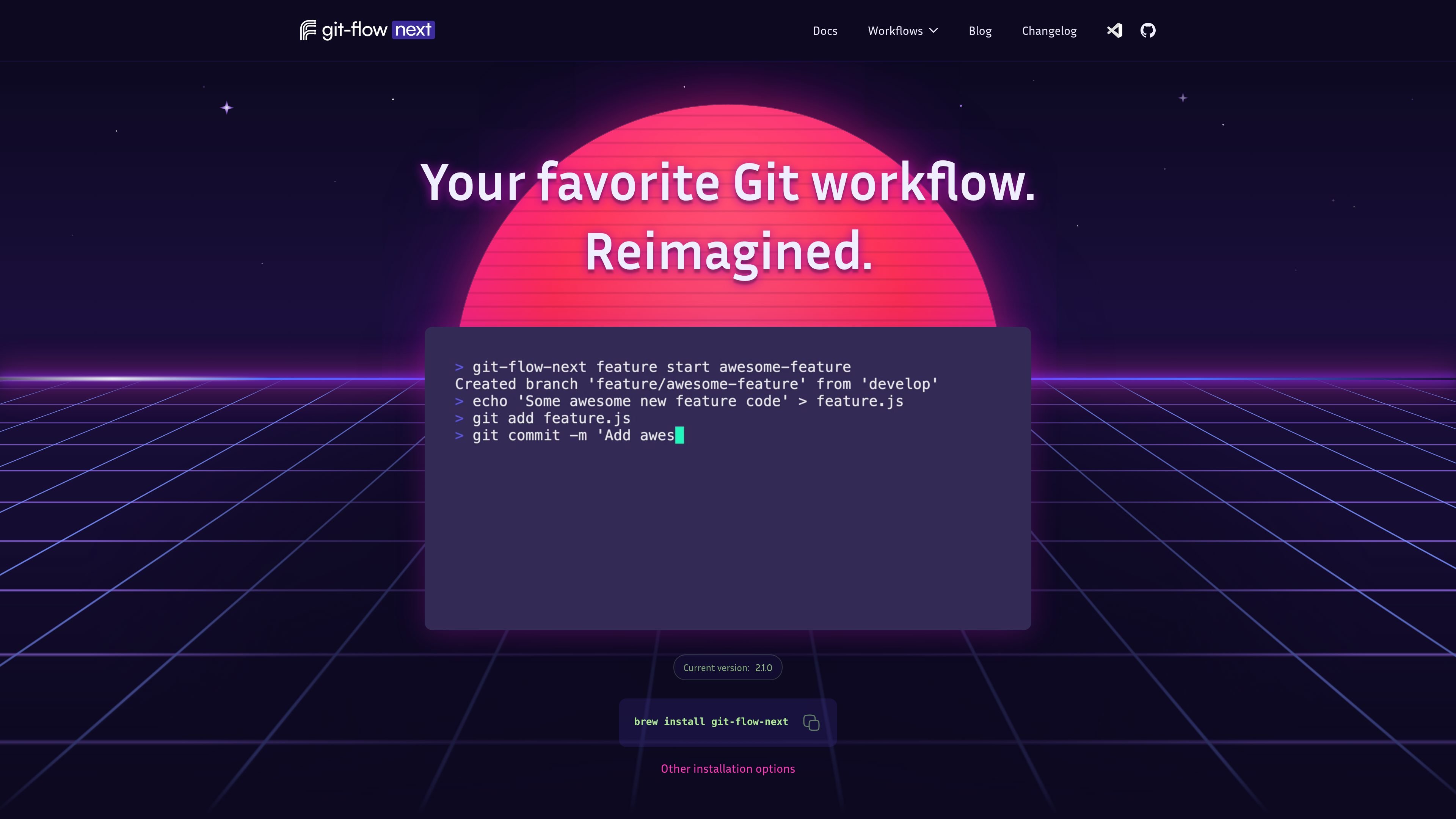
git-flow-next is a Go-based command-line tool for configuring and operating Git branching workflows. It builds on the original git-flow and gitflow-avh projects and provides presets for Gitflow, GitHub Flow, and GitLab Flow, along with a way to create a custom workflow configuration.
Its core purpose is to make branch creation, completion, synchronization, and merge behavior more consistent across a repository. Users can initialize a repository with `git flow init`, create and finish topic branches, and adjust how changes move between related branches. The documented Gitflow model separates production-ready code on `main` or `master` from ongoing work on `develop`, with dedicated branches for features, releases, hotfixes, and other maintenance work.
Tracks relationships between parent and child branches and automatically detects and merges changes between them, helping keep branch lines synchronized.
Lets teams define different merge behavior for upstream and downstream operations when propagating changes between branches.
Uses unified start and finish commands for topic branches instead of restricting teams to fixed feature or hotfix categories.
Provides Gitflow, GitHub Flow, and GitLab Flow presets as starting points, with the option to build a workflow from scratch and customize it.
Offers a command-line interface with documented initialization, topic-branch commands, and a `--help` option for discovering available commands.
The project is presented as actively maintained, with regular updates and bug fixes, and is positioned as a continuation of the discontinued original git-flow and gitflow-avh projects.
Use the Gitflow preset when a project separates ongoing development from production releases and needs dedicated feature, release, and hotfix branches.
Use the GitHub Flow or GitLab Flow presets as a starting point for teams that want a simpler branch-oriented process or a flow adapted to different release needs.
Define branch names, relationships, and merge behavior when a team’s process does not fit a standard Gitflow, GitHub Flow, or GitLab Flow model.
Create and complete topic branches through consistent CLI commands, while using dependency tracking and update operations to incorporate changes from a parent branch.
On macOS, install it with Homebrew using `brew install git-flow-next`. Alternatively, download the latest release, place the binary somewhere on your PATH, and make it executable. The documented quick start then uses `git flow init` to initialize a repository.
The documented starting commands are `git flow init`, `git flow feature start my-feature`, and `git flow feature finish my-feature`. Use `git-flow-next --help` to see the available commands and options.
It includes Gitflow, GitHub Flow, and GitLab Flow presets, and also supports starting from a custom configuration. The selected preset can be adjusted to fit a team's branching rules.
The source describes git-flow-next as a command-line tool developed in Go. Homebrew installation is currently documented for Mac only; other installation guidance uses downloadable releases, but the source does not provide a complete platform matrix.

Exodus is a free developer tool that audits an application repository, compares its current deployment with a Google Cloud Run design, and creates an ordered migration plan for a coding agent. It also helps plan new products for Cloud Run with architecture and cost estimates.

ByteAsk is a terminal-first AI coding agent for C and C++ that edits repositories and verifies changes with the real compiler, debugger, sanitizers, and tests before showing a diff. It offers a free tier plus paid plans, with editor connectors and zero-retention handling described in the source.

Epherem is a static security scanner for web apps built with AI coding tools such as Lovable, Bolt, v0, Replit, Cursor, and Claude Code. It checks source files and dependencies for common security mistakes, then provides categorized findings and suggested fixes without running the app.

CreateOS Sandbox is an isolated compute environment for running code and agent workloads inside Firecracker micro-VMs. It is designed for workflows that need machine-level isolation, private networking between sandboxes, and programmatic control through SDK, CLI, or MCP.

GitBot is a local browser-based workspace for creating reusable coding bots powered by Claude Code, Codex, or OpenCode. It helps developers run those agents across repository folders with persistent threads and configurable permissions.

hob is an independent workspace for coding agents that keeps agent sessions, terminals, history, and follow-up work organized around the tools and providers you already use. It is aimed at developers who want local control over routing, history, and workspace structure rather than a bundled model stack.