
Text selection to reply draft
Select text in Slack, email, or another app and generate a reply draft from it instead of starting from scratch.

Henji is a macOS app that turns quick scribbles or keywords into reply drafts in your own voice. It is built for chat and email workflows where you want fast, context-aware responses without starting from a blank page.
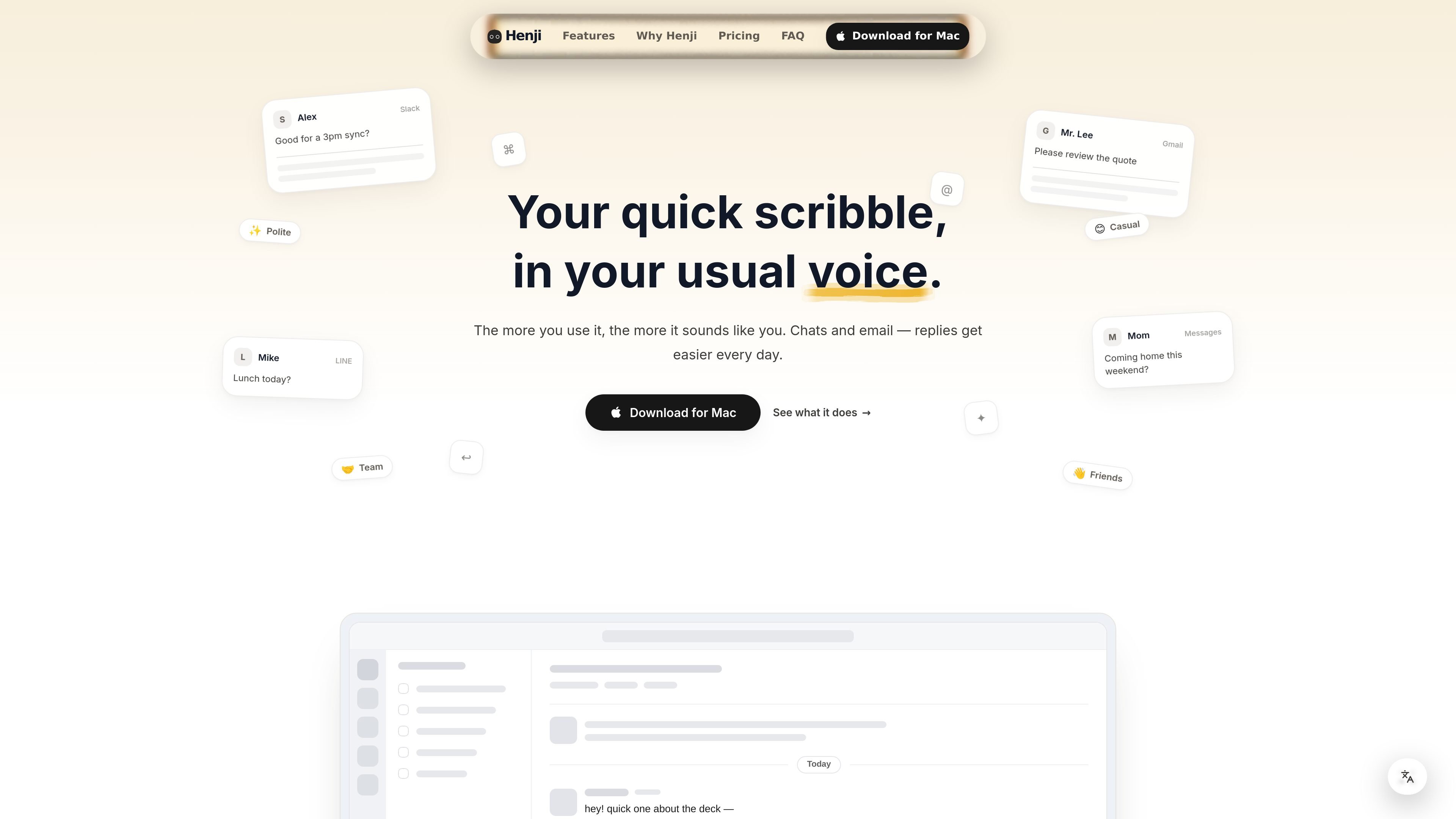
Henji is a macOS app that drafts replies from quick scribbles or keywords in your own writing style. It is built for the everyday back-and-forth of chat and email, where a short note needs to become a complete response without sounding generic.
The product’s core promise is to make replying feel more like continuing your own thread than using a template. It can read past messages during setup, adapt as you edit its outputs, and adjust tone for different recipients such as customers, coworkers, or friends. The site shows it working across apps like Slack, LINE, Gmail, and Messages, and says it works in almost all Mac apps.
Select text in Slack, email, or another app and generate a reply draft from it instead of starting from scratch.
Use the ⌘⏎ shortcut to launch Henji quickly while you are already working in another Mac app.
Reads past messages during setup so the first drafts already reflect your phrasing and tone.
Learns from your edits and reuses those corrections later, so the output can adapt over time.
Switch tone by recipient type, such as customer, colleague, or friend, so the same core message can sound different in context.
Designed to work across many Mac apps rather than only inside one chat or email client.
Turn a rough thought into a polished reply when you need to answer quickly in Slack or email without writing a full draft yourself.
Keep internal threads short and readable by generating a response that stays warm but only includes the essentials.
Decline or negotiate a deadline, request, or change while keeping the tone respectful and the relationship intact.
Adjust the same message for a customer, manager, or friend by changing the recipient tone rather than rewriting the whole reply.
Use your earlier edits and phrasing to keep later replies consistent with how you actually write over time.
Henji is a macOS app that turns short scribbles or keywords into replies written in your usual voice.
The site says it works with almost all Mac apps, and gives examples such as Slack, LINE, Gmail, and Messages.
Henji starts from a selected line or a quick input, then drafts a reply in your style. The help page also notes a shortcut-based desktop app workflow.
The home page says you can start free, with no credit card required.
The help page includes support for team and business plans as a future question, but the public page does not confirm a released team plan.

Dirac is an AI email assistant that prepares a morning brief, prioritizes important threads, and drafts replies in your voice. It is positioned for founders and other busy professionals who use Gmail and want to reduce morning inbox triage.

Goldfish is an AI memory app for macOS that helps you reply, write, summarize, and continue using the context already on your Mac. It stores memory locally and writes in your tone.

Liam is an AI copilot for managing inboxes, writing replies, prioritizing email, and scheduling meetings. It is offered free for individuals, with custom pricing for teams and enterprise.

ProWritingAid is a writing assistant for storytellers that offers grammar checking, style editing, paraphrasing, and story analysis inside popular writing apps. It includes a free plan, paid tiers, and tools for chapter critique, manuscript review, and collaborative editing.

SpeakoFlow is a free, open-source desktop voice-to-text app for Windows, macOS, and Linux. It supports dictation into any app, voice-driven writing with Flow, cleanup, translation, and a screen-aware assistant.

Sequenzy is an email marketing and automation platform for SaaS teams, stores, and AI teams. It combines campaigns, event-driven workflows, transactional email, segmentation, and revenue attribution, with developer and AI-agent access.