
Photo-based recognition
Take a photo of a landmark, statue, building, or artwork and get an instant audio guide tied to what the app identifies.

Herodot AI is a mobile AI audio guide app for self-guided travel, museum visits, and virtual exploration. It generates contextual stories from photos or map-based discovery and supports 20+ languages.
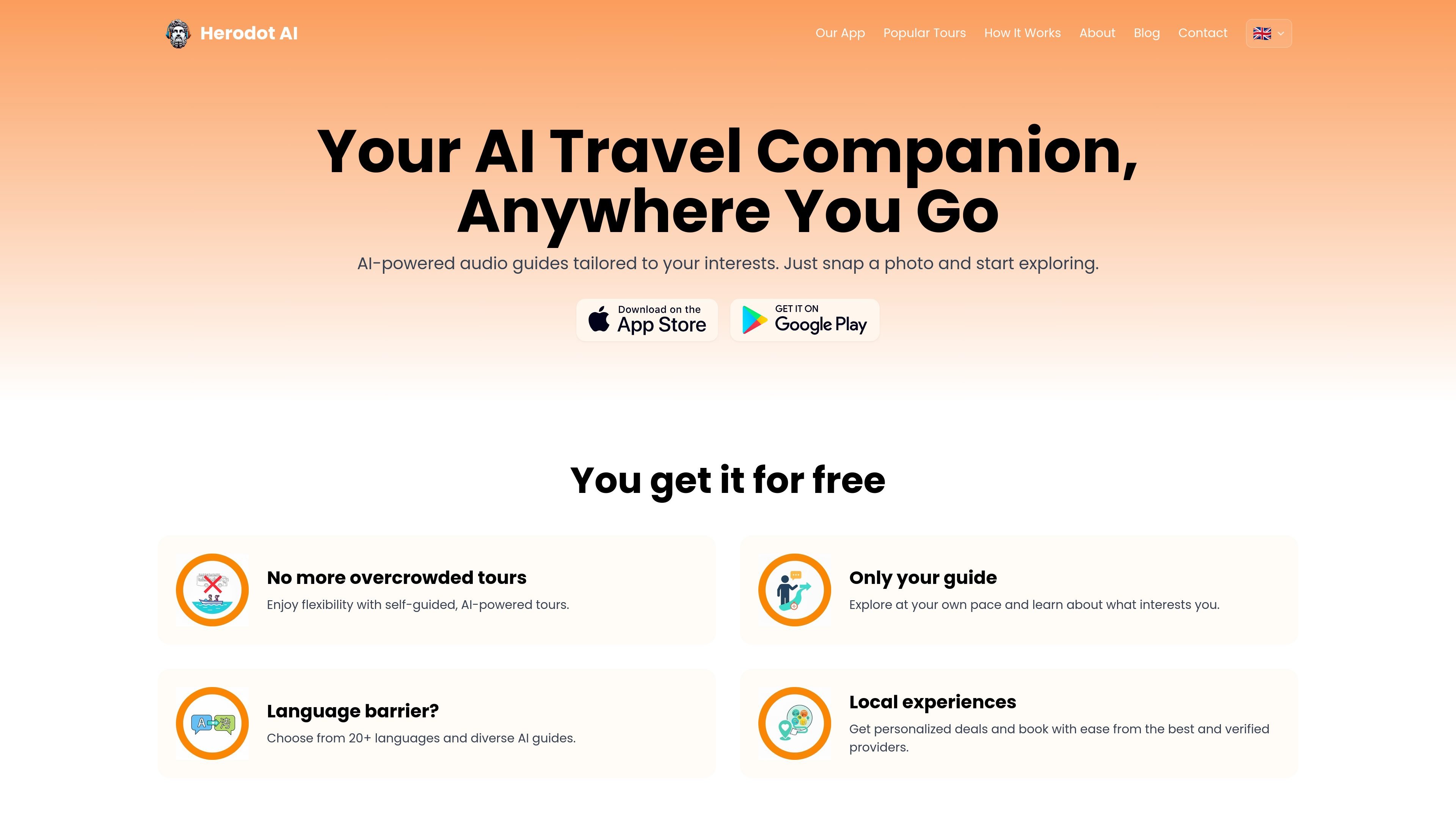
Herodot AI is an AI-powered audio guide app for travelers that turns a phone into a self-guided tour companion. It uses image recognition, map-based exploration, and AI-generated storytelling to explain landmarks, artworks, cultural sites, and everyday objects.
The product is designed for independent travelers, families, students, and people exploring from home. It supports over 20 languages, offers different guide personas, and includes offline audio downloads for use on the move.
Take a photo of a landmark, statue, building, or artwork and get an instant audio guide tied to what the app identifies.
Use the interactive map to tap landmarks and cultural sites, then listen to stories about the places you choose.
Switch between narrator personas such as historian, local guide, and kid-friendly companion to match the trip or audience.
Access audio guides in over 20 languages, with language selection available in the app settings.
Download audio guides ahead of time and use them without an internet connection while traveling.
Follow up on a location or object with additional stories and deeper context after the initial guide.
Visitors can point the app at a landmark, artwork, statue, or building to hear a contextual story instead of relying on a fixed group tour.
Museum visitors can scan exhibits and artworks to get historical context and related stories while moving through the gallery at their own pace.
Travelers can use the interactive map to discover nearby places of interest, then follow audio stories without committing to a preset route.
Families can choose a kid-friendly guide persona for a more accessible listening experience during shared outings.
People who cannot travel can browse virtual museum tours and world heritage content from home.
The app lets you discover a landmark, artwork, or object by taking a photo or by exploring the interactive map. It then generates an audio guide with stories, historical context, and fun facts.
Yes. The source says Herodot AI is available in over 20 languages, and you can switch languages in the app settings.
Yes. The app offers different narrator personas, including a professional historian, a local guide, and a kid-friendly companion.
Yes. The FAQ states that you can download audio guides in advance and use them without an internet connection.
The site says you can download the app from the App Store or Google Play, create an account, and start exploring by taking a photo, browsing the map, or searching for a location.

Fylom is an AI podcast generator that turns a topic or question into a researched narrated episode. It supports typed or spoken prompts, voice selection, and recurring show-style listening.

Flunkey is a voice-first productivity layer for Windows that converts speech into text, AI-assisted outputs, and remembered context. It is built for users who want to capture ideas and actions without leaving the app they are working in.

Eine All-in-One AI-Plattform, die Werkzeuge für Bild, Video, Sprache, Schreiben und Chat kombiniert, um Kreativität und Zusammenarbeit zu fördern.

Gemma AI is a phone call reminder app that calls you with scheduled reminders instead of push notifications. It helps people who want a more direct way to stay on schedule, with Google Calendar sync and conversational call interactions.

CAMB.AI Streams dubs live audio in multiple languages in real time for broadcasts on platforms like YouTube, Twitch, and X. It plugs into existing live workflows using common streaming protocols and avoids a post-production step.

Wallie is an open-source AI streamer that watches your screen, hears chat, and generates live commentary in a configurable persona. It runs locally on your machine with your own keys and is aimed at faceless content, autonomous streams, and real-time reactions.