
Device control
Toggle lights, adjust blinds, and manage devices grouped by room from the macOS menu bar.

HomeBar is a macOS menu-bar app for Homey Pro that lets you control devices, trigger flows, and review energy and insight data from your desktop. It also links back to the Homey web interface for deeper configuration.
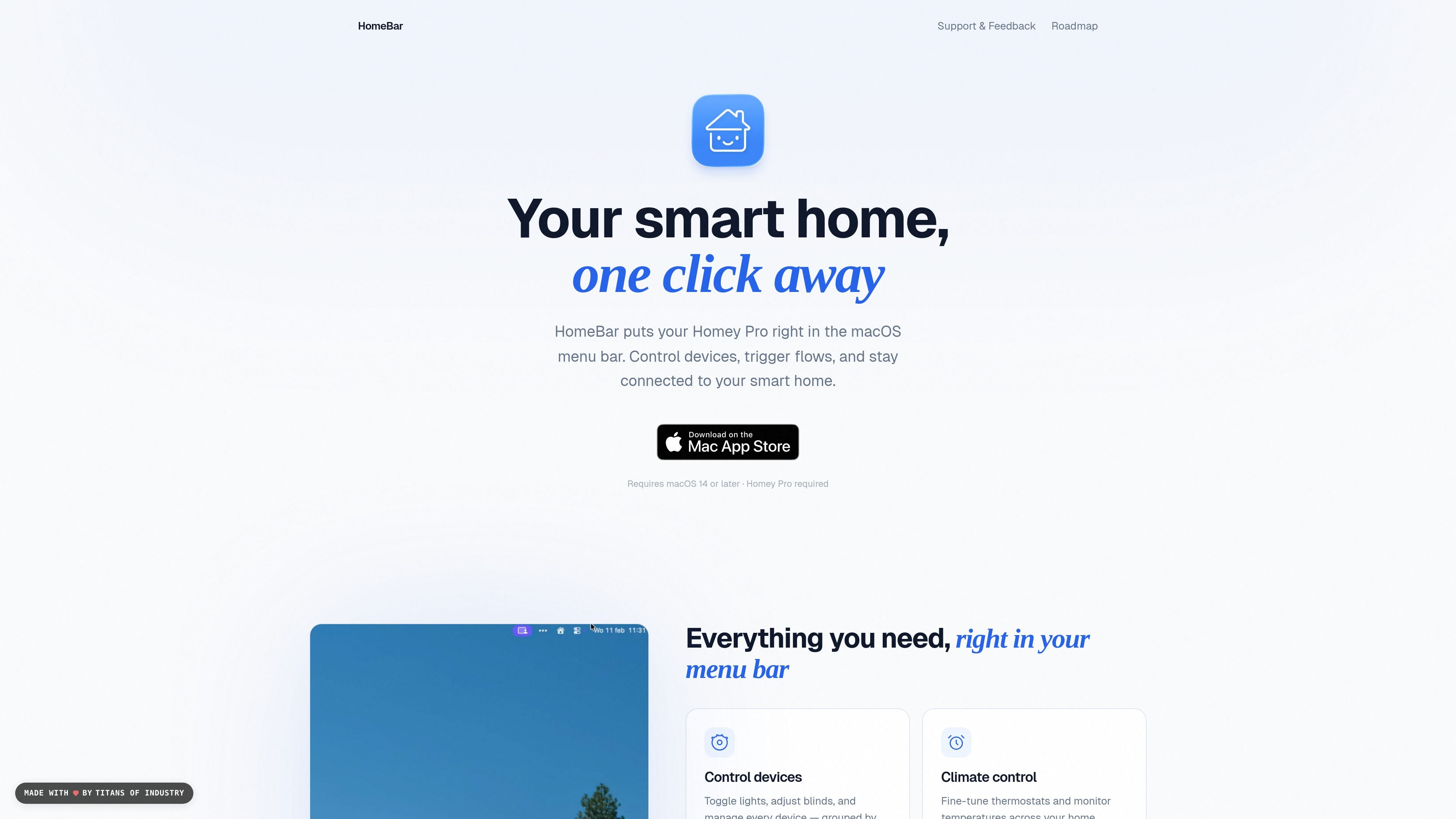
HomeBar is a macOS app for people who use Homey Pro and want direct access to their smart home from the menu bar. It surfaces common Homey actions in one place so you can control devices, trigger flows, and check home data without switching away from your desktop.
The product is positioned as a quick-access companion to Homey Pro rather than a replacement for Homey itself. It also includes a shortcut to the Homey web interface for tasks such as editing flows, managing advanced settings, and configuring the system more deeply.
Toggle lights, adjust blinds, and manage devices grouped by room from the macOS menu bar.
Fine-tune thermostats and monitor temperatures across the home while staying on your Mac.
Start Homey automations with one click for routines such as movie mode or good night.
See per-device power consumption to understand where energy is being used.
Review sensor data, usage patterns, and trends in the Homey insights view.
Open the Homey web interface when you need to edit flows or manage advanced settings.
Use HomeBar when you want to toggle lights, adjust blinds, or check room-level devices without opening another app or browser tab.
Trigger Homey automations such as movie mode or a good night routine directly from the menu bar when a one-click action is enough.
Watch thermostat values and temperature readings while working at your Mac, so you can make small climate adjustments as needed.
Review device-level energy use and Homey insights to understand consumption patterns before you open more detailed views.
Jump into the Homey web interface from HomeBar when you need to edit flows or handle advanced settings that are easier in the browser.
It is designed for macOS 14 or later and requires a Homey Pro system.
The homepage says HomeBar puts your Homey Pro in the macOS menu bar so you can control devices, run flows, and view insights without opening the Homey web interface first.
The source points to a direct path into the Homey web interface for editing flows, managing advanced settings, and configuring the smart home.
No pricing details are shown on the site content provided, and the pricing URL currently returns a 404 page.

Malyatko is a baby tracker for logging feeding, sleep, growth, teething, and milestones in one app. It works on iPhone, Apple Watch, and widgets, with no sign-up, offline use, and family sharing through iCloud.

Yattayo: Slider To-Do Board is a productivity app that turns tasks into a physical-style slider board with sticky notes, widgets, reminders, and iCloud sync. It helps people who want a more tactile way to manage to-dos and, in Premium, recurring habits.

Goldfish is an AI memory app for macOS that helps you reply, write, summarize, and continue using the context already on your Mac. It stores memory locally and writes in your tone.

ArtDeck is a visual reference board app for iPhone, iPad, and Mac that lets artists collect mixed reference material on one canvas and study it with ToolBox lenses. It works offline, supports optional iCloud sync, and is sold as a one-time purchase with no account required.

Biji ist eine vielseitige Plattform, die entwickelt wurde, um die Produktivität durch innovative Werkzeuge und Funktionen zu steigern.

MacSpoof ist ein MAC-Adressenwechsler für macOS: WLAN-MAC ändern oder randomisieren, um Verbindungen zu erneuern und die Protokollierung auf öffentlichem WLAN zu reduzieren.