
Design-draft to code plugins
Use the Sketch plugin or Photoshop plugin to extract layout and style information from design drafts and generate code from layered elements.

imgcook is a design-to-code tool that converts design drafts into front-end code. It supports plugin-based and developer workflows for Sketch, Photoshop, VS Code, and CLI usage.
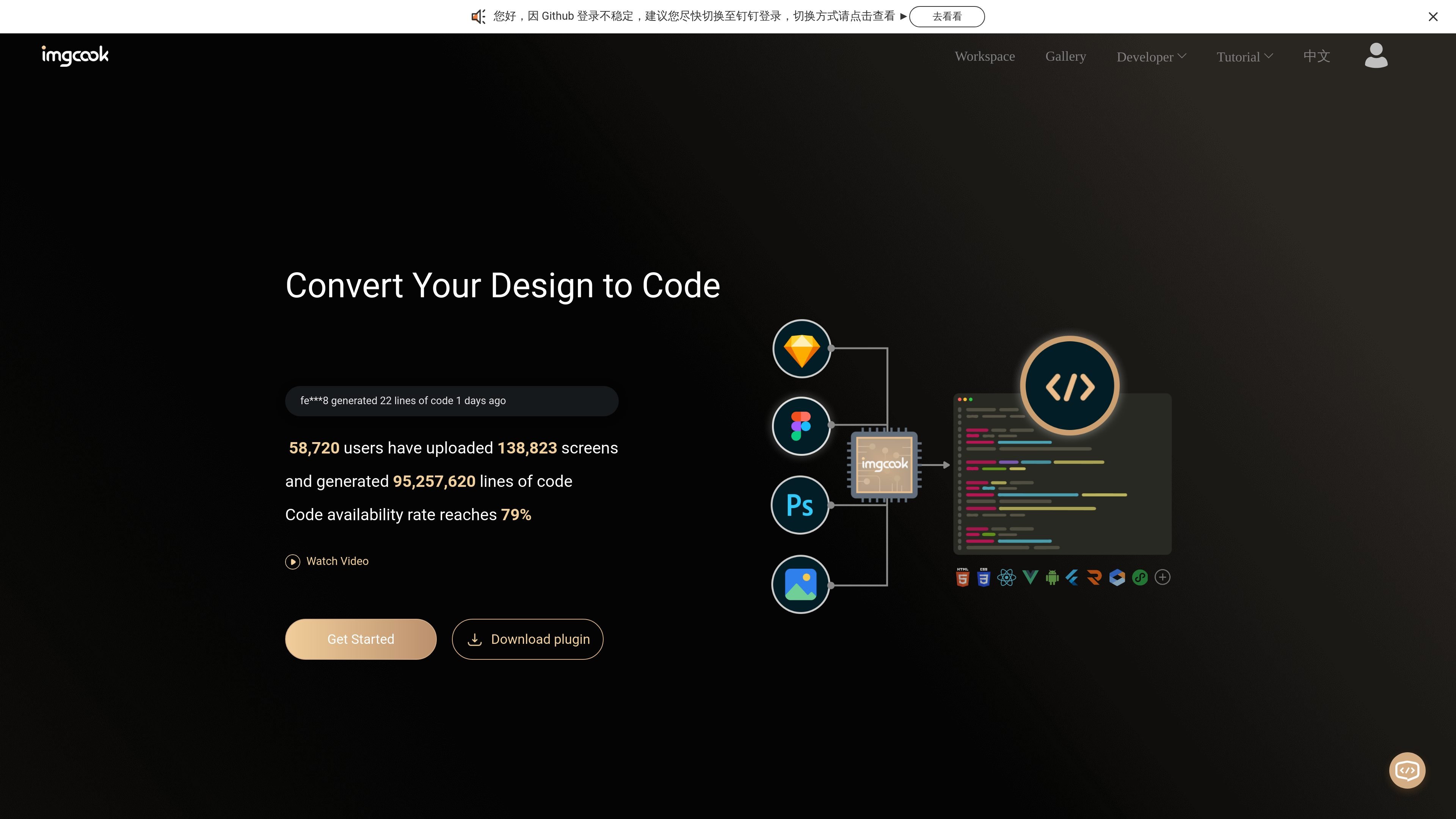
imgcook is a design-to-code product that turns design drafts into front-end code. Its homepage positions it as a tool for converting image-based or design-tool assets into code, and its documentation explains that it extracts layout and style information from design layers before generating code.
The product is built around plugin and developer workflows rather than a single export button. The source pages describe Sketch and Photoshop plugins, an imgcook editor, a VS Code plugin, and imgcook CLI support so teams can move generated code into local projects and existing R&D processes.
Use the Sketch plugin or Photoshop plugin to extract layout and style information from design drafts and generate code from layered elements.
Export generated code through plugin workflows, or upload a design file into the imgcook editor and continue from there.
Use the imgcook CLI to bring generated code products into a local project and fit them into an engineering workflow.
Use the VS Code plugin to paste design-tool output into the editor, generate code, and export it to a target folder.
Work with official DSL support for 10 code types, including react, rax, Vue, and applet, with custom DSL support for other outputs.
Apply custom plugins during export to process code products, such as moving images to a personal asset space or converting file directories.
A designer can install the Sketch or Photoshop plugin, extract layer information from a draft, and hand off generated code instead of a static mockup.
A frontend team can use the CLI or VS Code plugin to pull generated code into a local repository and continue implementation inside their normal tooling.
A team that needs framework-specific output can choose from the official DSLs, including react, rax, Vue, and applet, or customize a DSL for its own target stack.
An engineering team can apply a custom plugin during export to move images, reorganize folders, or otherwise post-process generated code before it enters the project.
A product or platform team can adopt imgcook as part of an internal workflow, combining design material management, code export, and plugin-based editing for repeated production use.
Imgcook provides a workflow for turning design drafts into front-end code through its plugin tools and editor. The documentation describes Sketch and Photoshop plugins, plus an imgcook editor workflow for exporting generated code.
The source documents show Sketch plugin support on Mac and a Photoshop plugin for both Mac and Windows. The docs also mention an imgcook VS Code plugin and an imgcook CLI for fitting generated code into local development workflows.
The install guide says imgcook extracts information such as position and style from design drafts and generates front-end code through layer-by-layer processing. The homepage also says generated code can be exported, uploaded, or integrated into a local project.
The homepage describes official support for 10 DSLs, including react, rax, Vue, and applet, and says users can also customize DSLs to generate other code formats.
The pricing page in the collected sources returns a not-found page, so pricing details are not verified from the available evidence.

ByteAsk is a terminal-first AI coding agent for C and C++ that edits repositories and verifies changes with the real compiler, debugger, sanitizers, and tests before showing a diff. It offers a free tier plus paid plans, with editor connectors and zero-retention handling described in the source.

GitBot is a local browser-based workspace for creating reusable coding bots powered by Claude Code, Codex, or OpenCode. It helps developers run those agents across repository folders with persistent threads and configurable permissions.

Ghost ist ein terminalbasierter KI-Assistent für Chats, Code-Generierung und Aufgaben direkt in der Kommandozeile. Mit kostenlosen Modellen, Linux, macOS und Windows. Open Source.

Vi3ecode is a maintained development environment for working with AI coding agents. It keeps project context, terminal, Git, memory, flows, review, and communication connected around the agent you already use.

Lucid Train is a local-first AI coding harness that turns repository code into architecture diagrams and uses those diagrams as specifications for coding agents. It is available as a desktop app and a lightweight Rust CLI, and it can run with local models or your own API keys.

Devin is an AI coding agent and software engineer that helps developers and engineering teams plan and execute complex software tasks. It is available through desktop, cloud, JetBrains, and CLI surfaces, with plans for individuals, teams, and enterprises.