
Road and corridor design
Create carriageways and junction-related elements such as kerbs, construction build-up, camber, UK markings and signs, lay-bys, and widenings. Alignment edits update the corridor model.

InfraGrid 3D is a browser-based civil and utility BIM tool for roads, drainage, underground utilities, and public lighting. It helps civil engineers, BIM managers, and utility designers route infrastructure, inspect live long sections, run on-demand clash checks, and export geometry to Revit, IFC, or DXF.
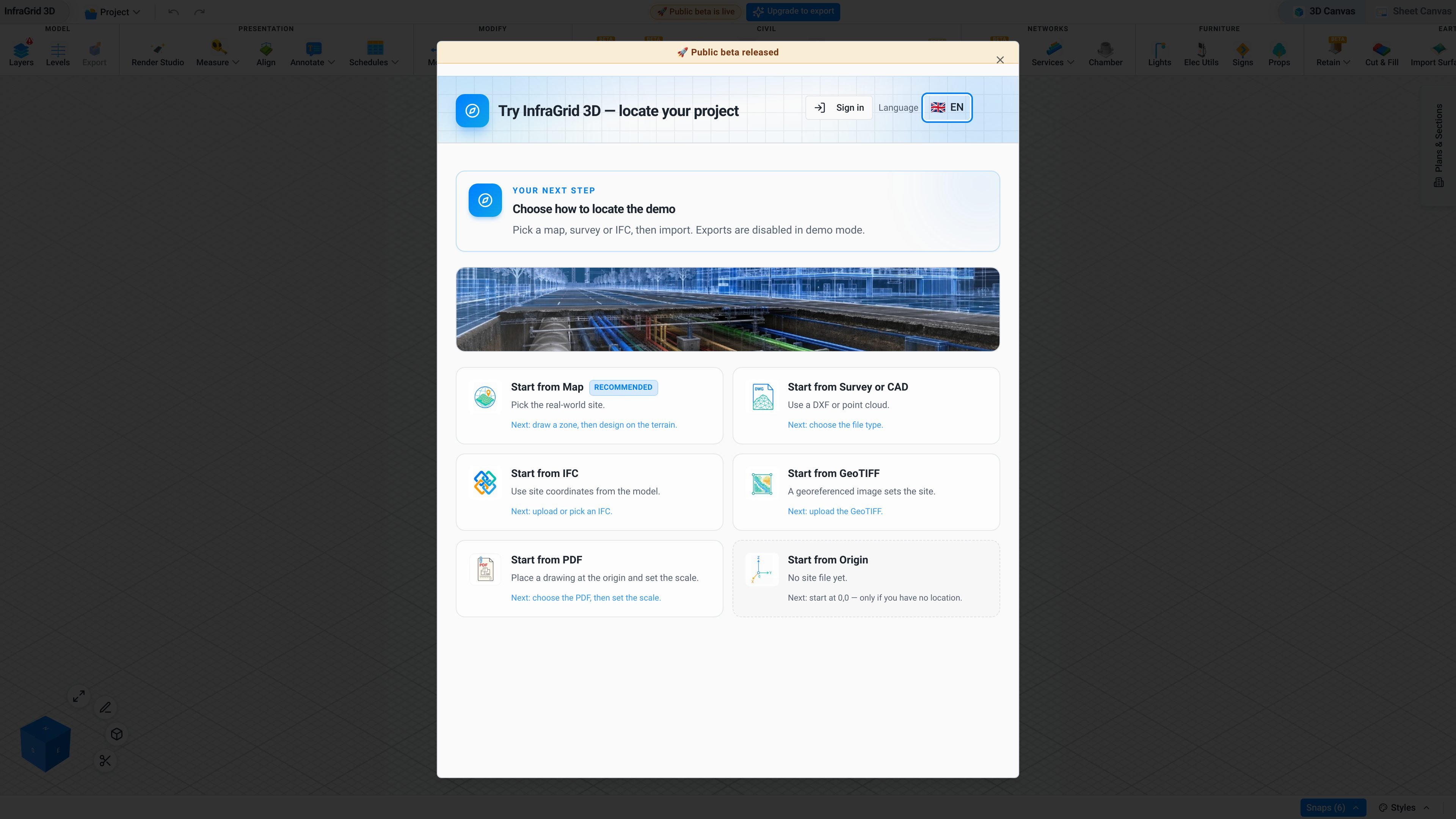
InfraGrid 3D is a browser-based civil and utility BIM tool for designing roads, drainage, underground utilities, and public lighting. Civil engineers, BIM managers, and utility designers can route infrastructure in a web tab, inspect live long sections, and review relationships between roads and services in one model.
Its central workflow is route, verify, and export: set out a road or service corridor, adjust the alignment and associated geometry, read the resulting long section, and run a clash check when required. The product is positioned as a complement to desktop tools rather than a replacement for every Civil 3D module; the source specifically excludes EPA SWMM and catchment analysis.
Create carriageways and junction-related elements such as kerbs, construction build-up, camber, UK markings and signs, lay-bys, and widenings. Alignment edits update the corridor model.
Model drainage, underground utilities, chambers, and public lighting in the same browser-based civil and utility model.
Read a live long section while editing the road and services, allowing cover, bends, and vertical relationships to be reviewed before construction.
Run hard and soft clash checks on pipes and chambers when the engineer chooses to activate them, rather than relying on an always-on check.
Move project geometry into downstream workflows through native Revit geometry and IFC or DXF export. The Revit add-in can send DirectShape geometry to project coordinates.
Open and review the model in a web tab, with Mapbox site context listed as part of the product and large IFC/CAD models described as streamable for navigation.
Develop a road corridor with kerbs, build-up, camber, junction elements, lay-bys, or widenings, then inspect the updated corridor in long section as the alignment changes.
Coordinate drainage, utility routes, chambers, and lighting around a road without maintaining separate preliminary models for each service discipline.
Use the long section and an on-demand pipe and chamber clash check to review cover, bends, and potential hard or soft conflicts before issuing geometry downstream.
Open a shared browser model with a client or project team to review a corridor, section, or clash in the same session instead of relying only on a static drawing.
Send the coordinated civil model into a Revit project through the add-in, or provide IFC and DXF outputs for downstream BIM and CAD workflows when the account has export access.
Yes. The live demo is available in a browser with no installation or signup. The site describes it as suitable for opening on a normal laptop, although specific browser and device requirements are not provided.
The product can import IFC 2x3, IFC 4, IFC 4.3, DXF, LAS/LAZ, PDF underlays, and GPR survey lines according to the product FAQ. The source also states that large IFC and CAD models can stream in for navigation without loading the whole file at once.
The product supports road and junction work including kerbs, construction build-up, camber, UK markings and signs, junctions, lay-bys, and widenings. Editing an alignment updates the corridor model.
Clash detection is available for pipes and chambers, including hard and soft clashes, but it is on-demand rather than continuously automatic. The engineer turns it on when needed.
A Revit add-in can push native DirectShape geometry to project coordinates, including roads, kerbs, utilities, chambers, and lighting. The site also lists IFC and DXF export. Export is restricted to Pro licences; the demo and unpaid accounts cannot export.

MacSpoof ist ein MAC-Adressenwechsler für macOS: WLAN-MAC ändern oder randomisieren, um Verbindungen zu erneuern und die Protokollierung auf öffentlichem WLAN zu reduzieren.

DemoTV is an audience-ranked station for discovering and comparing independent product demos. Founders can submit videos, embed approved demos on their websites, collect viewer inquiries and optionally commission demo production or labelled promotion without buying ranking.

Ship It: Idle Dev Tycoon is an iPhone incremental simulation game about building apps, managing a software studio, and selling it for lasting progression benefits. It supports offline play, automated builds, adviser collection, and optional in-app purchases.

NomNak ist eine kostenlose Restaurant-Discovery-App für iPhone, mit der du Orte über Empfehlungen von Freunden statt über anonyme Bewertungen findest.

CAPTA is a mobile GPS waypoint app for quickly saving, organizing, and revisiting locations. It supports offline use, camera-based coordinate capture, optional cross-device synchronization, and GPX export for fishermen, explorers, and field professionals.

Ctrl+Shift+3 is a calm, text-first community platform with a chronological feed, profiles, RSS, and private groups called Clicks. It is built for reading, posting, and joining smaller communities without algorithmic ranking or vanity counts.