
Direct HTTP-based API generation
Integuru reverse-engineers a site’s underlying network traffic and turns it into production-ready API code, so integrations do not depend on browser sessions or UI steps.

Integuru generates production-ready APIs for websites and web systems by analyzing network requests instead of using browser automation. It is positioned for teams building reliable integrations for logistics, healthcare, AI agents, and other web-based workflows.
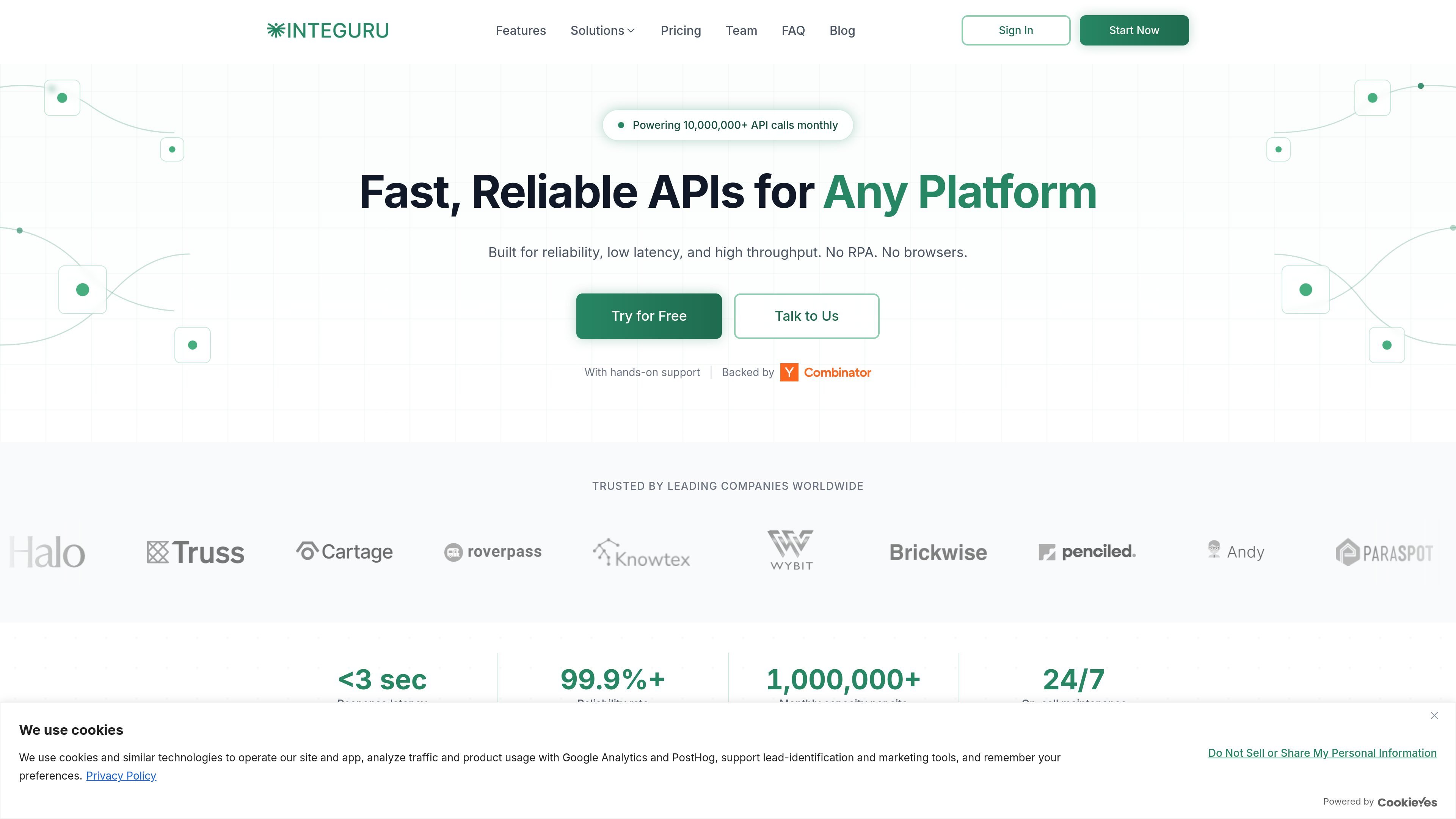
Integuru is a tool that generates production-ready APIs for websites and web systems by analyzing network requests and bypassing browser automation. Its stated purpose is to make integrations faster, more reliable, and easier to run at scale than RPA-based approaches.
The product is positioned for teams that need programmatic access to web platforms that may not expose complete APIs. The site emphasizes direct HTTP requests, documented schemas, and support for complex authentication and branching behavior, with a CLI-first workflow and a web app available at `app.integuru.com`.
The homepage and solution pages frame Integuru for use across industries such as logistics, healthcare, and AI agents, where teams need to connect to long-tail systems, portals, and internal tools. The site also states that Integuru powers 10,000,000+ API calls monthly.
Integuru reverse-engineers a site’s underlying network traffic and turns it into production-ready API code, so integrations do not depend on browser sessions or UI steps.
The product is designed to handle alternate branches, states, and paths that appear in real usage, which helps generated APIs reflect how systems behave outside a single happy path.
Generated APIs include full request and response documentation with field-level detail, making the output easier to understand and work with.
The site says Integuru supports complex authentication flows, including session cookies, phone and email 2FA, and other verification steps.
The homepage shows a CLI-first entry point with `npm install -g integuru`, alongside a browser app at `app.integuru.com` for starting and managing integrations.
The product is presented as suitable for production use, with stated low latency, high throughput, and support options that vary by plan.
Use Integuru to connect shipments, tracking, fulfillment, tendering, and billing across TMS, WMS, shipper portals, and carrier systems when customers rely on different tools.
Use it to give agents programmatic actions across internal tools, legacy systems, CRM systems, and other long-tail web platforms that do not have usable APIs.
Use it to connect to healthcare portals and systems that expose workflows through the web interface rather than through complete public APIs.
Use it when onboarding is blocked by custom portals or partial APIs and your product needs read/write access to complete customer setup.
Use it when a team needs a production integration path with documented request and response formats instead of a brittle browser-based automation flow.
Integuru analyzes a target website’s network requests and generates production-ready code that makes direct HTTP requests instead of using browser automation.
The source says Integuru can integrate with most websites that have a web interface, including SaaS platforms, healthcare systems, banking portals, logistics platforms, enterprise software, and other web-based systems. In rare cases where it cannot integrate, it says it will communicate that clearly.
The site positions Integuru as an alternative to browser automation and traditional RPA. Its stated approach is direct HTTP requests, with full documentation and support for branching logic and authentication flows.
The site says generated APIs have a 99.9%+ reliability rate, with direct HTTP requests instead of browser-based workflows. Production plans also include auth auto-healing and 24/7 on-call maintenance.
The pricing page shown in the source is unavailable, but the homepage indicates free, developer, and production offerings, plus add-ons for extra platforms, accounts, and API calls.

Octen is a search infrastructure product for AI applications that need live web context, structured answers, and retrieval tools for agents, copilots, and chatbots. It combines search, extraction, multimodal retrieval, and developer access paths such as API, SDKs, Skills, MCP, and CLI.

ByteAsk is a terminal-first AI coding agent for C and C++ that edits repositories and verifies changes with the real compiler, debugger, sanitizers, and tests before showing a diff. It offers a free tier plus paid plans, with editor connectors and zero-retention handling described in the source.

CreateOS Sandbox is an isolated compute environment for running code and agent workloads inside Firecracker micro-VMs. It is designed for workflows that need machine-level isolation, private networking between sandboxes, and programmatic control through SDK, CLI, or MCP.

hob is an independent workspace for coding agents that keeps agent sessions, terminals, history, and follow-up work organized around the tools and providers you already use. It is aimed at developers who want local control over routing, history, and workspace structure rather than a bundled model stack.

Ably Chat is a chat API platform for building custom realtime chat applications. It supports room-based messaging, typing indicators, presence, reactions, and message updates, with usage-based pricing options for different deployment stages.

Manta AI is an autonomous web app testing tool for teams that want to map application behavior, catch regressions, and generate tests without writing scripts or maintaining selectors. It works from a URL and supports plain-English test flows, run results with screenshots, and scheduled or deployment-triggered checks.