
Multi-format detection
Check text, images, audio, and video from one product rather than switching between separate tools.

isFake.ai is a multi-modal AI detector for text, images, audio, and video. It helps users review content authenticity with probability scores, highlighted evidence, and format-specific analysis.
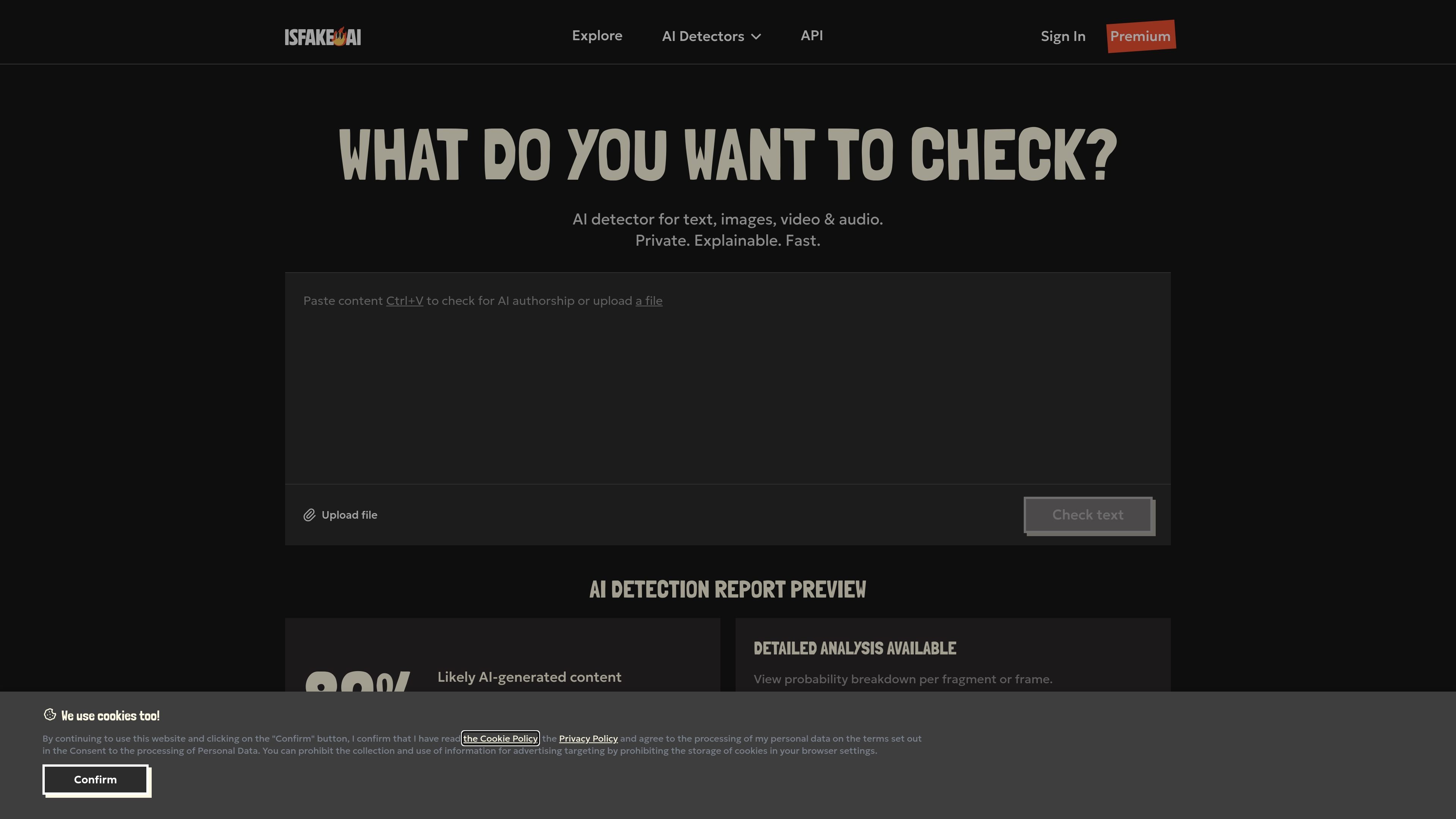
isFake.ai is a multi-modal AI detector for text, images, audio, and video. It analyzes uploaded files or pasted text and returns a probability-based assessment of whether content appears AI-generated or manipulated.
The product is positioned for people who need a quick authenticity check with visible evidence. Its reports include confidence scores, highlighted fragments, heatmaps, waveform analysis, and frame-by-frame breakdowns so users can review the signals behind a result rather than relying on a simple yes-or-no label.
Check text, images, audio, and video from one product rather than switching between separate tools.
The site presents confidence scores, highlighted fragments, heatmaps, waveform views, and frame-level markers so users can review why content was flagged.
Text detection highlights suspicious fragments and token-level patterns, while image, video, and audio views focus on visual or waveform-based signals.
Users can upload files or paste text directly, making the product usable for both documents and media files.
Results are presented as probabilistic assessments rather than definitive proof of authorship, which matches the site’s stated detection model.
The pricing page notes faster processing on Premium and priority processing during peak periods.
Check essays, reports, emails, and other writing before submission or publication, especially when you want to review possible AI patterns without treating the result as absolute proof.
Inspect photos, artwork, or graphics for AI-generated regions or synthetic artifacts using visual heatmaps and related signals.
Evaluate recorded audio, voice clones, or other voice files for signs of synthetic speech or manipulation using waveform-based analysis.
Review short-form or long-form video for frame inconsistencies, lip-sync issues, or other deepfake markers before sharing or relying on it.
Support agency, publisher, research, or enterprise workflows that need higher limits, API access, and custom usage controls.
The free plan includes basic daily checks for text, images, audio, and video with limited characters, uploads, and minutes. It is intended for light use and to try the detectors before upgrading.
Premium adds higher limits across all formats, faster priority processing, and detailed reports with detection scores. Free users get limited daily credits and slower queue access.
The Fix Pack is a one-time purchase for a single detector format. It provides a smaller bundle of AI-detection credits with no subscription, no auto-renewal, and no monthly fees.
Yes. The Team plan includes REST API, webhooks, custom limits, and a dedicated account manager. The pricing page says it is built for agencies, startups, researchers, publishers, and enterprise teams.
The site says AI detection is probabilistic, not authorship confirmation or intent verification. It also notes limitations for heavily edited AI content, mixed human-AI rewriting, very short text samples, and low-resolution video.

Writecream AI Content Detector & Checker is a free web tool for checking whether pasted text appears to be written by AI or a human. It returns an AI content percentage and is presented for use in SEO, academia, publishing, and review moderation.

Winston AI is an AI content detector and plagiarism checker for reviewing text and images for likely machine-generated or duplicated content. It supports educators, institutions, publishers, and other users who need to check originality, document findings, and share results.

tata.run ist ein professioneller kostenloser AI-Inhaltsdetektor, der eine Ein-Klick-'AI-Reduzierung'-Funktion bietet, um die AI-Erkennungsraten erheblich zu senken.

Sapling AI Detector estimates whether text was written by a human or generated by AI, with support for pasted text, PDFs, and Word documents. It also offers an API for higher-volume screening and sentence-level review.

Originality.ai is a content integrity platform for AI detection, plagiarism checking, readability, grammar, fact checking, and content quality review. It supports text, file, URL, and site scans, plus Google Docs, WordPress, and team workflows on paid plans.

StudyCorgi’s ChatGPT Detector is a free web tool for checking essays and research papers for signs of AI-generated writing. It shows a bar chart and word-level analysis to help students and teachers review text predictability.