
Inbox management
Turn LinkedIn conversations into a clear, Gmail-style workspace with labels, favorites, drafts, reminders, and search tools that help you follow up without losing context.

Linkeezy is a LinkedIn inbox manager and content organization tool for people who want to manage conversations, saved posts, and custom feeds in one workspace. It offers a free trial and a Chrome extension workflow for pulling LinkedIn content into a more structured view.
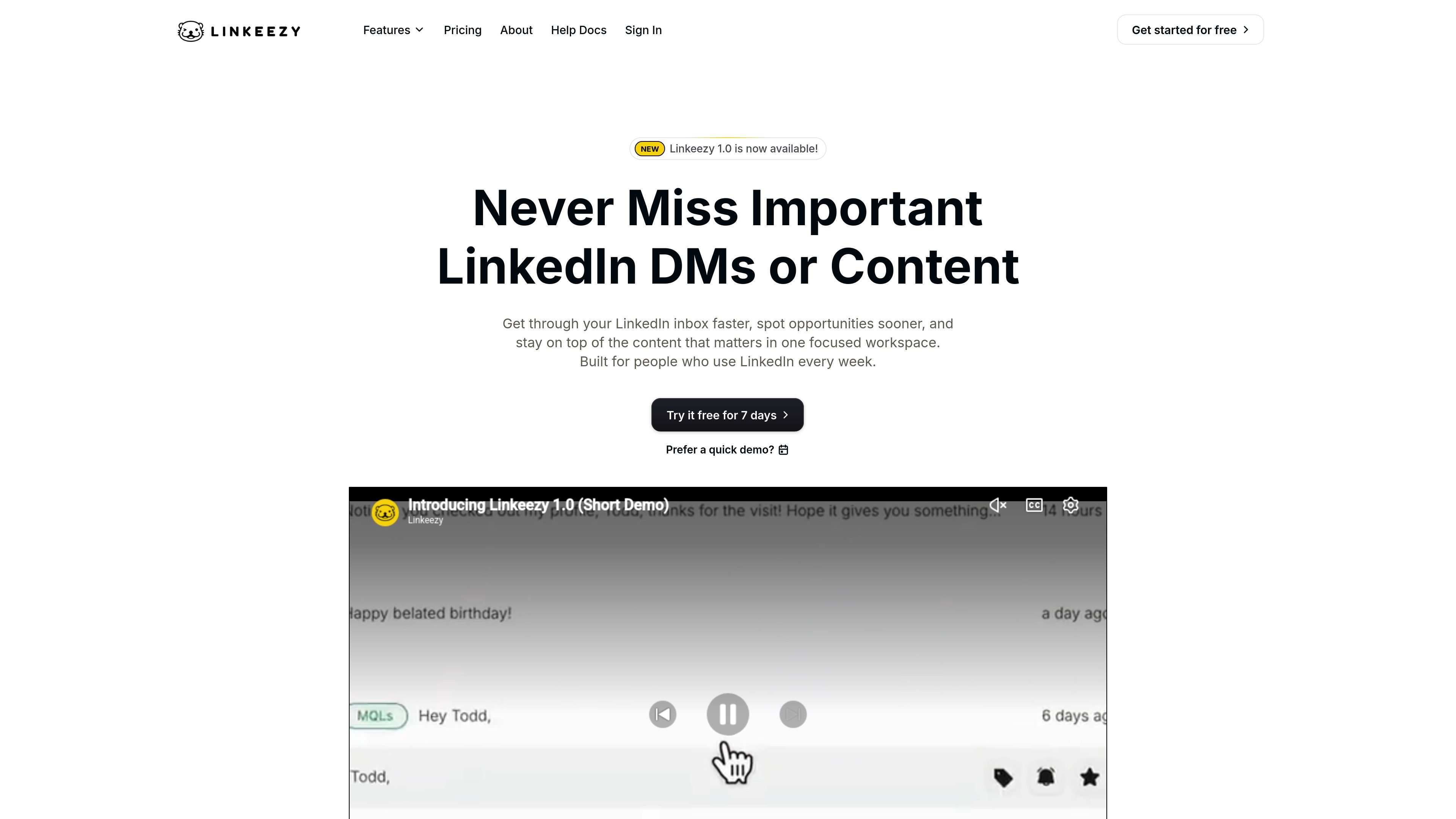
Linkeezy is a LinkedIn inbox manager and content organization tool. It combines conversation handling, saved-post management, and custom content feeds in one workspace so users can keep up with LinkedIn without relying on LinkedIn’s default interface alone.
The product is aimed at people who build, create, sell, or recruit on LinkedIn and want a more structured workflow. Its core job is to reduce noise, make important messages and posts easier to find, and help users move through LinkedIn activity more efficiently.
Turn LinkedIn conversations into a clear, Gmail-style workspace with labels, favorites, drafts, reminders, and search tools that help you follow up without losing context.
Search saved LinkedIn posts, group them with labels and topic collections, add notes, and export them when needed so useful content is easier to revisit.
Create custom feeds for people or topics, then switch between them to focus on the posts you actually want to see.
Filter and sort feed content by newest or oldest posts, number of posts per person, or time range to narrow the view further.
Use the Chrome extension to pull in DMs and saved content while keeping the data with your LinkedIn account, not stored in the app.
Work with rich text formatting, emojis, images, and a professional signature when replying in messages.
Keep LinkedIn conversations organized with labels, favorites, reminders, and search so follow-ups are easier to manage than in a standard inbox.
Collect saved posts into a searchable library with labels, notes, and collections so useful ideas can be revisited later instead of getting buried.
Build feeds around specific people or topics to reduce noise and scan the updates that matter most first.
Filter messages by keyword or person, then use label and archive rules to quickly narrow a busy inbox.
Export saved posts when you need to carry curated content into another workflow or archive.
Linkeezy is a LinkedIn workflow tool built around inbox management, saved posts, and custom feeds. The site also says it follows LinkedIn’s terms by design and does not use data scraping, automated replies, or AI shortcuts.
The site says nothing is stored in Linkeezy from your profile or LinkedIn messages; the Chrome extension pulls in DMs and saved content while the data stays with your LinkedIn account.
No. The product page explicitly says it does not use automation or AI shortcuts, and the inbox workflow is centered on organizing and managing conversations rather than sending automated replies.
The site says you can sign up in seconds and start a free trial, and that no credit card is required to get started.
The pricing page says there is a 7-day free trial and that plans are offered with monthly billing, but it does not list broad account compatibility or detailed platform requirements.

Goldfish is an AI memory app for macOS that helps you reply, write, summarize, and continue using the context already on your Mac. It stores memory locally and writes in your tone.

Biji ist eine vielseitige Plattform, die entwickelt wurde, um die Produktivität durch innovative Werkzeuge und Funktionen zu steigern.

Redline is a budgeting tool for Claude Code that paces sessions to stay within time, token, cost, or plan-percentage limits. It uses Claude Code’s native hooks and statusline to help sessions finish with a usable result instead of stopping abruptly.

Claude Overlay is a Windows desktop overlay for Claude Code that reads your screen so you can ask questions, inspect content, and request edits without leaving the current app. It runs on your existing Claude subscription through the Claude CLI, so no separate API key is required.

Macuse is a macOS app that lets AI assistants control native Mac apps through MCP and use Computer Use for any app. It works with clients like Claude Desktop, Cursor, and Raycast, and keeps automation on-device.

Dcyde is a decision log for product teams that captures what was decided, the reasoning behind it, and the source in one shared place. It supports pinning decisions from Slack, Figma, or inside Dcyde and keeps the record searchable over time.