
Multi-model chat
Chat with more than 210 models from a single web app, including major families such as GPT, Claude, and Gemini.

LLM Gateway is a web-based AI playground for chatting with 210+ models and using image, video, audio, and Canvas workflows from one account. It offers monthly plans, pay-as-you-go credits, and a free start option.
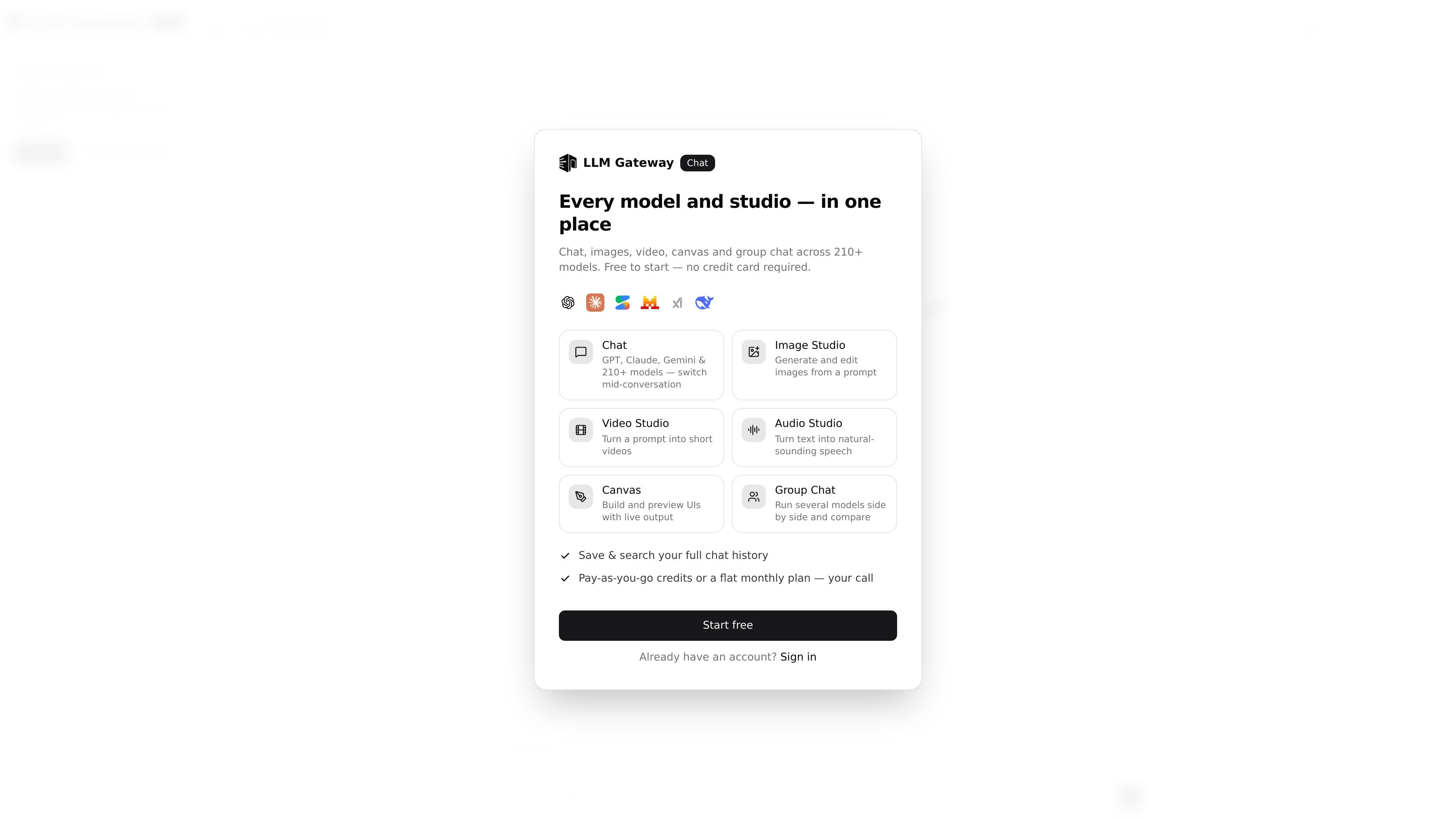
LLM Gateway is a web-based AI playground for chatting with 210+ models and moving between text, image, video, audio, and Canvas workflows in one account. The site positions the product as a single place to test, compare, and use models from providers such as OpenAI, Anthropic, Google, and others.
The product is organized around a browser app at chat.llmgateway.io with separate studio experiences for images, video, and audio, plus a comparison mode for running several models side by side. Pricing is presented as a mix of monthly plans and pay-as-you-go credits, with a free start option noted on the site.
Chat with more than 210 models from a single web app, including major families such as GPT, Claude, and Gemini.
Compare responses from several providers in one view, including a group-chat style workflow for side-by-side evaluation.
Generate images from prompts with models such as DALL·E 3, Flux, Stable Diffusion 3, and Seedream, and request multiple variants per prompt.
Create short videos from text prompts, preview them in the browser, and compare output from providers such as Google Veo and Alibaba Wan.
Turn text into speech with providers such as ElevenLabs, OpenAI, and Gemini, with support for voice selection and audio export.
Build and preview UI outputs in Canvas using JSON-driven workflows, alongside chat and media generation tools.
Use the playground to evaluate how different chat models answer the same prompt, then switch models mid-conversation or compare outputs side by side.
Generate prompt-based images, request several variants, and review them in a grid when you need to compare visual directions quickly.
Draft short videos from text prompts, preview them in the browser, and compare provider output before downloading the result.
Convert scripts or messages into spoken audio, choose among prebuilt voices, and compare providers when you need a text-to-speech workflow.
Build and preview UIs from JSON in Canvas while keeping chat, media generation, and group comparison available in the same workspace.
Yes. The page says you can start free and that no credit card is required to begin.
The web app includes chat, image generation, video generation, audio generation, Canvas, and group chat workflows from one account.
The pricing page describes Starter, Plus, and Pro subscriptions, and also mentions pay-as-you-go credits that stay available as a fallback after monthly credits are used.
The audio, image, and video pages show sign-in required to generate content, so those tools appear to require an account before use.

BookAI ermöglicht es Ihnen, mit Ihren Büchern zu chatten, indem Sie einfach den Titel und den Autor angeben.

Ably Chat is a chat API platform for building custom realtime chat applications. It supports room-based messaging, typing indicators, presence, reactions, and message updates, with usage-based pricing options for different deployment stages.

Claude Overlay is a Windows desktop overlay for Claude Code that reads your screen so you can ask questions, inspect content, and request edits without leaving the current app. It runs on your existing Claude subscription through the Claude CLI, so no separate API key is required.

Grok ist ein kostenloser KI-Assistent, der von xAI entwickelt wurde und darauf ausgelegt ist, Wahrheit und Objektivität zu priorisieren, während er fortschrittliche Funktionen wie Echtzeit-Informationszugriff und Bilderzeugung bietet.

AakarDev AI helps teams manage AI provider access, project-level setups, logs, and analytics from one dashboard. It supports BYOK workflows and lists providers including OpenAI, Google Gemini, Anthropic, Groq, Mistral AI, and Perplexity AI.

Skills Janitor is a GitHub-hosted set of slash commands for auditing, tracking, and managing Claude Code and OpenAI Codex skills. It helps users find duplicates, broken links, and unused skills, then clean them up with self-contained commands.