
AI traffic analytics
Monitor visits, impressions, clicks, and page activity attributed to AI bots or assistants, with provider-level visibility where supported by the selected plan.

LLMagnet is an AI visibility and analytics platform with a WordPress plugin that tracks AI-bot traffic, brand mentions, rankings, and referrals. It helps site owners, marketers, SEO teams, and e-commerce businesses understand how AI assistants interpret their content and what to improve.
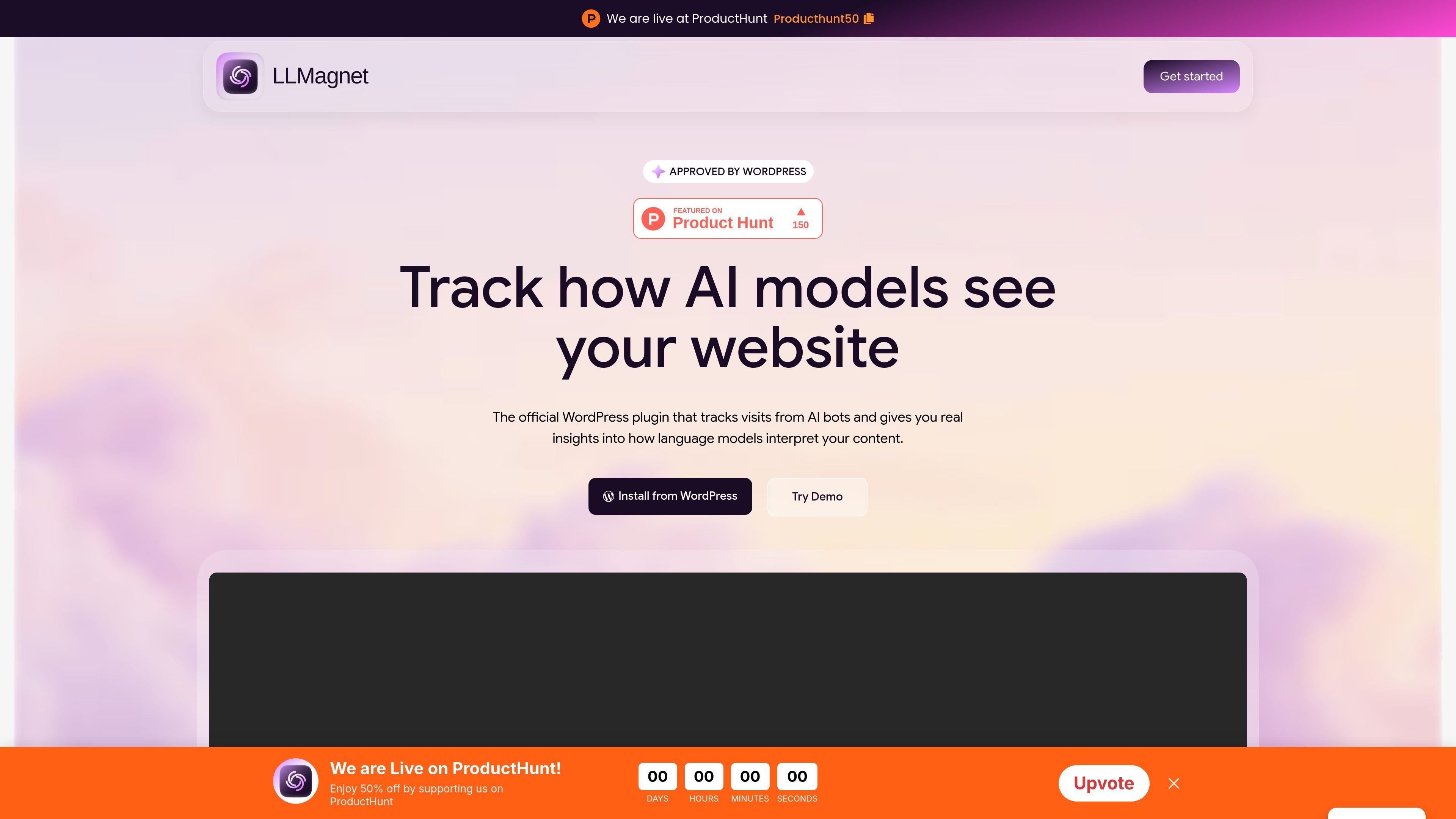
LLMagnet is an AI visibility and analytics platform for websites, brands, and online stores. Its WordPress plugin records activity from AI bots and assistants, while the broader platform evaluates how providers such as ChatGPT, Perplexity, Gemini, Google AI Mode, Grok, and Copilot describe, rank, and recommend a brand.
The product combines AI-traffic measurement with scheduled prompt scans, competitor comparisons, visibility trends, and recommended actions. It also generates AI-readable site files such as llms.txt and, depending on the offering, Markdown or full-llms.txt files. The stated goal is to connect what AI systems say about a site with the visits and content changes that follow.
Monitor visits, impressions, clicks, and page activity attributed to AI bots or assistants, with provider-level visibility where supported by the selected plan.
Run buyer-oriented prompts across multiple AI providers, then follow brand mentions, rankings, answer quality, and changes over time.
Use a single visibility measure and trend reports to assess how often AI systems surface or recommend a brand, while comparing results with competitors.
Turn scan findings into suggested page fixes, content opportunities, and site-health tasks intended to make a website easier for AI crawlers to understand.
Automatically create and maintain an llms.txt file, with some plans also listing full-llms.txt and Markdown file generation.
For supported commerce workflows, connect product information so AI systems can access current product and price data; the WordPress site specifically lists WooCommerce integration on a paid plan.
A site owner can install the WordPress plugin, observe which AI bots visit the site, and identify pages receiving AI-related activity without adding custom code.
A marketing or SEO team can schedule real buyer questions across several AI providers, compare brand and competitor mentions, and monitor ranking changes over time.
An e-commerce team can review product exposure and, where supported, connect product and price data so generative search has more structured information to use.
Content teams can use prompt results and the Action Center to find pages to revise, content gaps to address, and site-health issues that may limit AI understanding.
Growth teams can compare visibility trends with AI-referred sessions and use recurring reports to evaluate whether visibility work is producing measurable traffic.
LLMagnet is an AI visibility and analytics platform with a WordPress plugin. It tracks how AI assistants and bots interact with a site, how a brand appears in AI answers, and which improvements may increase visibility.
The WordPress workflow is presented as a one-click installation: enter the site address, continue to the site's plugin installer, and start capturing AI bot activity without code or additional setup. The platform also offers a free starting option.
The platform tracks AI traffic and visibility across providers named on the site, including ChatGPT, Perplexity, Gemini, Google AI Mode, Grok, and Copilot. WordPress plan descriptions mention different provider coverage by plan, so the exact availability depends on the selected offering.
LLMagnet can measure visits from AI assistants through an analytics pixel and reports visits, impressions, clicks, traffic sources, visibility trends, and related page activity. Its platform pages also describe scheduled scans and prompt-level tracking.
It is positioned for marketing teams, growth and SEO teams, agencies, e-commerce brands, B2B SaaS founders, CMOs, and site owners who want to understand or improve discovery through AI answers.

PromptScout tracks how ChatGPT, Gemini, Google AI Overviews, and Perplexity mention your brand or competitors, then pairs those results with source analysis and website audits. It helps teams decide what to fix in content, positioning, or site readiness next.

ClayHog ist eine KI-Sichtbarkeitsplattform für die Suche, die zeigt, wie Marken in ChatGPT, Gemini, Perplexity, Claude und Google AI Overviews erscheinen.

beehiiv is a newsletter platform for creators, publishers, and brands that want to build, grow, and monetize email newsletters and websites from one place. It offers a free Launch plan, plus paid tiers for more advanced growth, monetization, and support features.

Skayle is a content and AI search visibility platform that researches topics before writing, publishes structured content to a CMS, and tracks whether brands are cited in AI search. It is aimed at teams that want one system for publishing, schema-rich content, and visibility monitoring.

SaveMRR is a Stripe retention tool for SaaS teams that scans billing data for churn and MRR leaks, then automates recovery through dunning, cancel-save offers, win-back emails, and onboarding nudges. It is built for founders and bootstrapped teams using Stripe.

Hype is a web tool for finding trending YouTube topics by category, time range, and scoring mode. It helps creators spot emerging ideas, inspect source videos, and decide what to cover next.