
Static site publishing
Create a static website on GitHub Pages for pages, styles, links, and custom domains without needing sign-ins or a database.

MakerLoft is a chat-first AI app builder for non-developers who want to create static sites or full-stack apps from a GitHub repository. It supports a free GitHub Pages path and a DigitalOcean-backed app path with sign-ins, payments, and an admin dashboard.
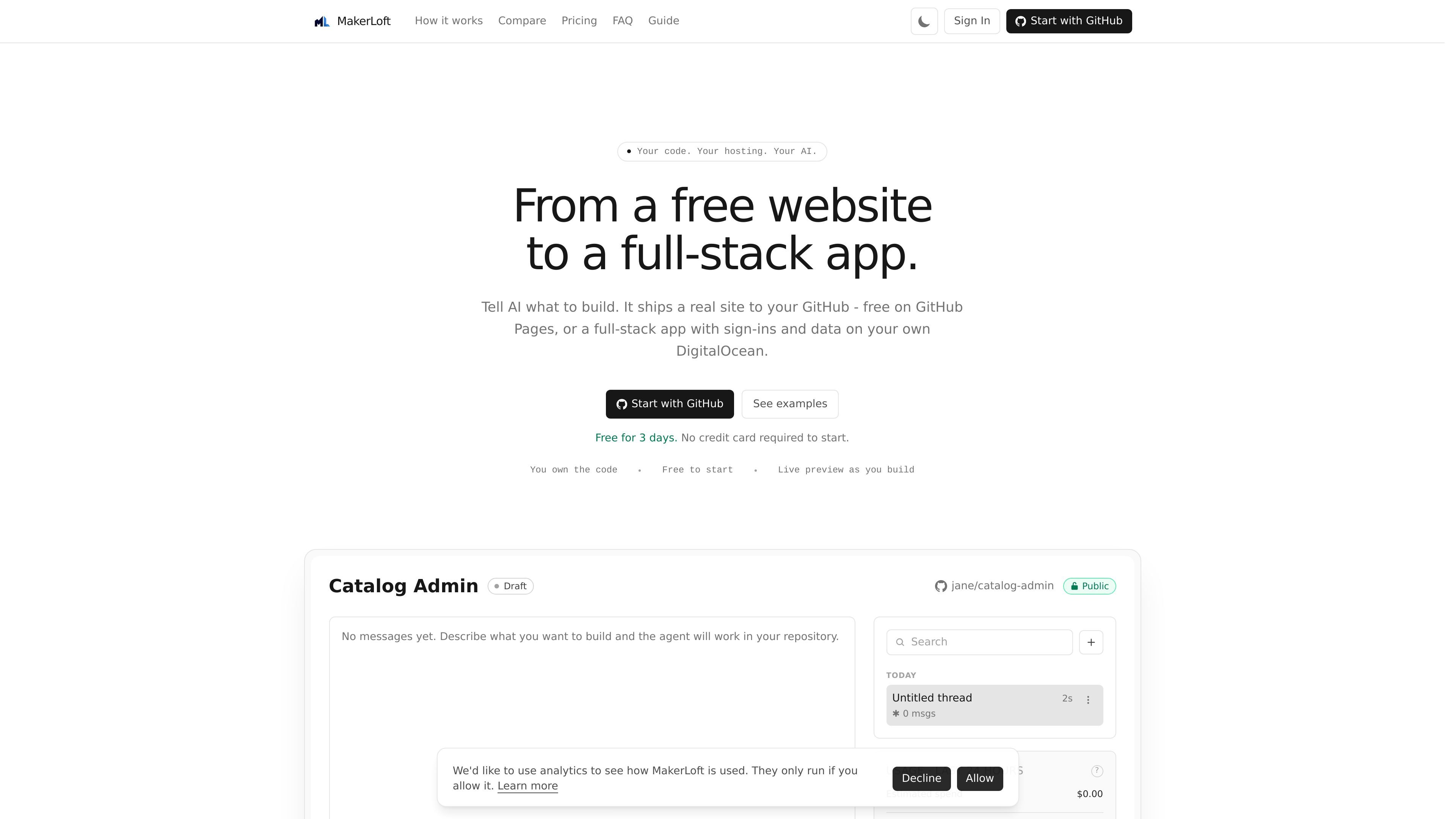
MakerLoft is a chat-first AI app builder for people who want to create websites and applications without starting from a blank codebase. The product offers two launch paths: a free static site on GitHub Pages, or a full-stack app on your own DigitalOcean account when you need sign-ins, data, payments, or other backend features.
The workflow centers on your GitHub repository and an AI provider key. You describe what you want in chat, watch the live preview update, and let the agent commit changes to your repo. MakerLoft says the code stays yours, the site or app is deployed to infrastructure you control, and the system can watch builds and deployments for errors it then attempts to fix itself.
Create a static website on GitHub Pages for pages, styles, links, and custom domains without needing sign-ins or a database.
Build a full-stack app on your own DigitalOcean account when you need sign-ins, payments, file uploads, an admin dashboard, scheduled work, or background tasks.
Work through chat in the browser, with live preview available from the first AI change so you can review output as it is generated.
Keep the code in your own GitHub repository, with MakerLoft committing changes as the agent works and leaving you free to branch or fork later.
Use supported AI providers such as Anthropic, OpenAI, Google, or a custom API key, with a default model you choose.
Get security advisories and automated recovery behavior when builds, deploys, or running apps fail, plus a one-click Fix flow for visible bugs.
Create a landing page, portfolio, brochure site, or documentation site that uses pages, styles, links, and a custom domain, with free static hosting on GitHub Pages.
Launch a subscription product with customer accounts and Stripe checkout, then manage what subscribers can access from your own app.
Build an online store or marketplace with product pages, checkout, receipts, order history, and an admin dashboard for managing activity.
Set up an internal tool for staff that handles records, scheduled imports, exports, and reporting in a private control panel.
Create a site or app that needs scheduled emails or reports, such as newsletters, weekly digests, or monthly summaries.
MakerLoft is a chat-first app builder. You describe what you want, and the agent writes code into your GitHub repository while you review changes in a live preview.
The public site describes two launch paths: a free static site on GitHub Pages, or a full-stack app on your own DigitalOcean account when you need sign-ins, payments, file uploads, or background work.
The guide says you start by signing in with GitHub, setting up a workspace, connecting an AI provider key, and then creating a project and talking to the agent. DigitalOcean is added when you need a backend.
The source says code generated through MakerLoft is committed to a GitHub repository you own, and the finished app deploys to a DigitalOcean account you control for full-stack projects.
MakerLoft’s guide includes project settings, deployment targets, security advisories, billing, and usage. The site also notes that some features are tied to full-stack deployments on DigitalOcean rather than static hosting.

Speculos is a deployment tool for Claude Code that publishes what you built to a shareable URL. It supports private, org-wide, or public apps and adds team controls for company domains, data connections, and customer-cloud deployments.

ByteAsk is a terminal-first AI coding agent for C and C++ that edits repositories and verifies changes with the real compiler, debugger, sanitizers, and tests before showing a diff. It offers a free tier plus paid plans, with editor connectors and zero-retention handling described in the source.

CreateOS Sandbox is an isolated compute environment for running code and agent workloads inside Firecracker micro-VMs. It is designed for workflows that need machine-level isolation, private networking between sandboxes, and programmatic control through SDK, CLI, or MCP.

GitBot is a local browser-based workspace for creating reusable coding bots powered by Claude Code, Codex, or OpenCode. It helps developers run those agents across repository folders with persistent threads and configurable permissions.

hob is an independent workspace for coding agents that keeps agent sessions, terminals, history, and follow-up work organized around the tools and providers you already use. It is aimed at developers who want local control over routing, history, and workspace structure rather than a bundled model stack.

Ably Chat is a chat API platform for building custom realtime chat applications. It supports room-based messaging, typing indicators, presence, reactions, and message updates, with usage-based pricing options for different deployment stages.