
1:1 device pairing
Connect a smartphone to a laptop, desktop, tablet, or phone, then trigger monitoring from the mobile side. The product is built around 1:1 device pairing using a serial number.

MeerCOP is a device security and anti-theft app that pairs a smartphone with a monitored device for alerts, remote camera viewing, location tracking, and photo evidence. It supports Windows, macOS, Android, iOS, and browser-based installation.
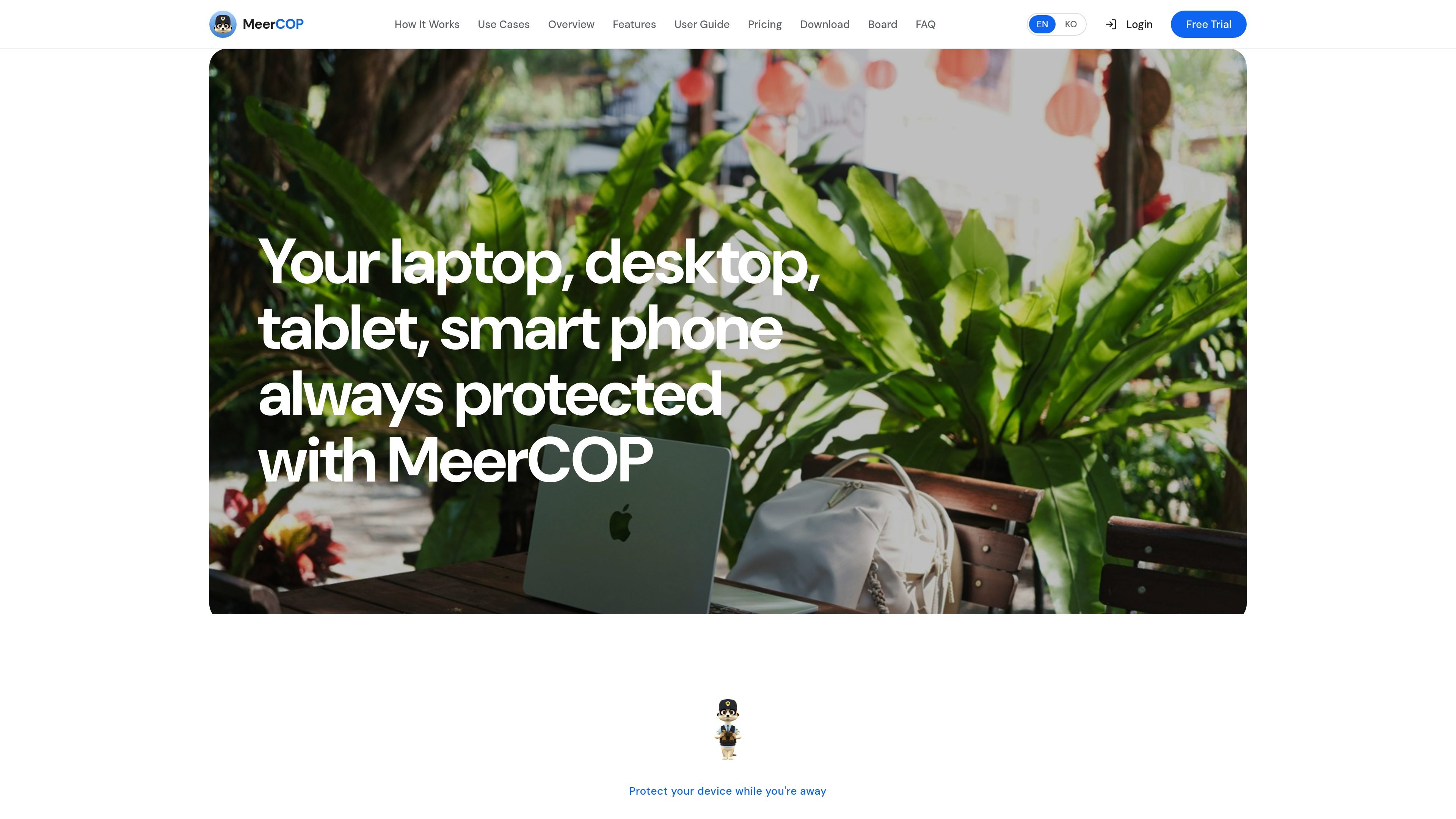
MeerCOP is a device security and anti-theft app that links a smartphone with a computer or other supported device so the user can monitor it remotely. The site describes real-time alerts, remote camera viewing, location tracking, and photo evidence capture when activity is detected.
The product is positioned for people who leave a laptop, desktop, tablet, or phone unattended and want a way to be notified from a paired smartphone. Setup is described as entering a serial number, granting device permissions, and starting monitoring through the mobile app or browser-based install flow.
Connect a smartphone to a laptop, desktop, tablet, or phone, then trigger monitoring from the mobile side. The product is built around 1:1 device pairing using a serial number.
When movement, keyboard activity, mouse input, USB changes, lid changes, or power changes are detected, the system can sound an alarm and push a notification to the paired phone.
The desktop side supports live camera streaming, recording, and snapshots so the paired phone can show what is happening on the protected device.
MeerCOP can send location information along with event data. The site describes Wi‑Fi, IP, and GPS-based location tracking depending on device type and available permissions.
The mobile side provides remote control, live camera view, push alerts, event history with photos, and a device status view for checking the monitored device from anywhere.
Stealth mode can hide the on-device interface or black out the screen when needed, and theft recovery mode is described as automatically collecting location and photo evidence.
Leave a laptop in a café, library, classroom, or office and get notified if someone touches it or opens it while you are away.
Check a device’s status remotely from a smartphone, including alert history, camera view, and location information.
Use the alarm, live video, snapshots, and location data to collect evidence after suspicious activity or a theft attempt.
Watch for movement, keyboard input, USB changes, and power-cable removal when you need broader intrusion detection than a simple lock screen.
Install the service as a PWA and use the browser-based flow when you want access without relying on a traditional app store install.
You install MeerCOP on a computer and pair it with a smartphone using the serial number provided after purchase. The service can be installed from a browser as a PWA, and the setup guide says no app store is needed.
The service is built around pairing one smartphone with one monitored device. The terms describe a license as a time-limited usage right for a specific device, and note that one license is generally valid for one device only.
MeerCOP is designed for monitoring supported devices such as laptops, desktops, tablets, and phones. The home page lists desktop apps for Windows and macOS, mobile support for Android and iOS, and browser-based installation for mobile and desktop access.
The terms state that a 1-day free trial may be provided upon registration. The home page also shows a free trial offer and a basic monthly plan, but the source material does not include a full live pricing breakdown.
Yes. The home page says it sends an alarm to the computer and transfers real-time video, location, and photos to the smartphone when an event is detected. The privacy policy also says location and camera data may be collected when the related features are enabled.

PromptScout tracks how ChatGPT, Gemini, Google AI Overviews, and Perplexity mention your brand or competitors, then pairs those results with source analysis and website audits. It helps teams decide what to fix in content, positioning, or site readiness next.

Sleek Analytics is a privacy-friendly web analytics tool with real-time visitor tracking, Core Web Vitals, and revenue attribution. It helps site owners understand traffic and conversions without cookie banners or a heavy setup.

MacSpoof ist ein MAC-Adressenwechsler für macOS: WLAN-MAC ändern oder randomisieren, um Verbindungen zu erneuern und die Protokollierung auf öffentlichem WLAN zu reduzieren.

ClawTick is an AI agent automation platform for scheduling jobs from the CLI, dashboard, or REST API. It is aimed at developers and teams running LangChain, CrewAI, webhook, or custom agent workflows that need monitoring, alerts, and logs.

OpenFlags is an open-source, self-hosted feature flag platform for modern JavaScript teams. It supports local evaluation, targeted rollouts, and controlled launches while keeping flag data in your own infrastructure.

Benchspan is an AI agent security platform that discovers agents, blocks prompt injection and data exfiltration in real time, and supports pre-launch red teaming. It is aimed at teams running agents in production and includes Python and TypeScript SDKs.