
Visual flow programming
The product is built around a flow-based interface for creating hardware and IoT logic visually rather than writing everything in a traditional editor.

microflow is a visual, flow-based programming tool for hardware prototyping and IoT. It supports local device-stored flows, signed-in collaboration, and alternate circuit/code views.
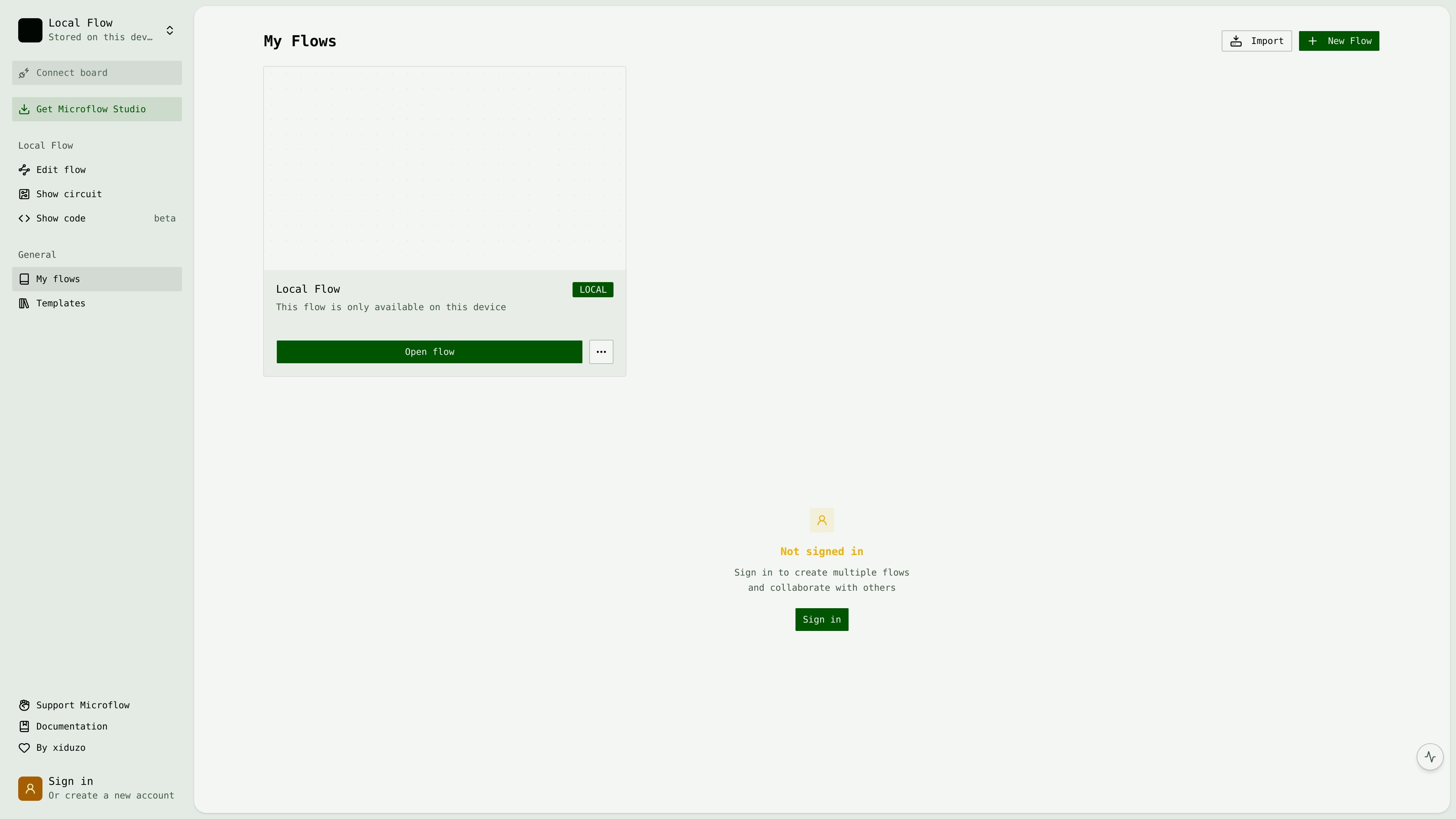
microflow is a visual, flow-based programming tool for hardware prototyping and IoT. Its home screen centers on creating and editing flows, with on-screen instructions for selecting nodes and edges, moving elements, and deleting items from the canvas.
The product appears to support both local, device-specific flows and signed-in accounts. A local flow is stored on the device and available only there, while signing in is presented as the path to creating multiple flows and collaborating with others. The interface also exposes options to show a circuit and show code, with the code view marked beta.
The product is built around a flow-based interface for creating hardware and IoT logic visually rather than writing everything in a traditional editor.
The interface includes a local flow mode stored on the device, which lets a flow remain available on the current device without signing in.
Captured controls show separate actions for editing a flow, viewing the circuit, and viewing code, with the code view marked beta.
The home screen includes node and edge editing instructions, including keyboard actions for selecting, moving, deleting, and canceling changes.
Signing in enables multiple flows and collaboration, indicating account-based access for users who need more than a single local flow.
The interface includes navigation for My Flows, New Flow, templates, and support/documentation links, suggesting a workflow centered on starting, organizing, and revisiting flows.
Use microflow to build and organize hardware logic visually when working on a prototype and you want to map behavior as connected flow elements.
Use it for IoT projects that benefit from a flow-based approach, especially when you want to structure device behavior in a visual canvas.
Keep a local flow on a single device when you need a flow that stays on that machine and does not require signing in to access.
Sign in when you need more than one flow and want collaboration features for shared work with other users.
Switch between flow editing, circuit viewing, and the beta code view when you want to inspect the same project from multiple representations.
microflow is presented as a visual, flow-based programming tool for hardware prototyping and IoT. The site also shows local flows and prompts users to sign in to create multiple flows and collaborate with others.
The site shows a local flow mode that is stored on the device and available only on that device. It also includes an option to open a flow locally.
The rendered interface includes controls for editing a flow, showing the circuit, and showing code marked beta. That suggests the product can move between a flow view and related circuit/code views, but the site does not provide deeper documentation on those outputs.
The home screen says signing in is needed to create multiple flows and collaborate with others. That indicates collaboration is tied to an account rather than local-only use.
The pricing page was not available in the captured content, so there is no reliable pricing or plan information to summarize from the source.

Lucid Train is a local-first AI coding harness that turns repository code into architecture diagrams and uses those diagrams as specifications for coding agents. It is available as a desktop app and a lightweight Rust CLI, and it can run with local models or your own API keys.

ByteAsk is a terminal-first AI coding agent for C and C++ that edits repositories and verifies changes with the real compiler, debugger, sanitizers, and tests before showing a diff. It offers a free tier plus paid plans, with editor connectors and zero-retention handling described in the source.

MeetStream is a meeting bot API for Zoom, Google Meet, Microsoft Teams, and Webex. It helps developers record, stream, and analyze meetings programmatically, with usage-based pricing and a $5 free credit to start.

CreateOS Sandbox is an isolated compute environment for running code and agent workloads inside Firecracker micro-VMs. It is designed for workflows that need machine-level isolation, private networking between sandboxes, and programmatic control through SDK, CLI, or MCP.

GitBot is a local browser-based workspace for creating reusable coding bots powered by Claude Code, Codex, or OpenCode. It helps developers run those agents across repository folders with persistent threads and configurable permissions.

hob is an independent workspace for coding agents that keeps agent sessions, terminals, history, and follow-up work organized around the tools and providers you already use. It is aimed at developers who want local control over routing, history, and workspace structure rather than a bundled model stack.