
Recipe-anchored menu building
Search Robot Recipes or select a popular dish to establish the meal's starting point. The service can suggest additional dishes to accompany it.

Mise is a free, browser-based meal-timing planner for home cooks coordinating multiple dishes. It builds a menu around a recipe, schedules each step backward from the desired serving time, and provides a shopping list and cooking mode without requiring a login.
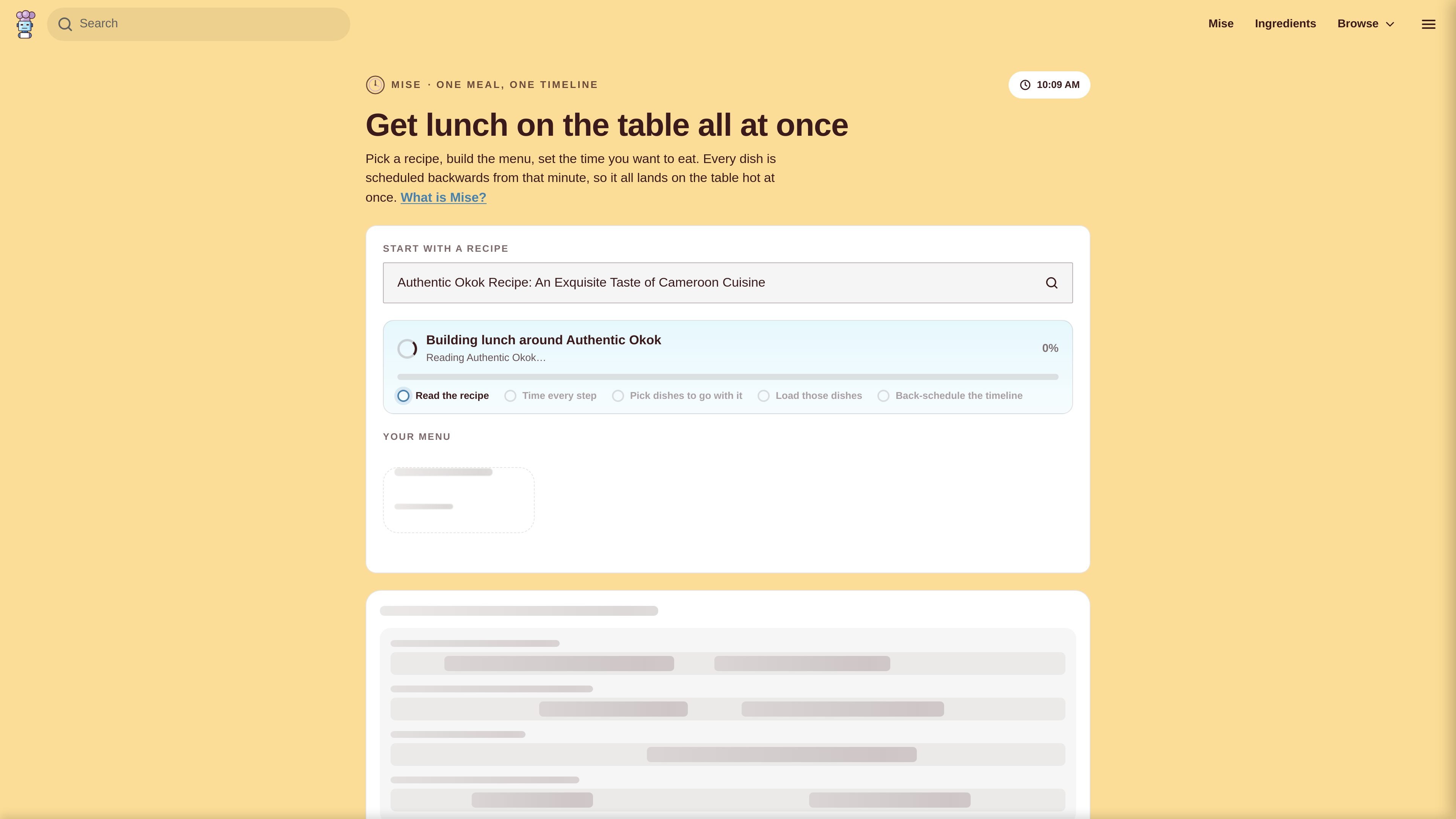
Mise is a browser-based meal-timing planner from Robot Recipes. It coordinates several dishes around one chosen serving time: start with a recipe, build the rest of the menu, and let the planner calculate when each dish should begin so the meal is ready together.
The planner is designed for cooks managing multiple dishes with one oven and limited hands-on attention. It produces a shared timeline, a combined shopping list, cooking mode, and printable plan rather than simply providing instructions for one recipe. Mise is free to use and does not require a login or app installation.
Search Robot Recipes or select a popular dish to establish the meal's starting point. The service can suggest additional dishes to accompany it.
Mise reads recipe instructions, identifies timed blocks and distinguishes hands-on work from oven, simmering, resting, chilling, or proving time. Dishes can run in parallel when they do not require the cook's attention.
Set the number of people and the time you want to eat. Ingredient quantities on the shopping list scale with the serving count, while dish start times are calculated backward from the chosen serving time.
Add dishes without a Robot Recipes page, such as gravy, rice, bread, or warming plates. Enter or adjust their hands-on and hands-free durations before placing them in the plan.
Combines ingredients across the meal into one list, including scaled quantities, and allows items to be checked off as they are purchased.
Provides a live, one-instruction-at-a-time cooking view with a screen-awake option where supported, audible step reminders, a printable or PDF-ready plan, and an unlisted share link.
Set the time you want to sit down, add the main dish and sides, and use the running order to coordinate oven, stovetop, resting, and plating work.
Add every dish, including items without formal recipes such as gravy, bread, or warming plates. The schedule exposes overlaps that are easy to miss when preparing a large menu.
Use the hands-free cooking view on a phone or other browser device while working through the next timed instruction, with a beep when a step is due.
Print or save the plan as a PDF for a paper-based workflow, or send the unlisted link to another cook who is helping in the same kitchen.
Mise is a browser-based meal-timing planner from Robot Recipes. You choose an anchor recipe, add or remove dishes, set the number of servings and choose when you want to eat.
Choose a recipe from Robot Recipes, or start with a popular dish. Mise suggests accompanying dishes, analyzes recipe steps for timed and hands-on work, and lets you add custom dishes with manually entered timing.
Set the serving count and desired serving time. Mise works backward from that time, placing dishes and shifting them earlier to reduce overlaps between hands-on tasks. It warns you when a collision cannot be avoided.
The plan includes a merged, serving-scaled shopping list, a minute-by-minute running order, a visual timeline, a cooking mode, a printable sheet, and an unlisted link that can be shared.
No. Mise runs in a web browser, requires no account or app, and cooking mode is designed to work without a connection after the page has loaded. It can keep the screen awake where the browser permits and can beep when a step is due.

LeanUp is an AI calorie tracker and meal-planning app for logging meals, tracking macros, and getting personalized nutrition guidance. It supports barcode scanning, photo-based food recognition, manual search, and recipe reuse.
MealTime ist Ihr persönlicher, offline-fähiger Rezeptbegleiter, der Ihnen hilft, Mahlzeiten zu speichern, zu organisieren, zu planen und intelligente Einkaufslisten zu erstellen, während Ihre Daten privat bleiben.

Kooler is a cocktail recipe and discovery site featuring measured recipes for classic, Brazilian, and community drinks. It helps home bartenders find cocktails, follow preparation methods, and participate through favorites, comments, check-ins, and recipe submissions.

Joy is a web app for home cooking that combines meal planning, recipe discovery, and private chef booking. It helps people plan meals, cook from ingredients they already have, and arrange a chef for special occasions.

Munch is a social app for food and recipes that lets people discover, share, and organize recipes in one place. It also includes AI-assisted recipe formatting and ingredient scanning for quick meal ideas.

Recipe Chest is a digital cookbook that uses AI to import recipes from websites, YouTube, Instagram, photos, or manual entries. It helps individuals and households organize, personalize, plan, and shop from their recipe collections in a browser-based app.