
Multi-category tool catalog
Monid provides on-demand access to a catalog of data endpoints and APIs spanning web research, social data, lead generation, e-commerce, communication, finance, and generative AI.

Monid gives AI agents and developers a single access layer for discovering and using a broad catalog of data endpoints and APIs. It supports MCP, agent skills, CLI, and HTTP API connections, with usage-based access and documented options for embedding the service in other products.
Monid is a tool and API access layer for AI agents and developers. It offers a catalog of data endpoints across categories including search and SEO, social media, lead generation, e-commerce, communication, finance, web tools, data scrapers, and generative AI.
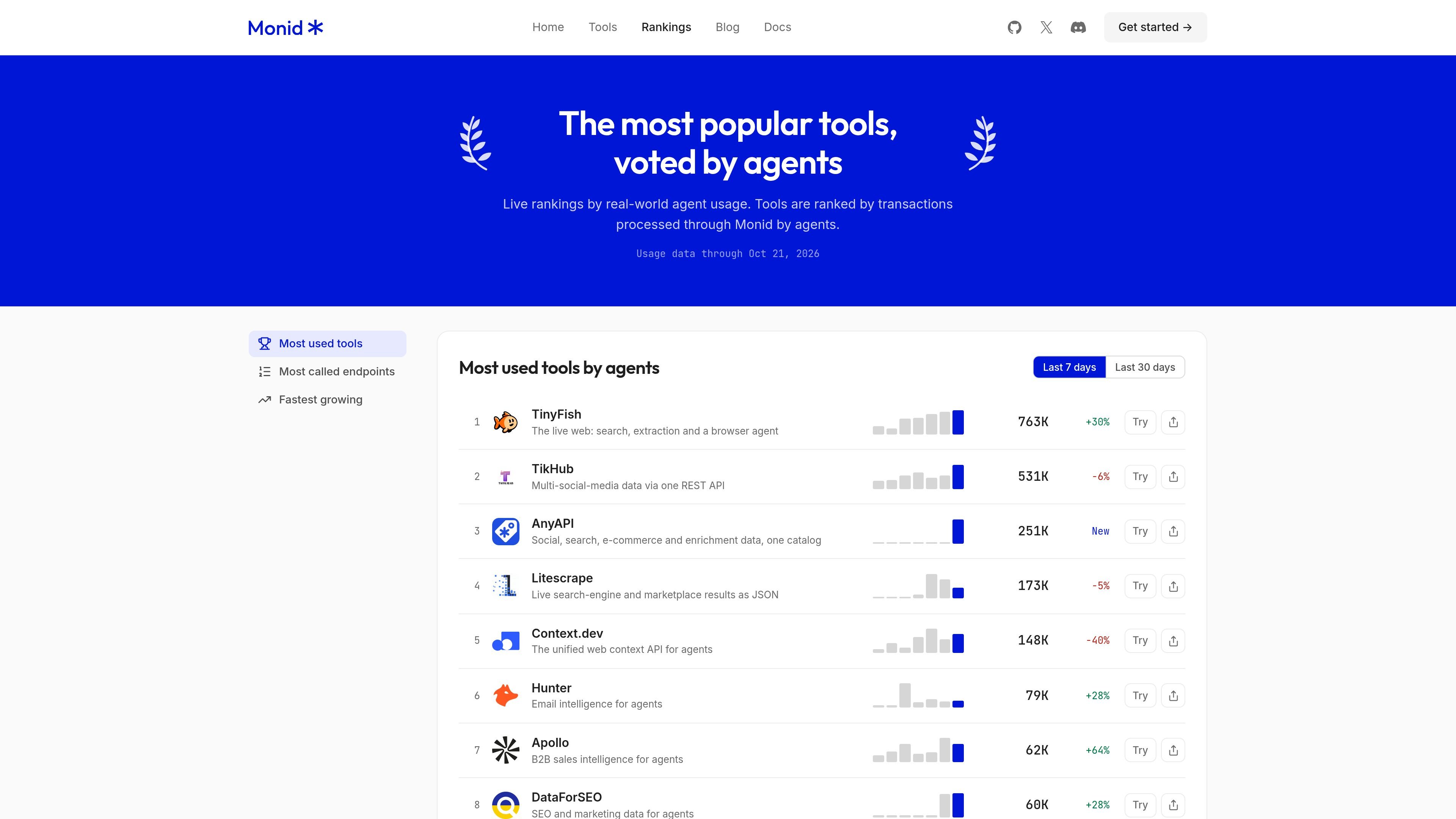
The documented workflow is to discover a tool, inspect its endpoint, run it, and pay for the usage. Agents can connect through MCP or a Monid skill, while developers can use the CLI or HTTP API. Monid also publishes live usage rankings showing which tools and endpoints receive the most calls routed through the platform.
The catalog is designed to reduce the need for separate sign-ups with individual tool providers, but the available evidence does not establish provider coverage, output guarantees, or suitability for every workflow. Rankings measure Monid-routed traffic rather than total provider usage or user spend.
Monid provides on-demand access to a catalog of data endpoints and APIs spanning web research, social data, lead generation, e-commerce, communication, finance, and generative AI.
The documented API exposes operations for discovering tools, inspecting endpoints, running calls, reviewing runs, and accessing wallet information.
Agents can connect through MCP, while developers can use the CLI or direct HTTP API. A separate skill setup is documented for agent environments such as Claude Code and Cursor.
The catalog presents endpoint counts and markup information, and the site states that users pay for what they use rather than subscribing to a per-tool plan.
Monid can be embedded in another product through documented OAuth, proxy, or master API key integration methods.
The rankings surface popular tools and endpoints using completed calls routed through Monid, with seven-day, 30-day, and growth views.
An agent can search the catalog, inspect an endpoint, and call a suitable web, social, or data service as part of a research task without separately registering for each listed tool.
Developers can use the CLI or HTTP API to retrieve structured data from catalog endpoints and incorporate those calls into scripts or application workflows.
An AI agent can be connected through MCP or the documented skill setup so it can select and invoke external tools from an agent environment.
A product team can use OAuth, a proxy, or a master API key to embed Monid's catalog and execution layer inside its own application.
Teams evaluating tools can consult the seven-day, 30-day, and fastest-growing views to see which endpoints are receiving recent Monid-routed traffic.
Monid provides access through an MCP connection, an installed skill for agent environments, a CLI, or a direct HTTP API. The documentation lists setup guides for each route.
The documented workflow is to discover an available tool, inspect its endpoint, run it, and pay for the usage. The catalog is intended to let agents find and use tools without separate per-tool sign-ups.
Monid's catalog includes tools across areas such as search and SEO, social media, lead generation, e-commerce, finance, communication, web tools, data scrapers, and generative AI.
The rankings count completed calls routed through Monid. Free calls count as one fifth of a paid call, and direct calls made to a provider's own API are not included.

CreateOS Sandbox is an isolated compute environment for running code and agent workloads inside Firecracker micro-VMs. It is designed for workflows that need machine-level isolation, private networking between sandboxes, and programmatic control through SDK, CLI, or MCP.

GitBot is a local browser-based workspace for creating reusable coding bots powered by Claude Code, Codex, or OpenCode. It helps developers run those agents across repository folders with persistent threads and configurable permissions.

AakarDev AI helps teams manage AI provider access, project-level setups, logs, and analytics from one dashboard. It supports BYOK workflows and lists providers including OpenAI, Google Gemini, Anthropic, Groq, Mistral AI, and Perplexity AI.

Trigger.dev chat agent is a durable AI chat backend for developers building stateful conversations that can survive refreshes, crashes, and long-running turns. It connects with the AI SDK `useChat` flow and runs on managed infrastructure with no timeout on a turn.

ByteAsk is a terminal-first AI coding agent for C and C++ that edits repositories and verifies changes with the real compiler, debugger, sanitizers, and tests before showing a diff. It offers a free tier plus paid plans, with editor connectors and zero-retention handling described in the source.

Epherem is a static security scanner for web apps built with AI coding tools such as Lovable, Bolt, v0, Replit, Cursor, and Claude Code. It checks source files and dependencies for common security mistakes, then provides categorized findings and suggested fixes without running the app.